SharedSamples.org
Tetsuya Kawahara
Community Contributor

Tetsuya Kawahara

@tecchan1107

74 samples featured.

74 Contributions
1 Collection
List Formatting Column Formatting: 46View Formatting: 21Form Formatting: 7
View Tetsuya Kawahara on GitHub ↗

Contributions

Samples by Tetsuya Kawahara currently indexed on SharedSamples.org.

0 to 10 Rating Scale preview
Column Formatting
0 to 10 Rating Scale
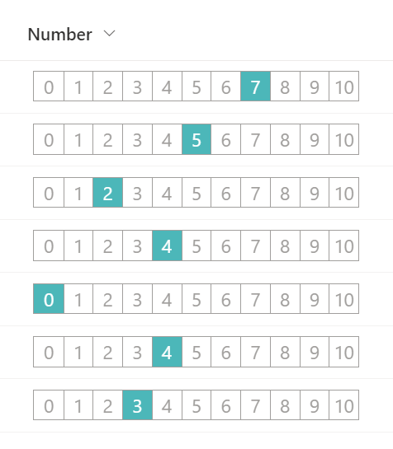
This sample demonstrates the use of the split operator to change the value of a number column to the appearance of a 0 to 10 rating scale.
View sample details →
Dashed Line Header preview
Form Formatting
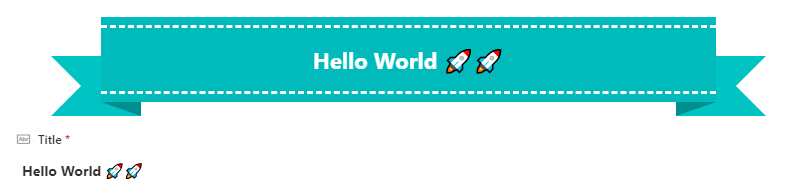
Dashed Line Header
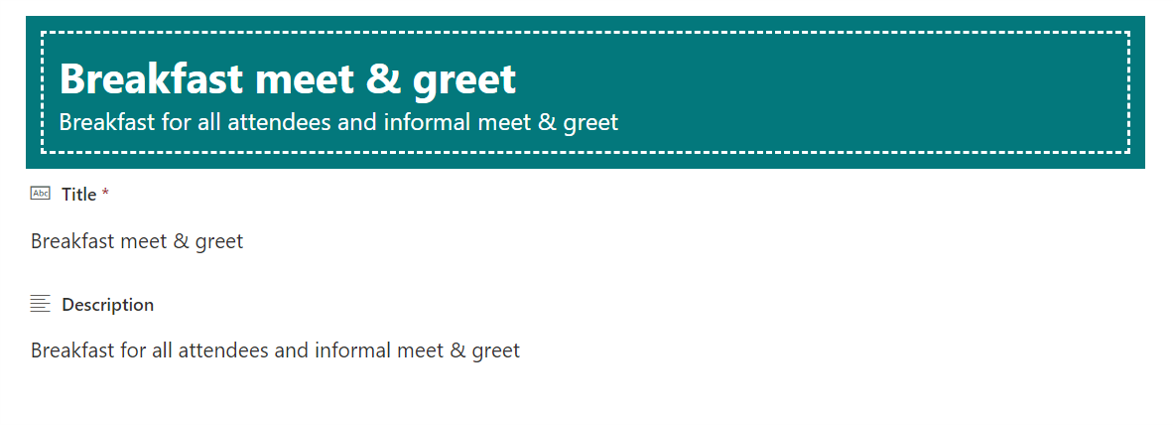
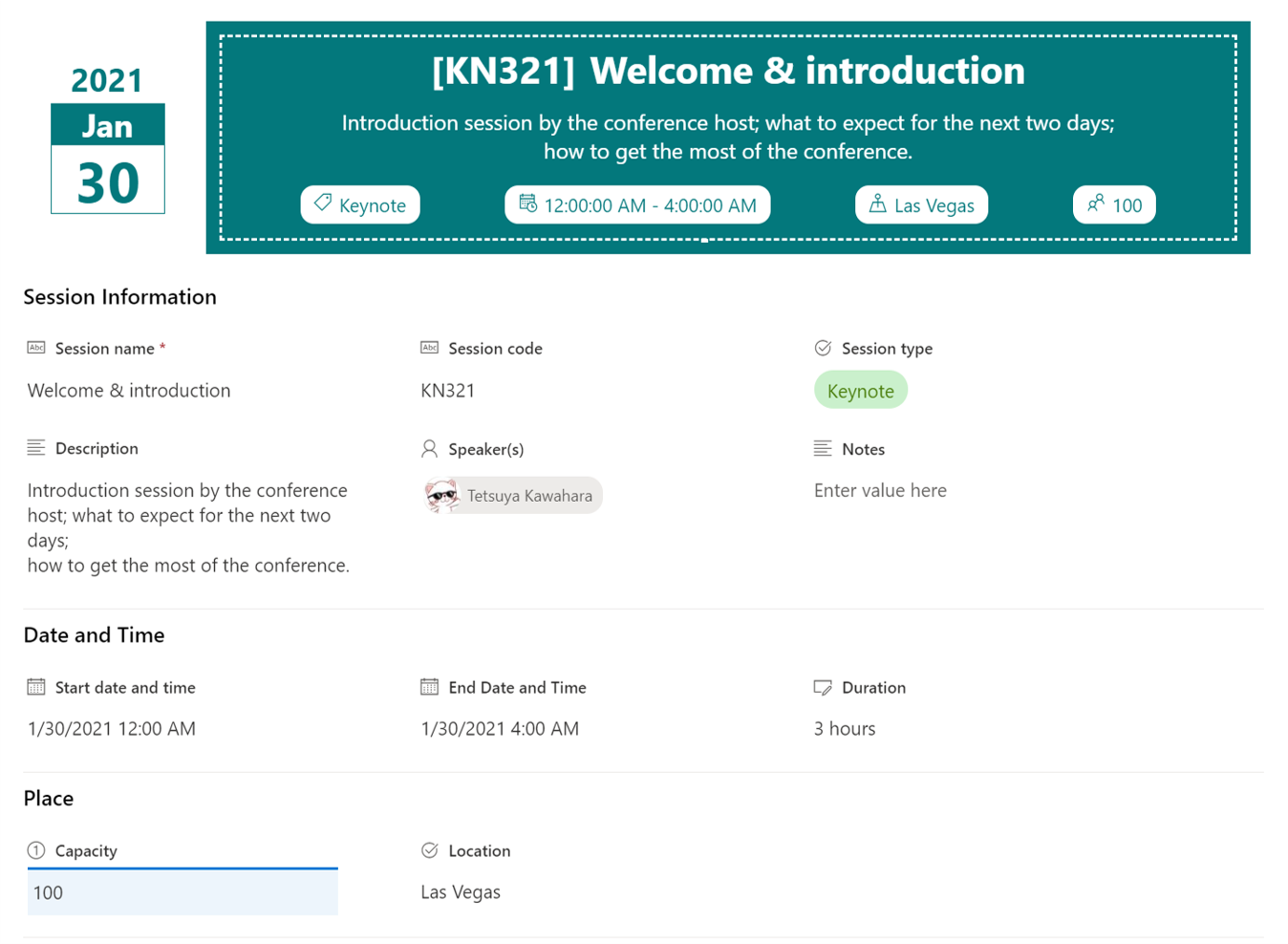
This sample displays the Title and Description values in the heading and decorates them with dashed lines. If the Description value is empty, it will be hidden.
View sample details →
Display a User's Photo in Group Header preview
View Formatting
Display a User's Photo in Group Header
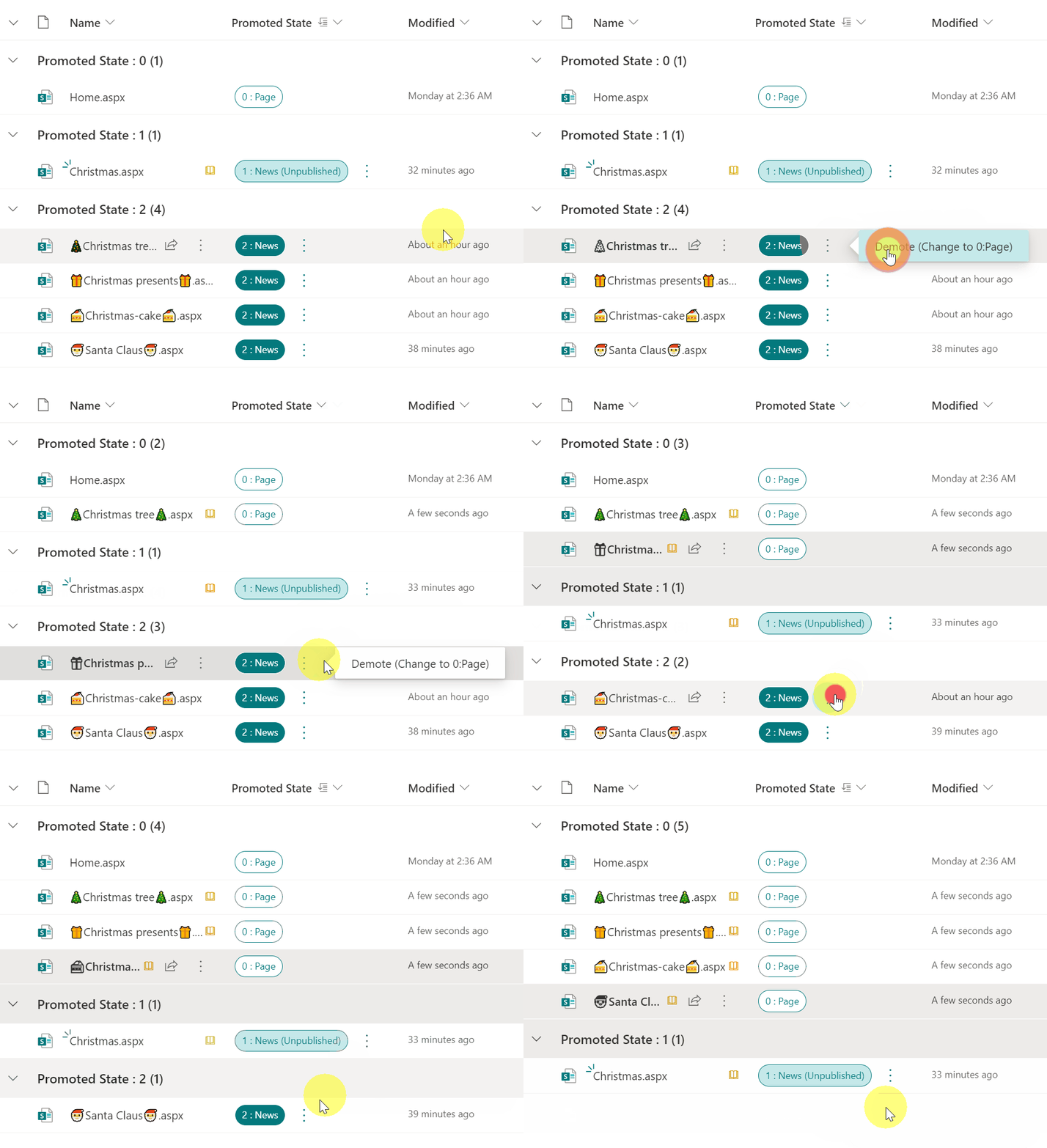
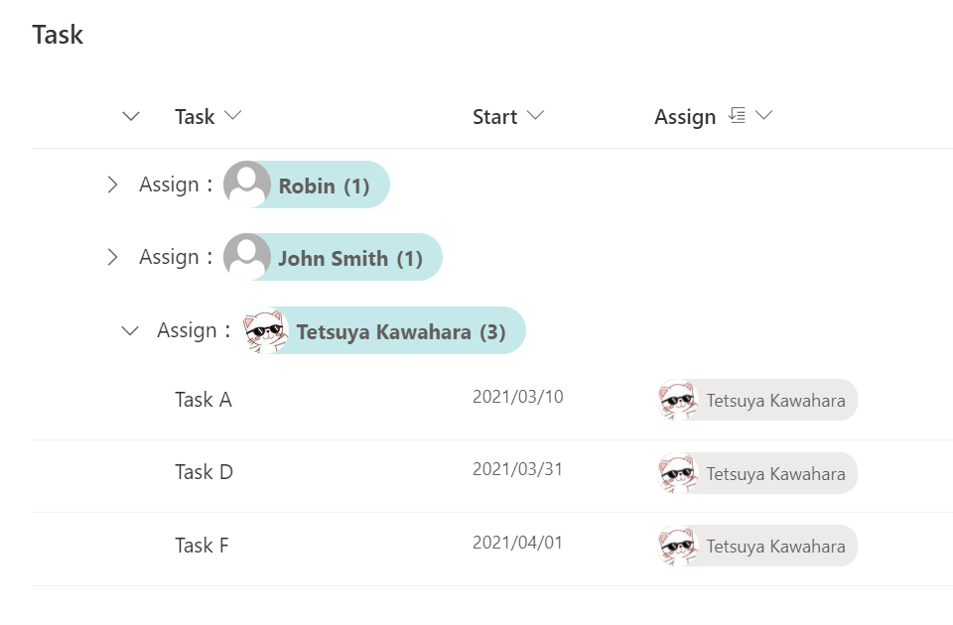
This is a sample of customizing the group header when grouping by user column. Display the user's picture as well as the user's name in the group header.
View sample details →
Display Count Up and Count Down Buttons preview
Column Formatting
Display Count Up and Count Down Buttons
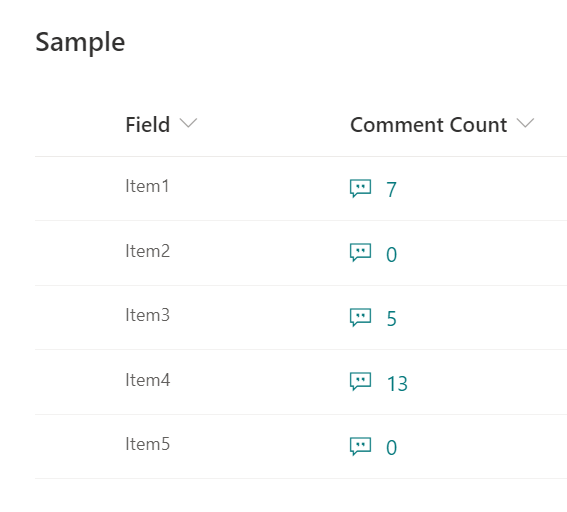
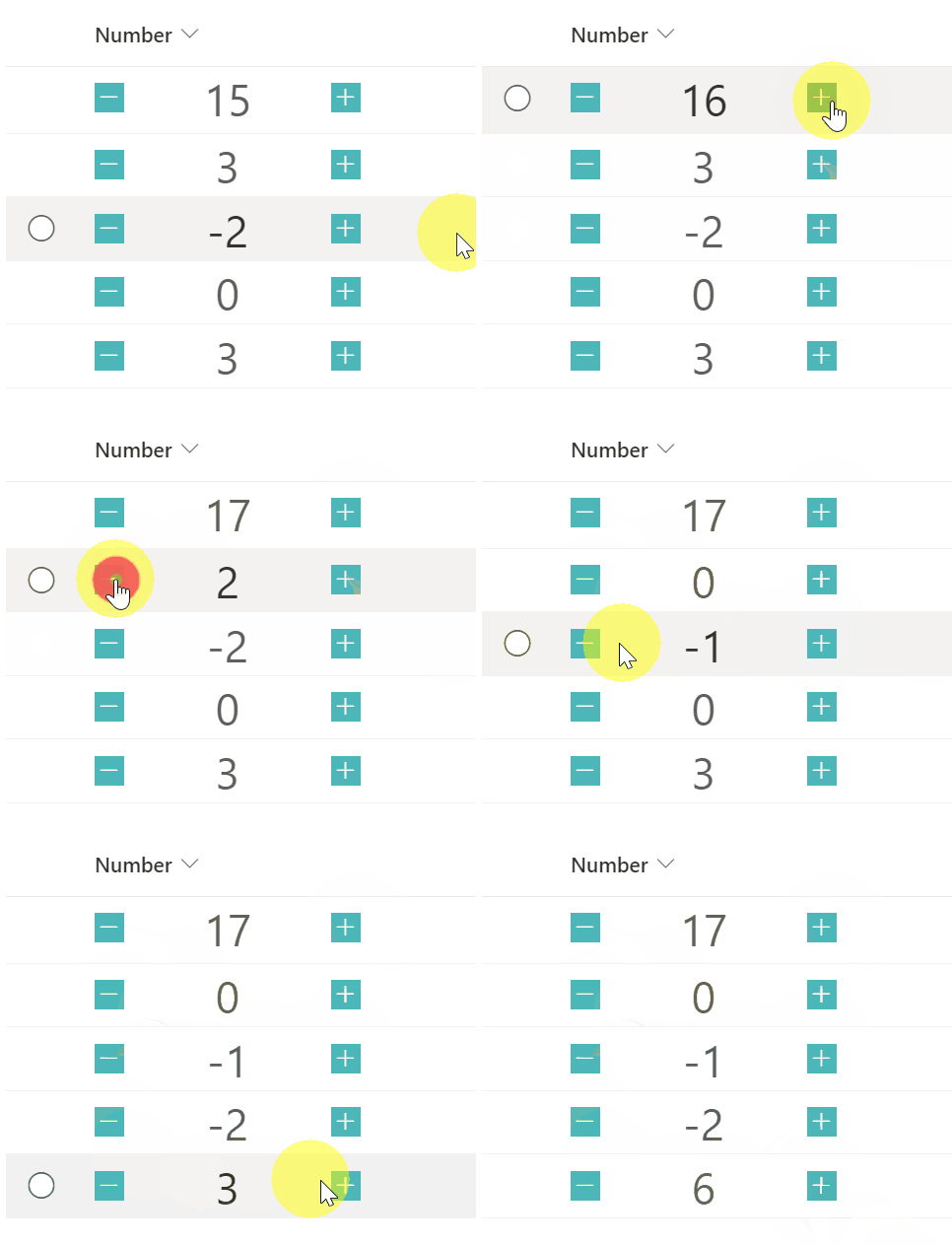
This sample demonstrates a button with a number increasing by one and a button with a number decreasing by one.
View sample details →
Display Created and Modified Information in the Footer preview
Form Formatting
Display Created and Modified Information in the Footer
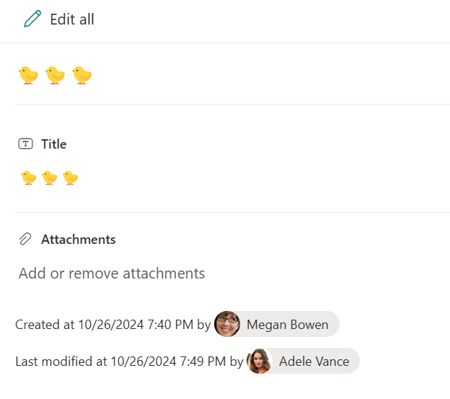
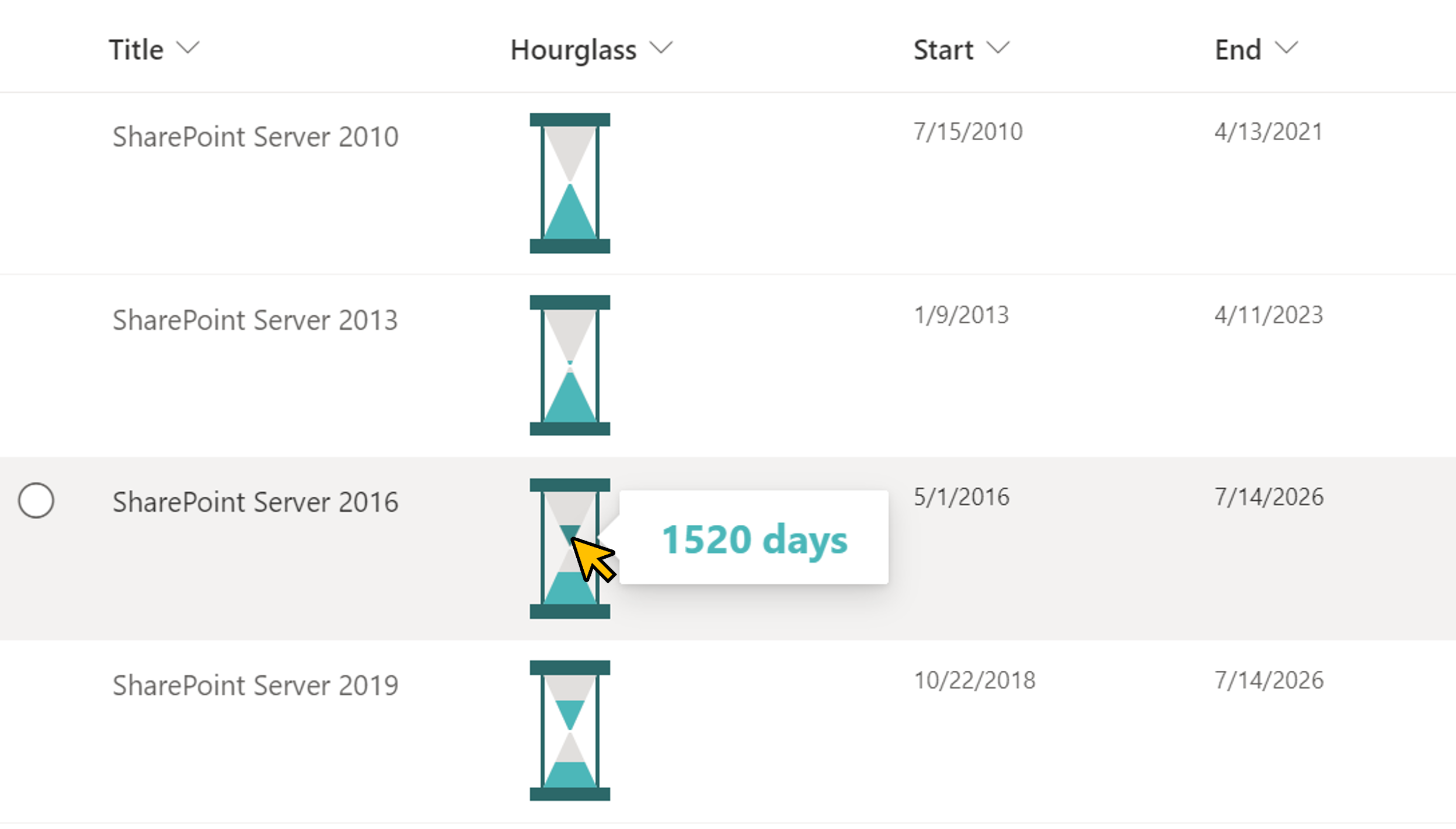
This sample demonstrates displaying the values of Created, Created By, Modified, and Modified By in the footer of the form.
View sample details →
Display Edit in Grid View Button in the Command Bar preview
View Formatting
Display Edit in Grid View Button in the Command Bar
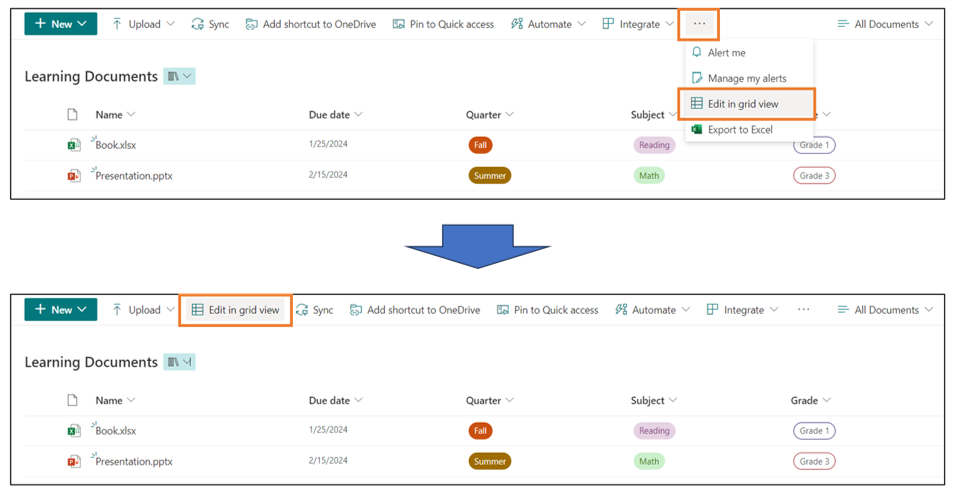
In the Document Library, the [Edit in grid view] button is hidden under the [...] button. This sample demonstrates displaying the [Edit in grid view] button on the command bar.
View sample details →
Display icons by repeating preview
Column Formatting
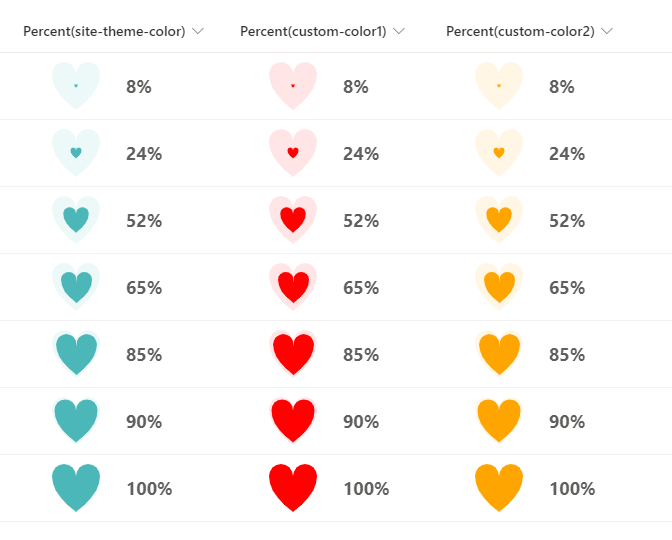
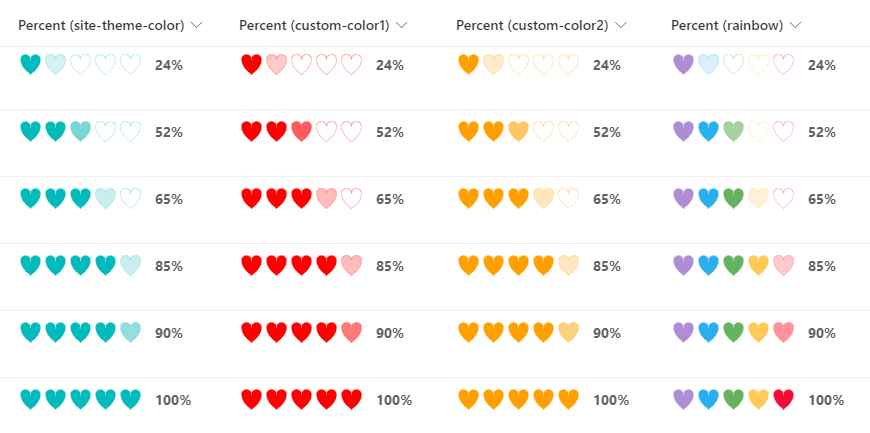
Display icons by repeating
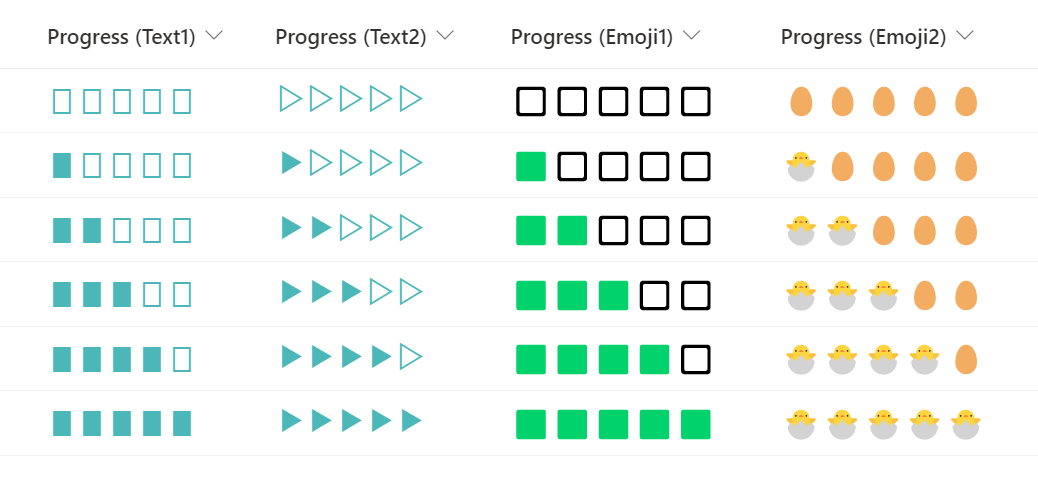
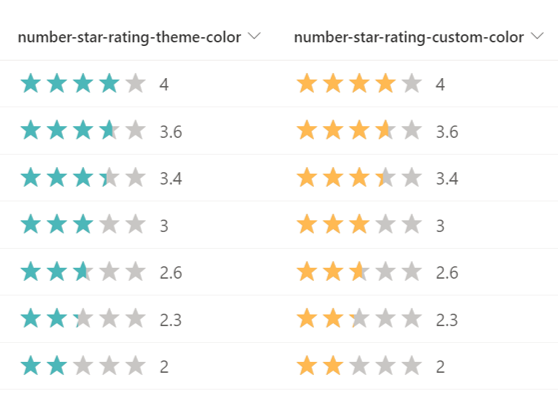
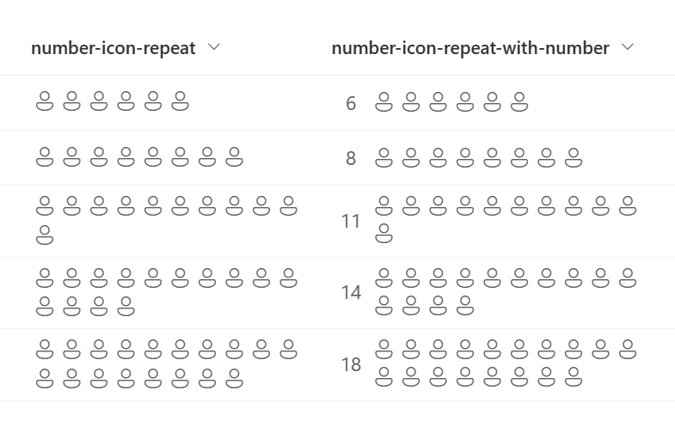
This sample demonstrates the use of the padStart and split operators to repeatedly display icons for the number of values in the number column.
View sample details →
Display Link to Google Maps preview
Column Formatting
Display Link to Google Maps
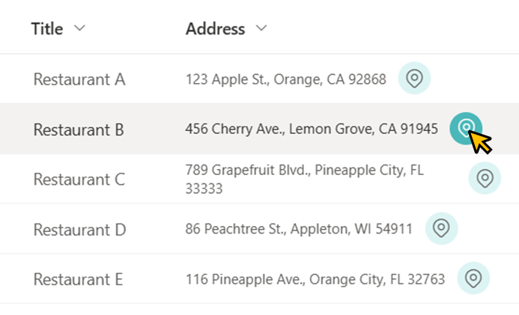
This sample demonstrates displaying a link to Google Maps. When you open that link, a map of the area around the field value location is displayed.
View sample details →
File Preview Callout with the embed Action preview
Column Formatting
File Preview Callout with the embed Action
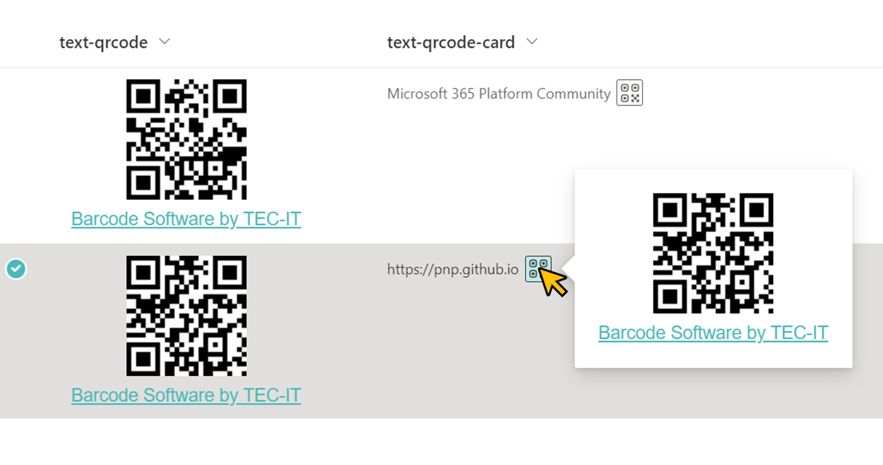
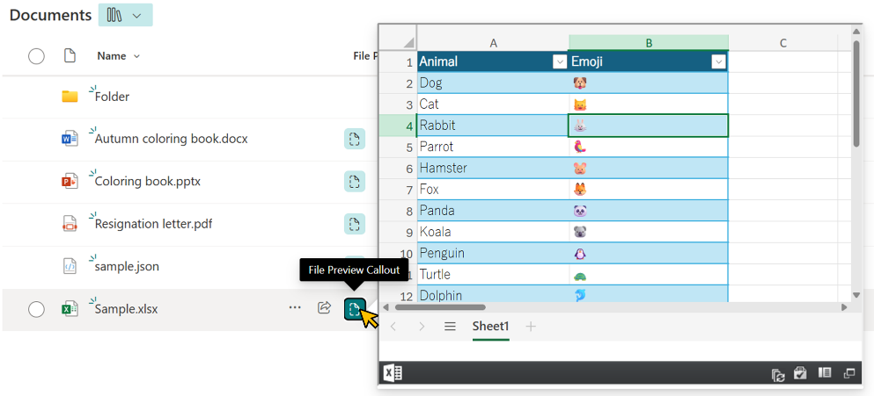
This sample demonstrates how to display a file preview from a document library or Site Pages inside a callout using the embed action. This allows users to view file contents without leaving the current page.
View sample details →
Gantt Chart preview
Column Formatting
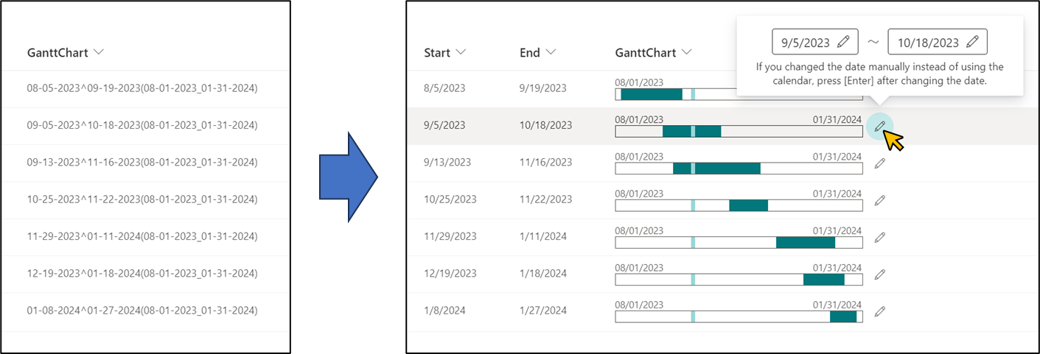
Gantt Chart
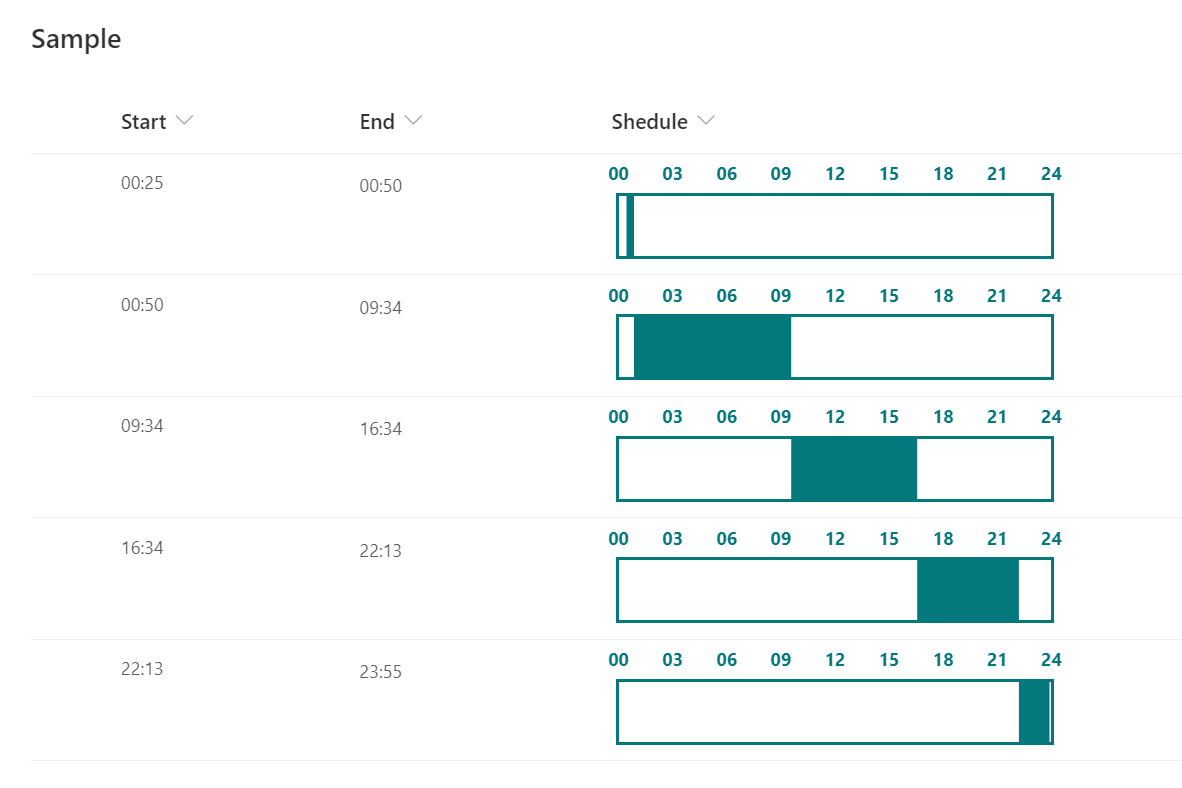
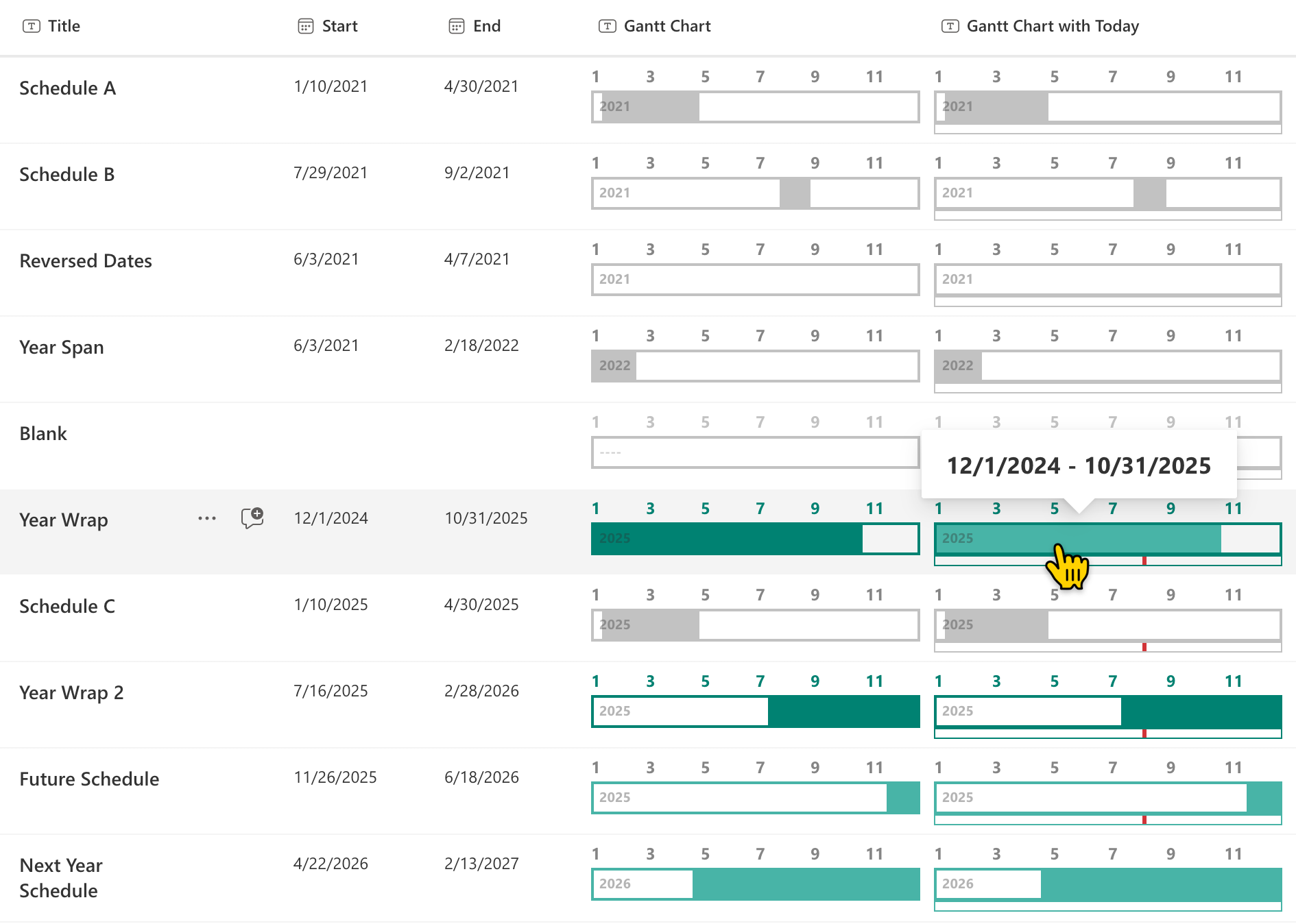
This sample demonstrates the use of the Calculated column to generate a string for displaying a Gantt chart, and then parses the string to display the Gantt chart.
View sample details →
Inline Column Chart preview
Column Formatting
Inline Column Chart
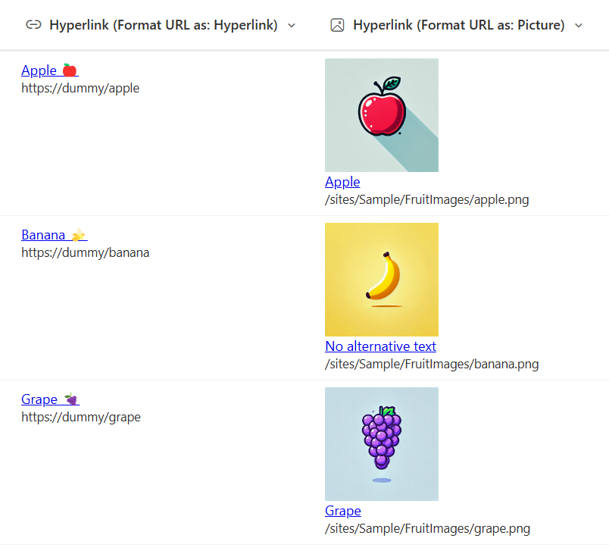
This sample demonstrates displaying a column chart using SVG. It uses the `currentColor` for the fill value of the SVGs which allows us to use a theme class to make the final SVGs fit your site's theme.
View sample details →
Link Collection using Emojis preview
View Formatting
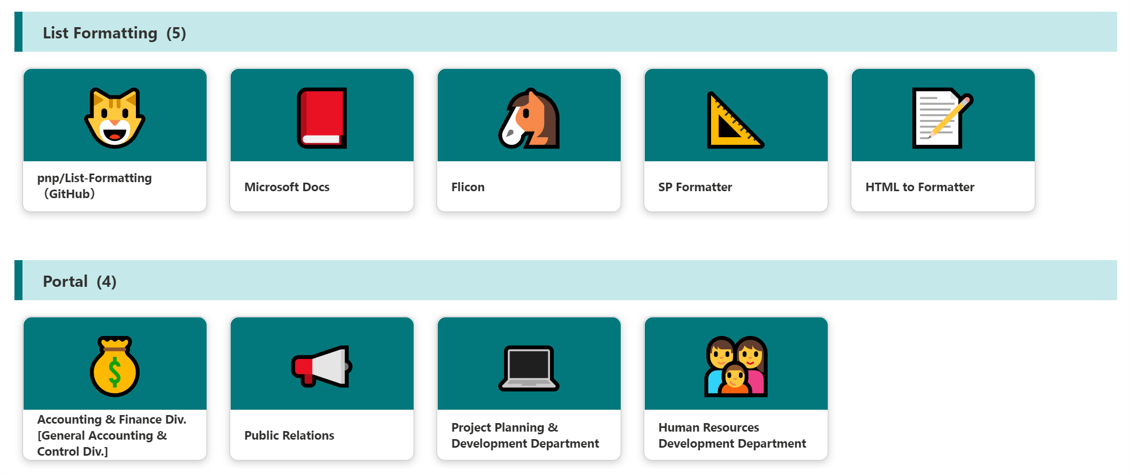
Link Collection using Emojis
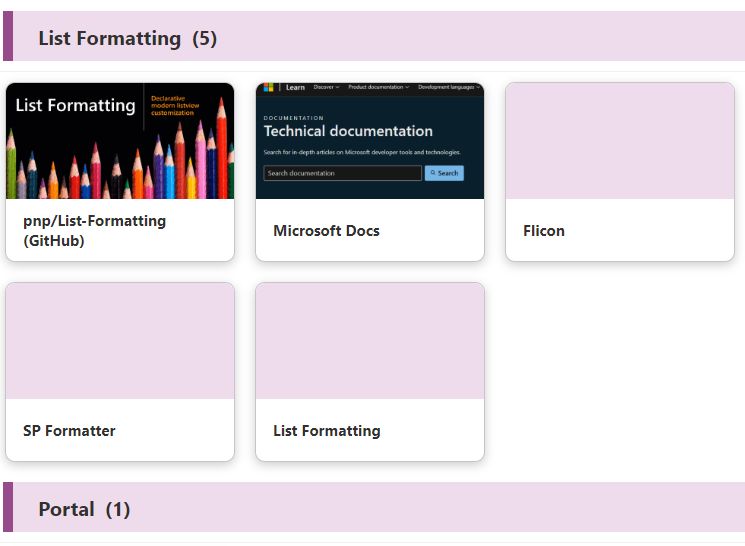
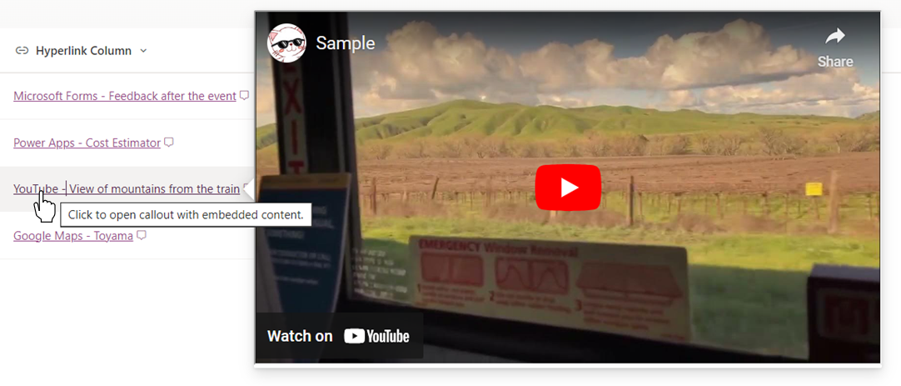
This sample demonstrates a link collection using Emoji and is a customization of the Gallery layout. Additionally, this sample combines group customization with a tile format.
View sample details →
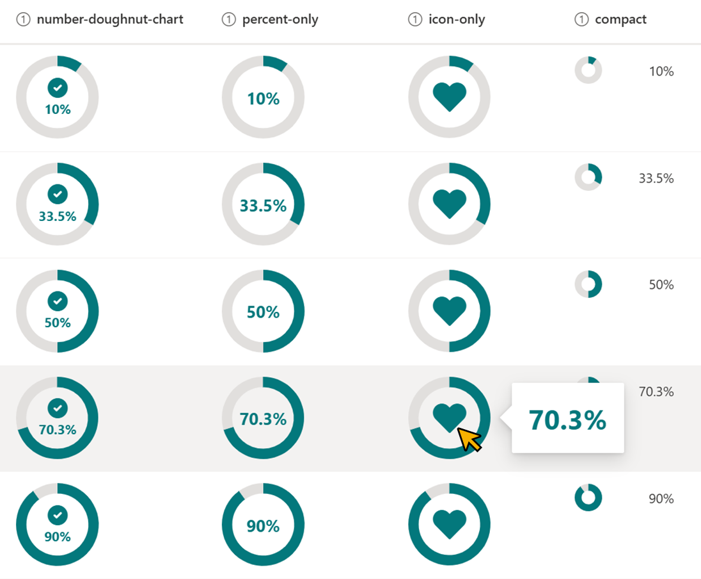
Links to Search Page preview
View Formatting
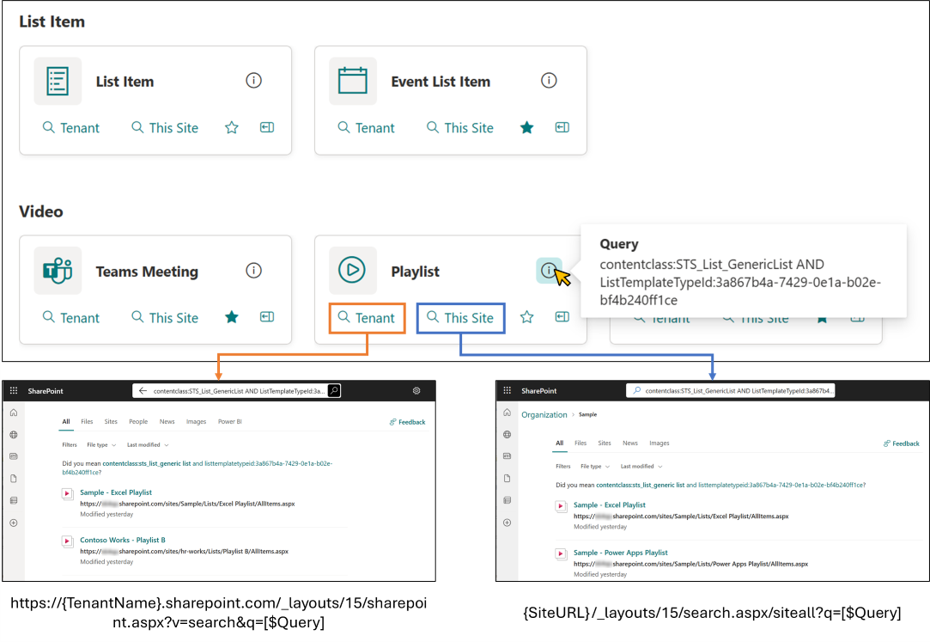
Links to Search Page
This sample demonstrates displaying links to the search page. When you open the search page, it displays the search results where the query registered in the Query column of the item has been executed.
View sample details →
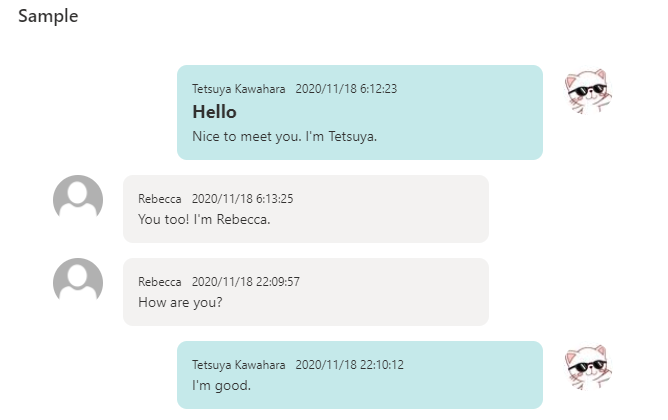
Message Chat Bubbles preview
View Formatting
Message Chat Bubbles
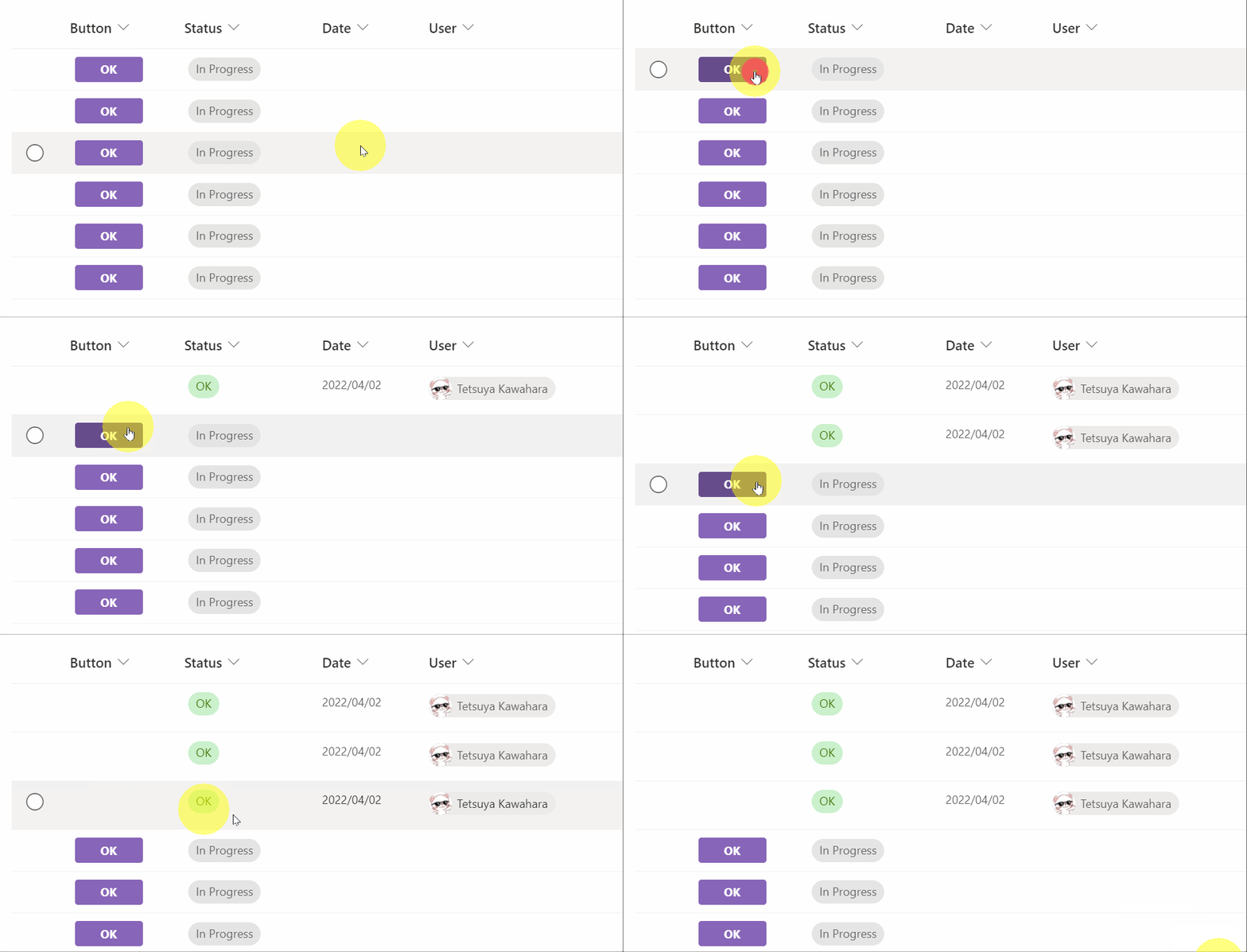
This sample formats your SharePoint list view to look like message chat bubbles! If the Author is the current user, the message will be displayed on the right.
View sample details →
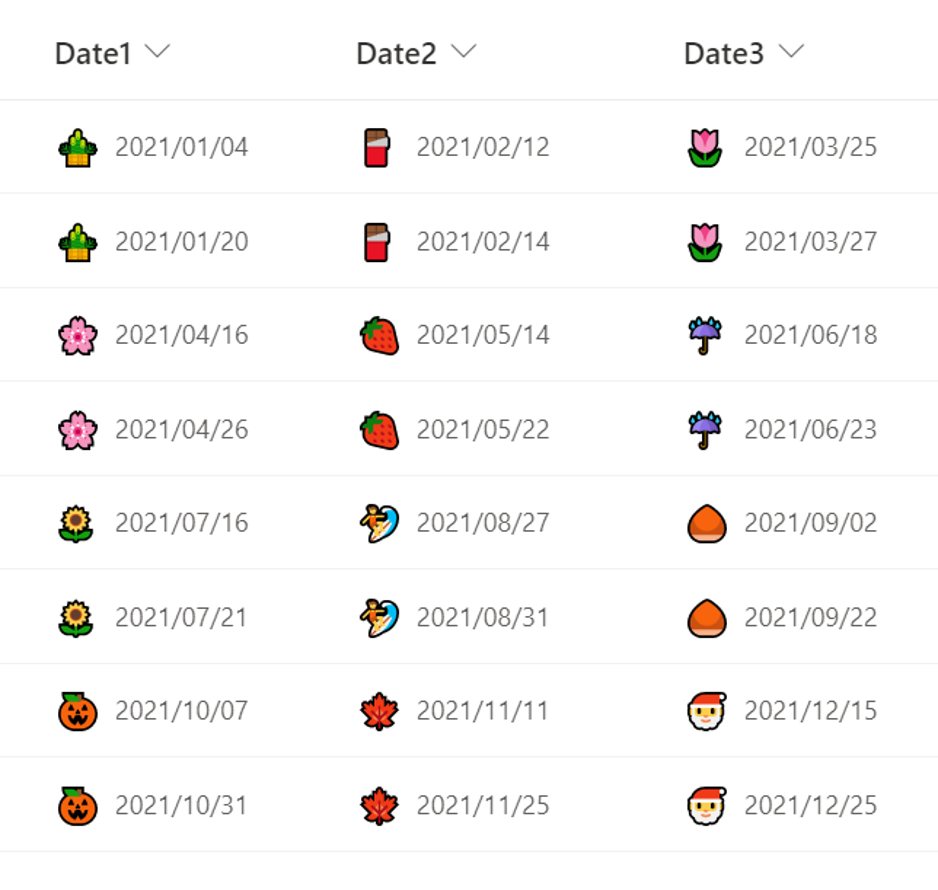
Page-a-day Calendar preview
Column Formatting
Page-a-day Calendar
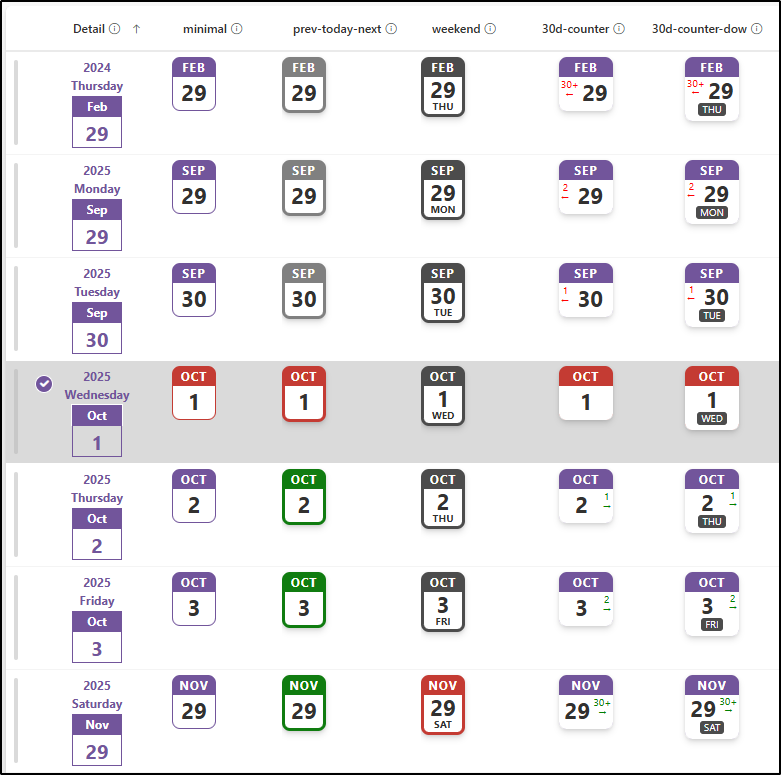
This sample customizes a date column to look like a page-a-day calendar. It does this by using the date part functions (`getDate`, `getMonth`, and `getYear`).
View sample details →
Picture Link Tiles preview
View Formatting
Picture Link Tiles
This sample demonstrates a link collection using picture and is a customization of the Gallery layout. Additionally, this sample combines group customization with a tile format.
View sample details →
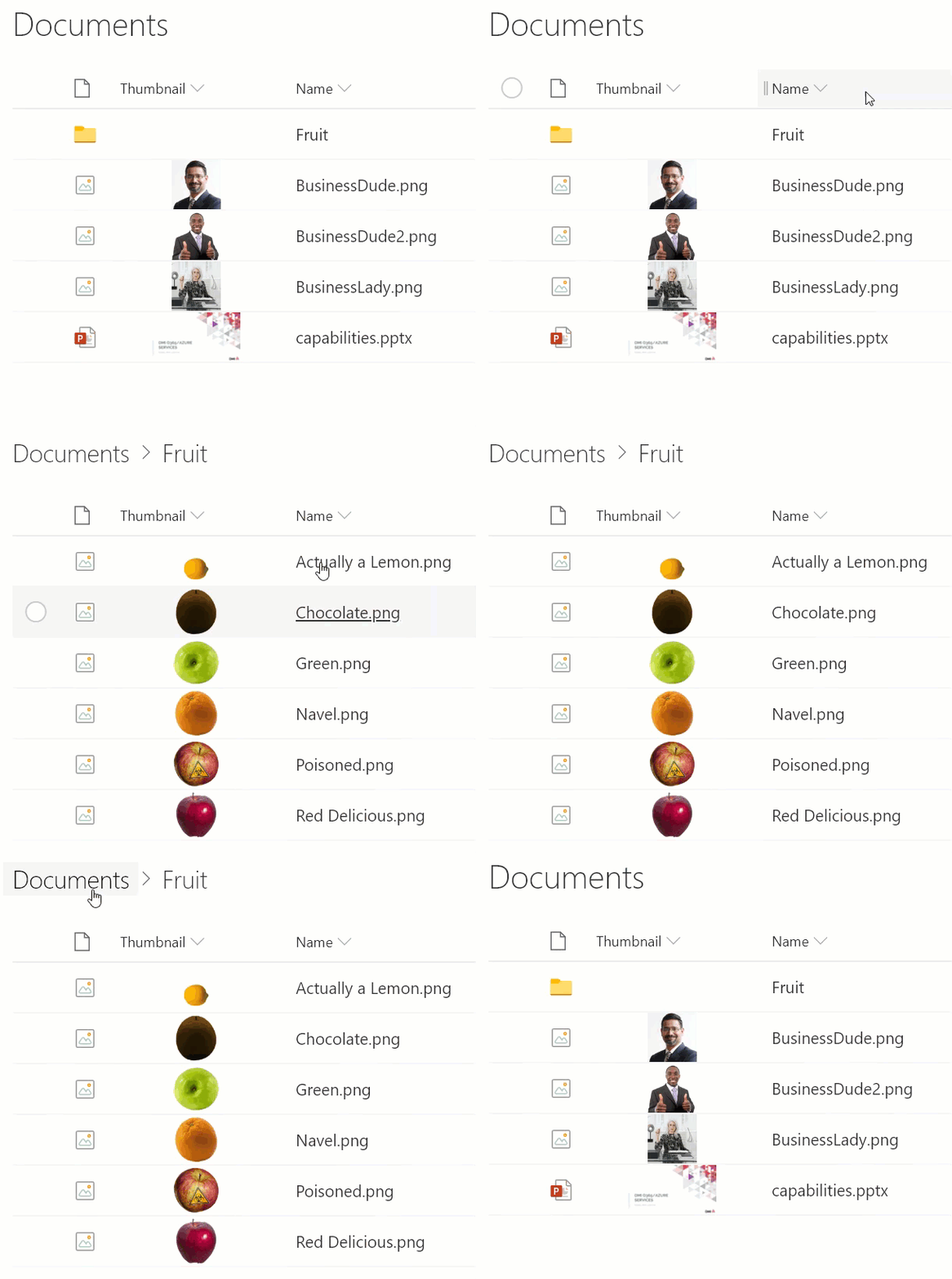
Praise Cards preview
View Formatting
Praise Cards
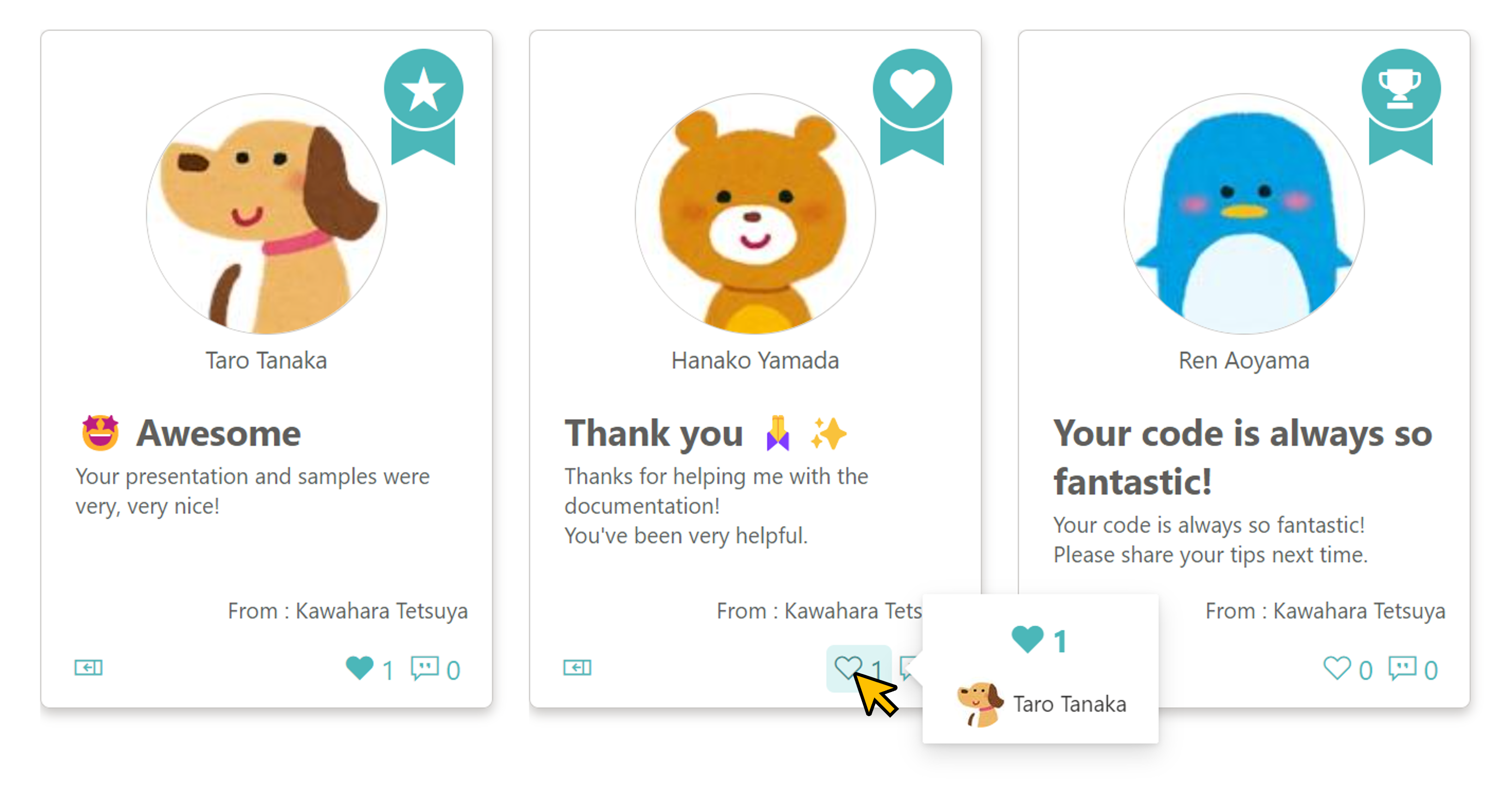
This sample demonstrates how to display Praise Cards. By creating a Praise Card, you can express your appreciation and admiration to others for their daily cooperation and actions!
View sample details →
Scheduling Dialog Links to MS Teams and Outlook preview
Column Formatting
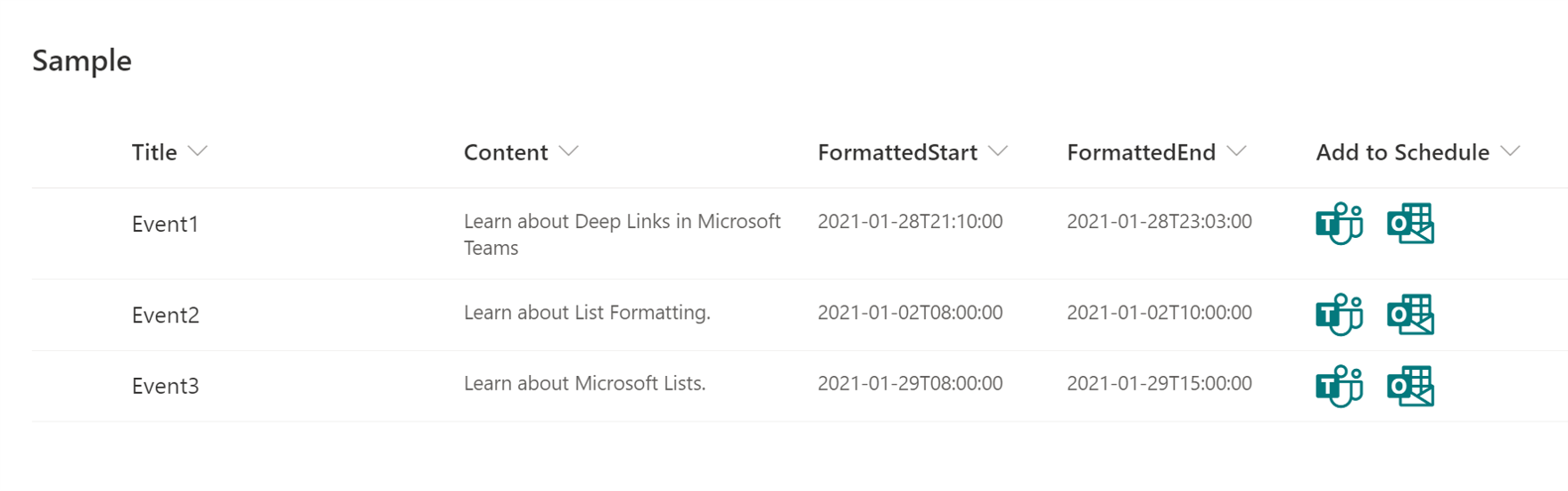
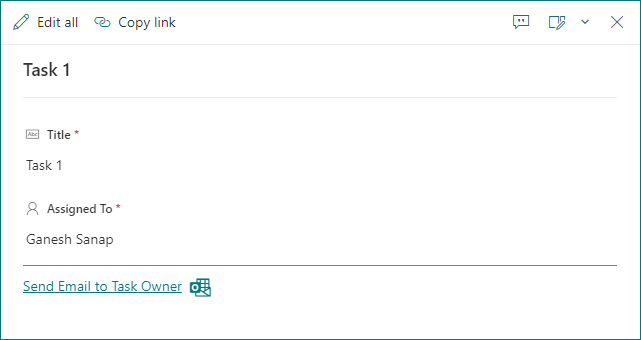
Scheduling Dialog Links to MS Teams and Outlook
This sample demonstrates creating deep links to the scheduling dialog in Microsoft Teams and Microsoft Outlook.
View sample details →
Timeline Format preview
Column Formatting
Timeline Format
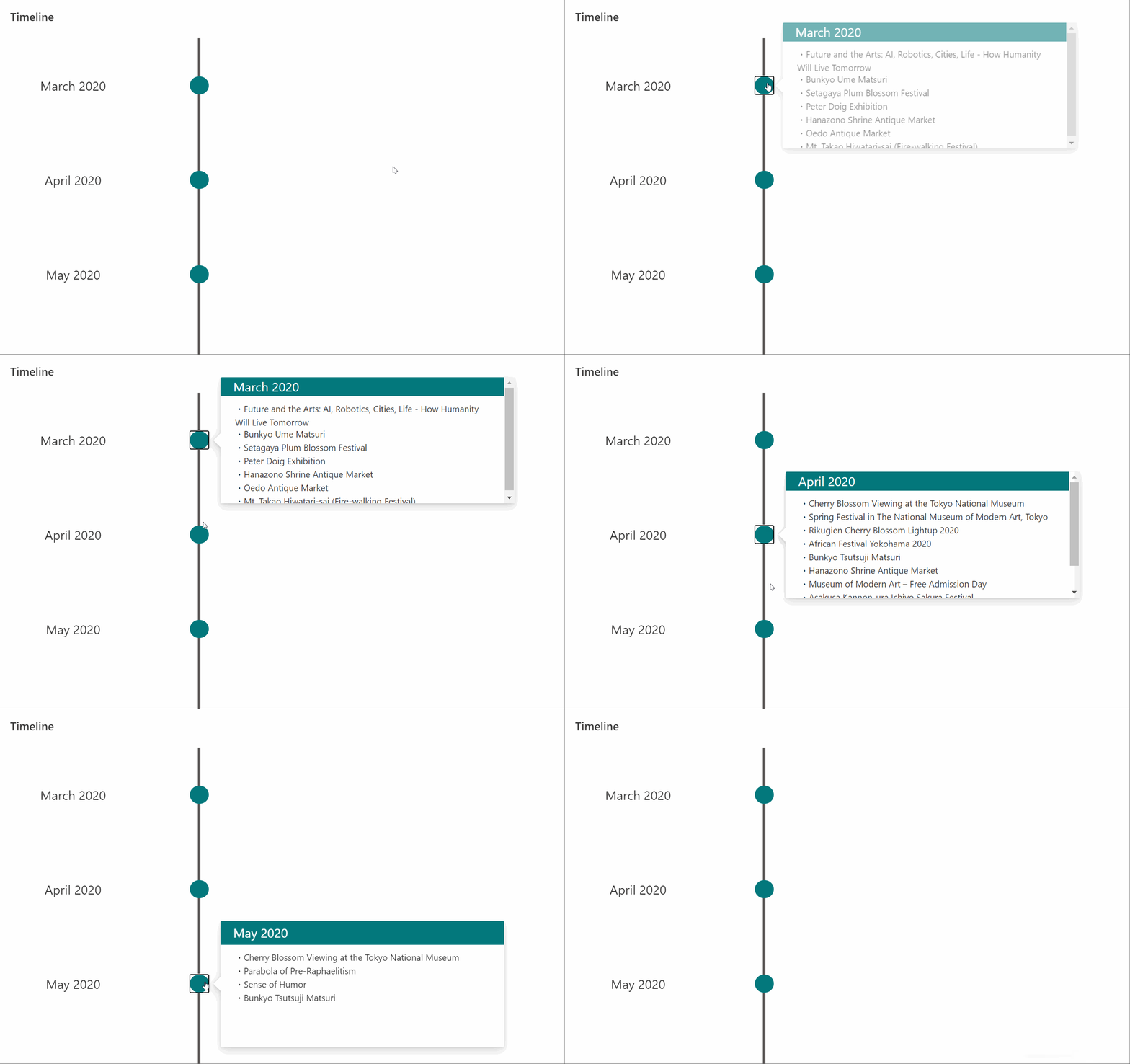
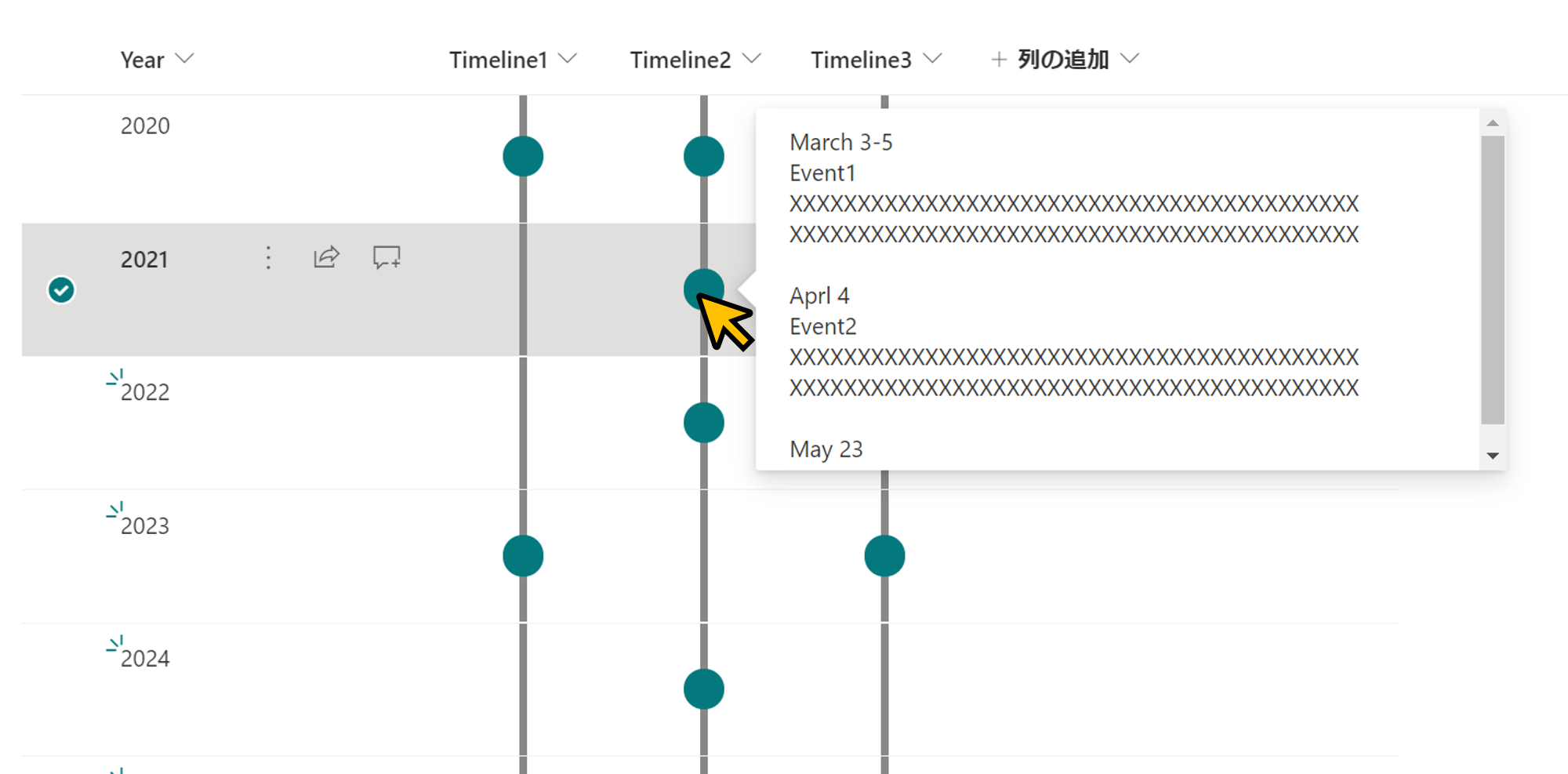
This sample demonstrates displaying a timeline in a column. If the column value is empty, no circle will be displayed. The content of the column will be shown in a popup when you click on the dot.
View sample details →
Travel Tweets Board preview
View Formatting
Travel Tweets Board
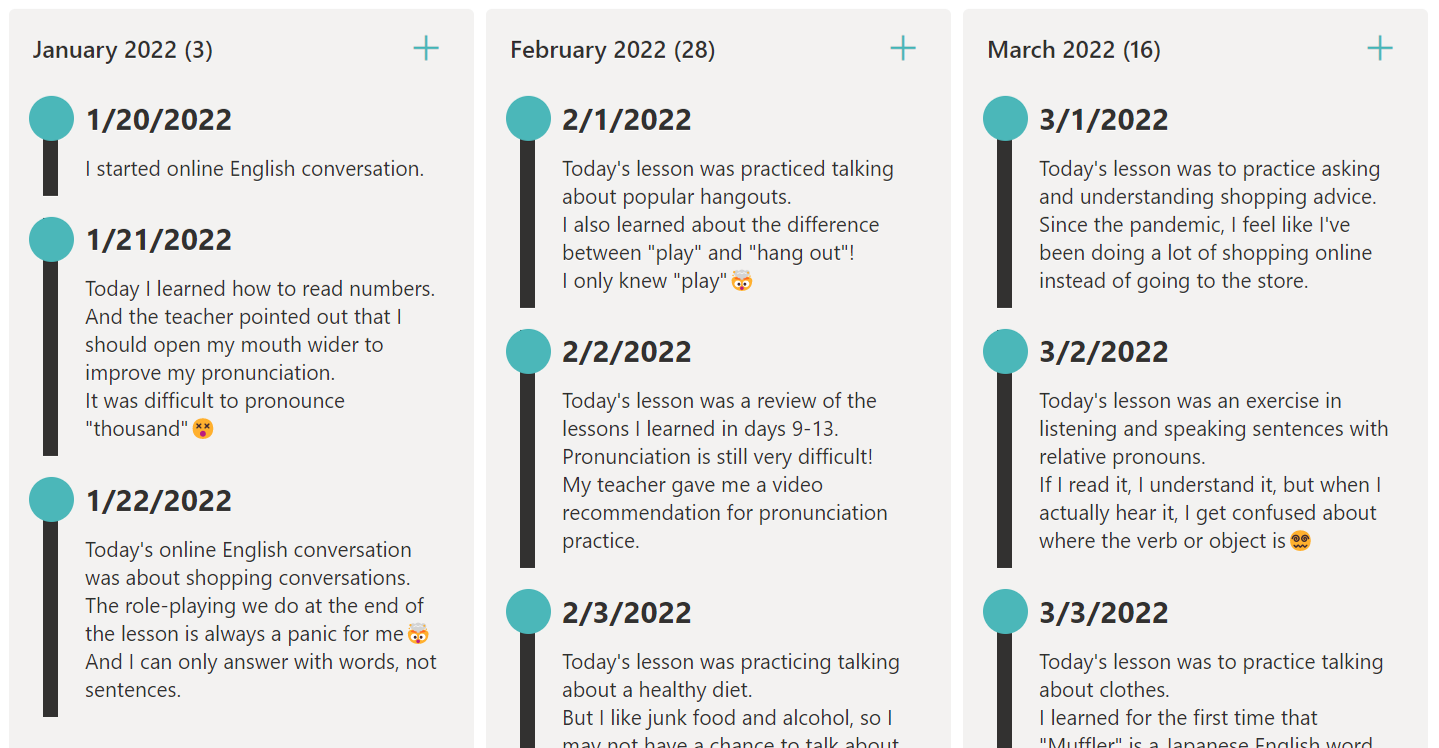
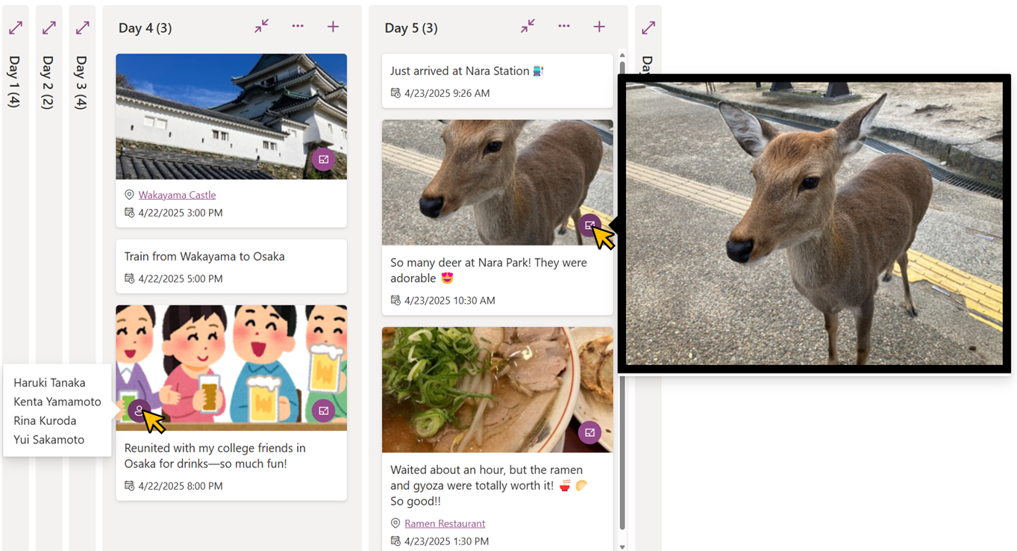
This sample demonstrates using the board view to display travel tweets in a timeline format. Each tweet supports one image and one map link.
View sample details →
Work Progress Category Pill  preview
Column Formatting
Work Progress Category Pill
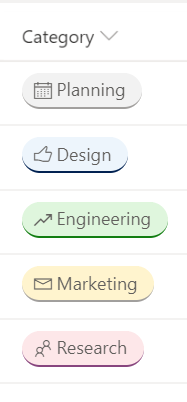
This JSON sample demonstrates how you can format the work progress category choices as pills found in the newly released Microsoft Lists Work progress tracker template.
View sample details →
Yes/No Column Toggle preview
Column Formatting
Yes/No Column Toggle
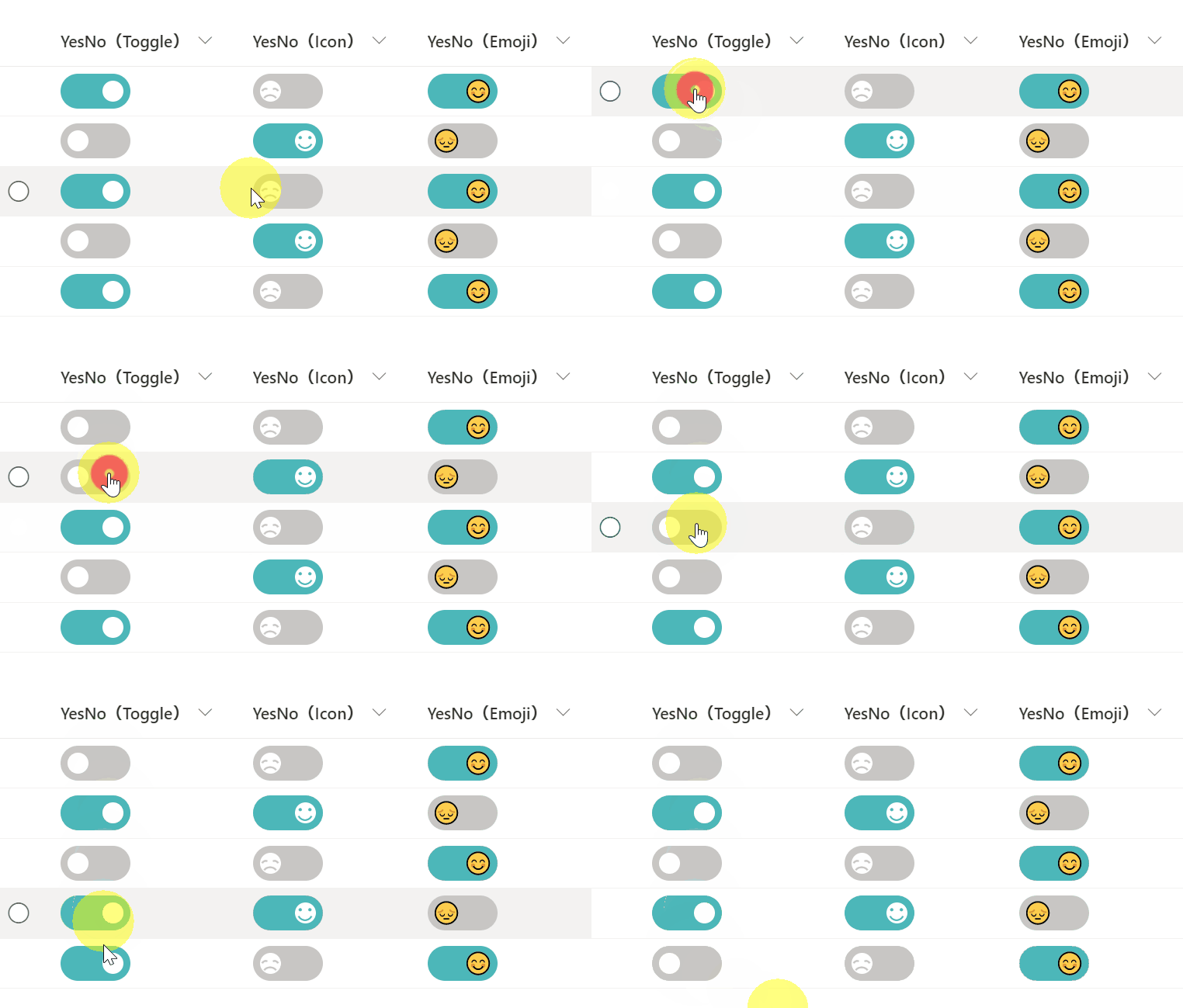
This sample demonstrates changing the value of the Yes/No column to a toggle. Three different versions of the sample are provided (Toggle, Icon, Emoji).
View sample details →