
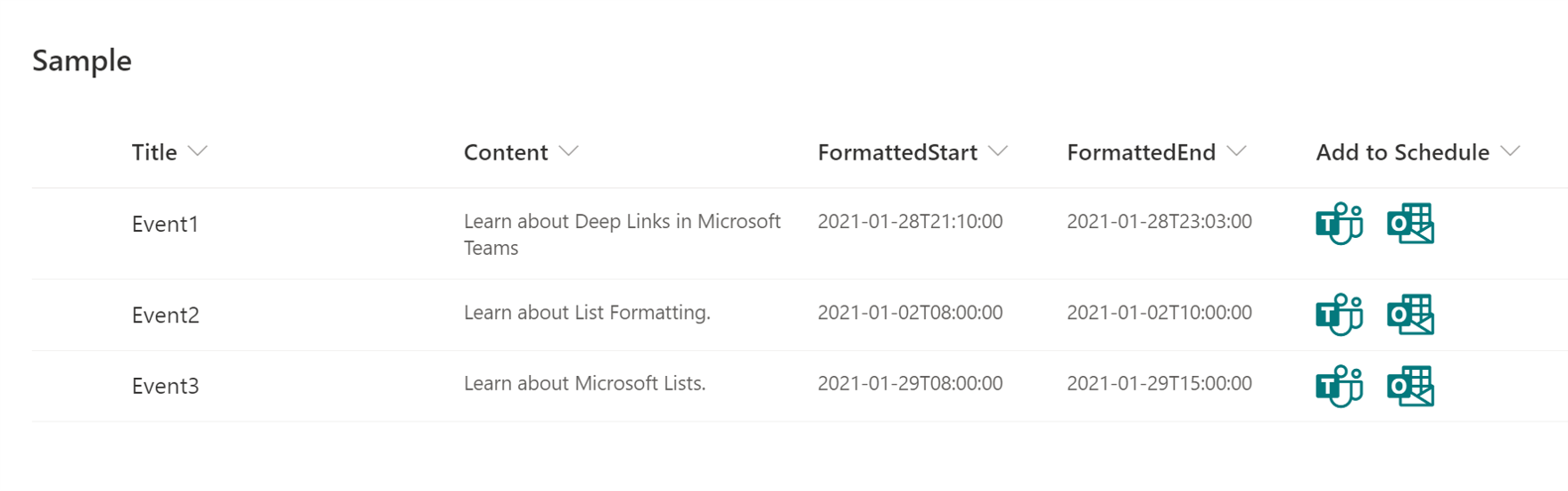
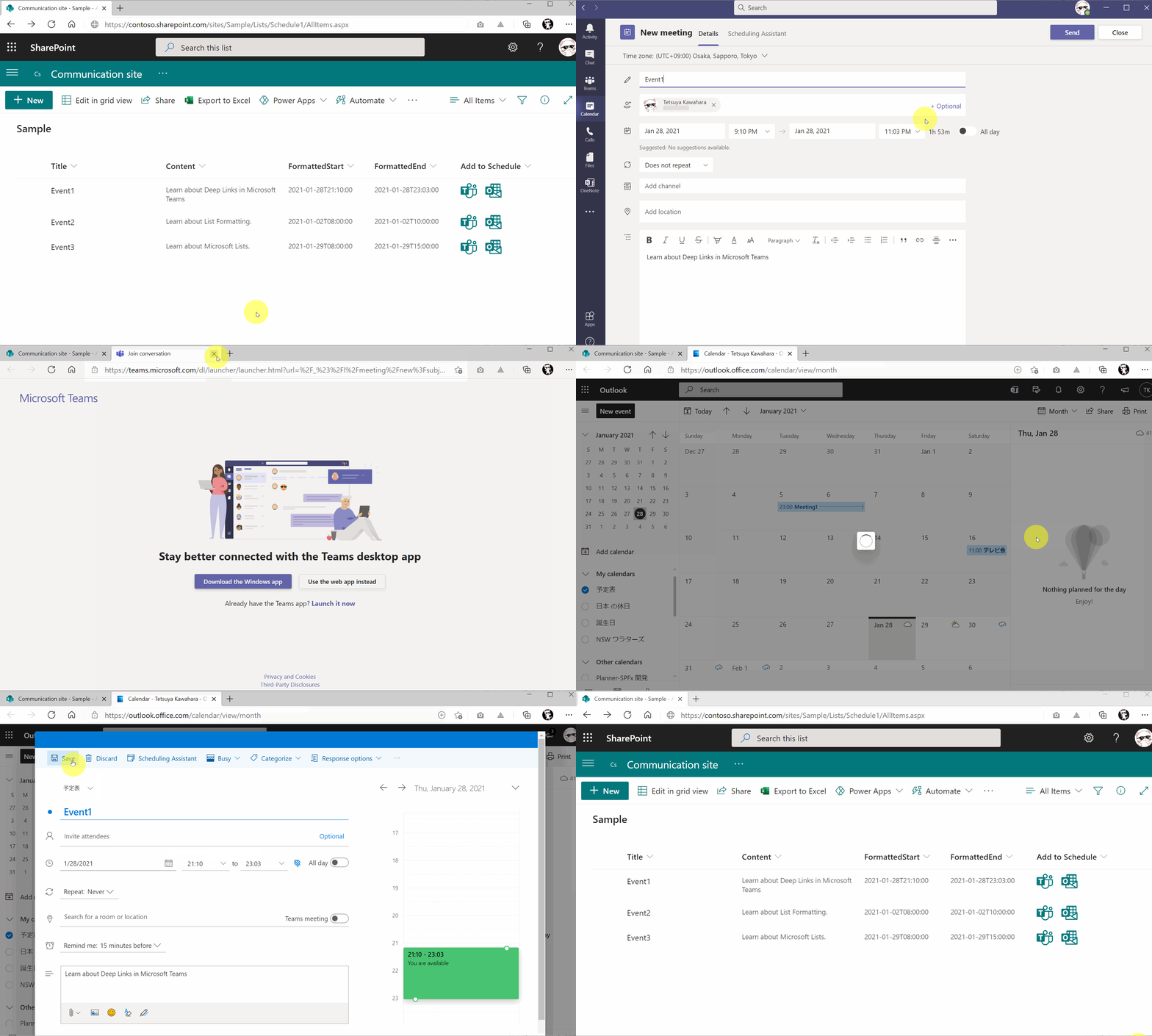
About this sample
This sample demonstrates creating deep links to the scheduling dialog in Microsoft Teams and Microsoft Outlook.
Products & metadata
SharePointMicrosoft ListsColumnSharePoint OnlineMicrosoft Teams, IconsGeneraltoString, Number, toLocaleTimeString, indexOf, substring, getDate, getMonth, getYear, padStartms-fontSize-xxl, ms-fontColor-themePrimaryColumn Formatting