
About this sample
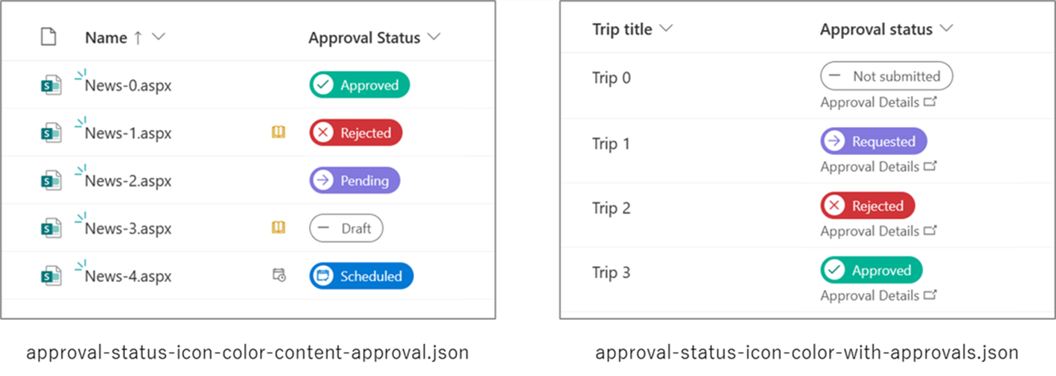
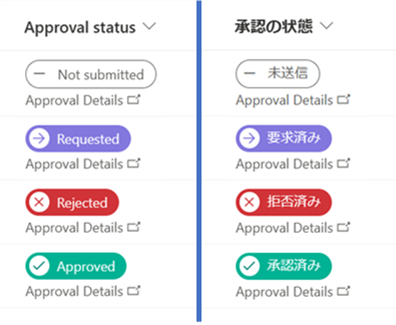
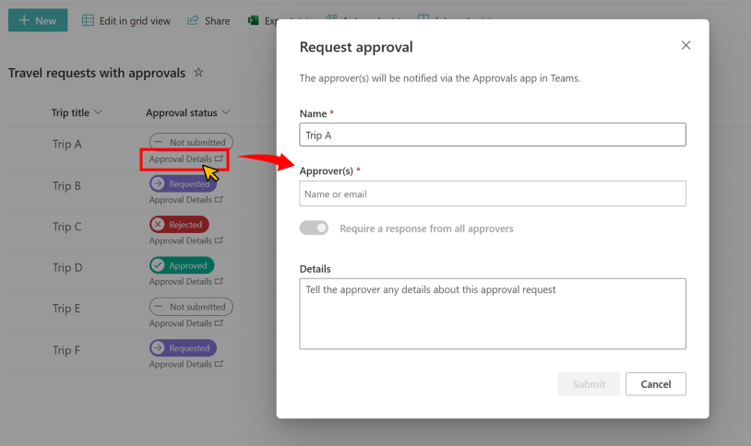
This sample demonstrates how to change icons and colors based on the value in the Approval Status column.
Products & metadata
SharePointMicrosoft ListsColumnSharePoint OnlineIconsApproval StatusNumberopenApprovalDialogms-bgColor-white, ms-bgColor-sharedBlueMagenta10, ms-bgColor-sharedRed10, ms-bgColor-tealLight, ms-bgColor-blue, ms-fontSize-10, ms-fontColor-sharedBlueMagenta10, ms-fontColor-sharedRed10, ms-fontColor-teal, ms-fontColor-blue, ms-fontColor-whiteColumn Formatting