SharedSamples.org

Form Formatting Samples

Visual examples for customizing SharePoint and Microsoft Lists forms.

16 samples
Blank Header preview
Form Formatting
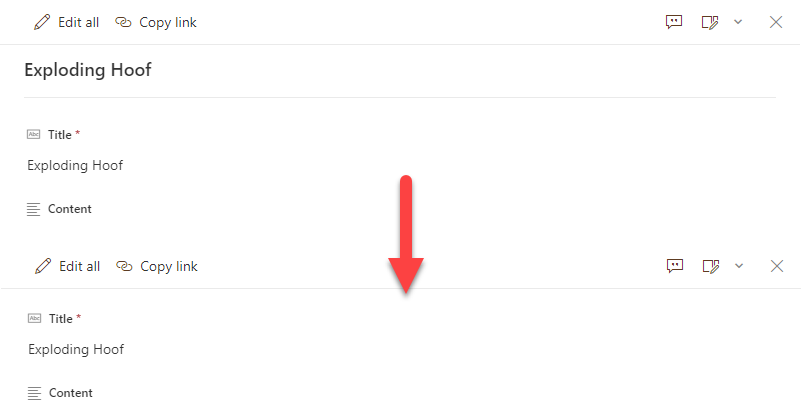
Blank Header
By default, uncustomized list forms display the Title field at the top. This is generally fine, but sometimes you may not want this (especially since the default is to repeat it as the first column). This very basic format removes the default Title display giving you a cleaner form.
View sample details →
Countdown Timer Header preview
Form Formatting
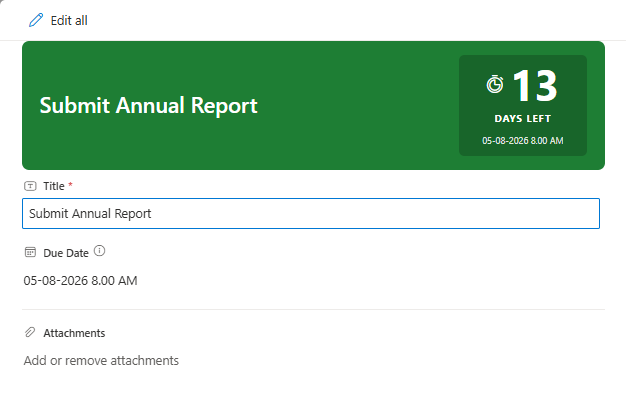
Countdown Timer Header
A form header formatter that displays days remaining until a due date with color-coded urgency: green (calm, >7 days), amber (warning, 4-7 days), red (urgent, 1-3 days), and crimson (overdue).
View sample details →
Dashed Line Header preview
Form Formatting
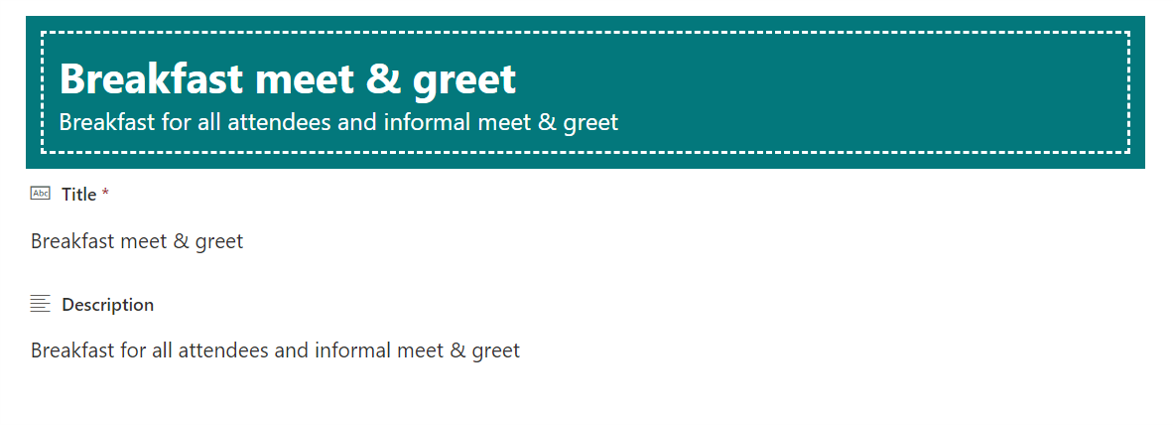
Dashed Line Header
This sample displays the Title and Description values in the heading and decorates them with dashed lines. If the Description value is empty, it will be hidden.
View sample details →
Display Created and Modified Information in the Footer preview
Form Formatting
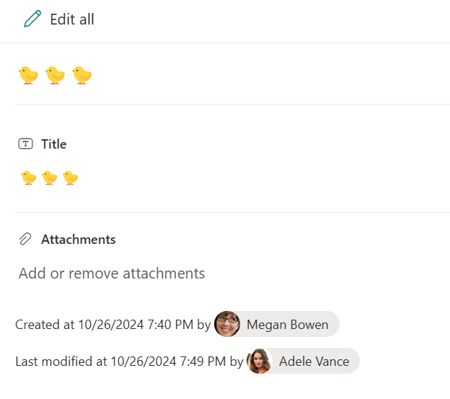
Display Created and Modified Information in the Footer
This sample demonstrates displaying the values of Created, Created By, Modified, and Modified By in the footer of the form.
View sample details →
Send Meeting Invite with Microsoft Teams preview
Form Formatting
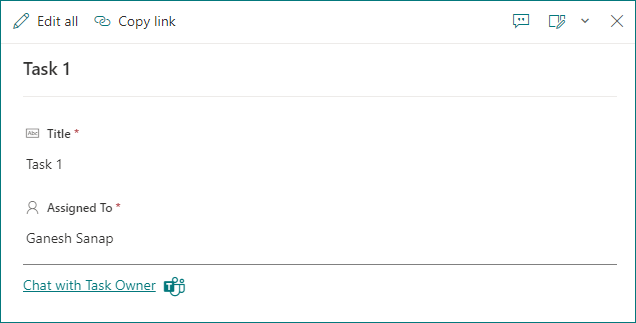
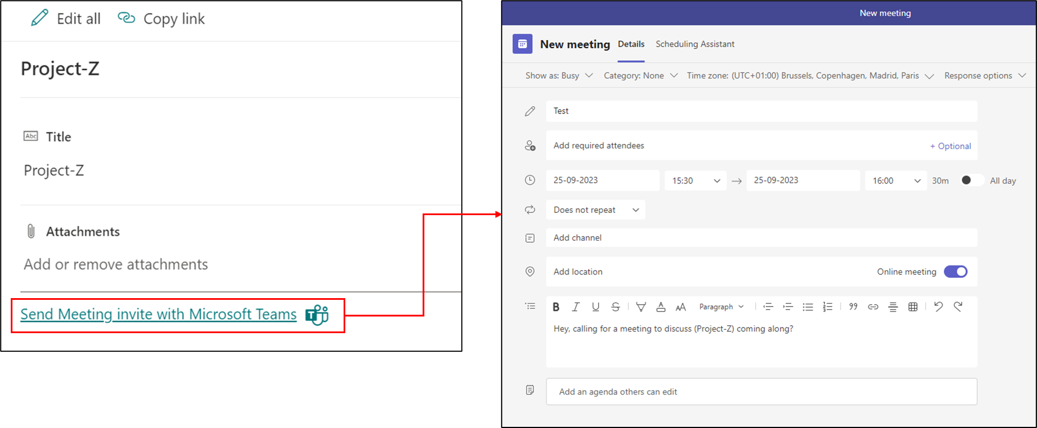
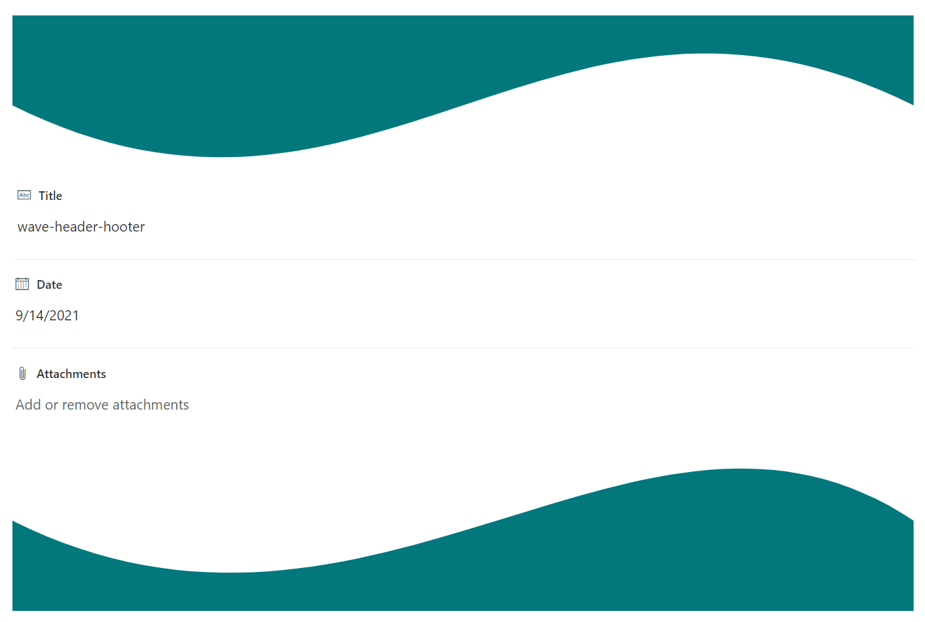
Send Meeting Invite with Microsoft Teams
This sample demonstrates sending a meeting invite via Microsoft Teams to attendees in SharePoint list. The JSON can be used as Footer within SharePoint List formatting.
View sample details →
Status Header and Footer preview
Form Formatting
Status Header and Footer
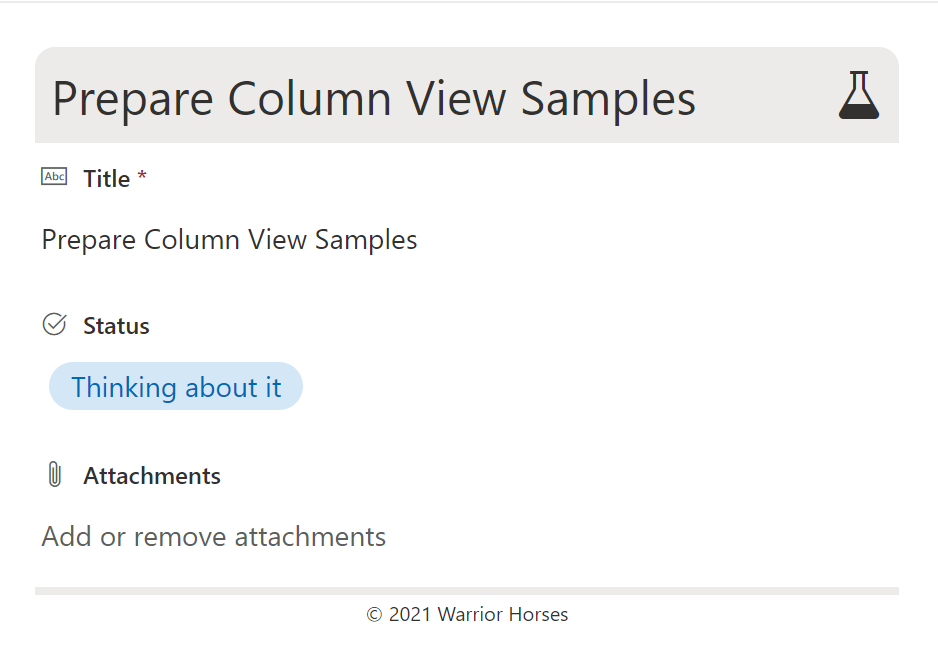
This sample shows a customized header and footer for a form with a Status column with possible values 'Thinking about it', 'Working on it', 'Done', and 'Nevermind'. This format is intended for the Header Format and Footer Format of the form body in the Configure Layout panel. Depending on the value of the Status column, a corresponding icon and colour scheme are used.
View sample details →
Two Column Logo Header preview
Form Formatting
Two Column Logo Header
This sample displays an Icon and Title in a two column header with the Icon on the left and the Title on the right. An additional Icon and RequestStatus and added below the Title.
View sample details →
Welcome Header preview
Form Formatting
Welcome Header
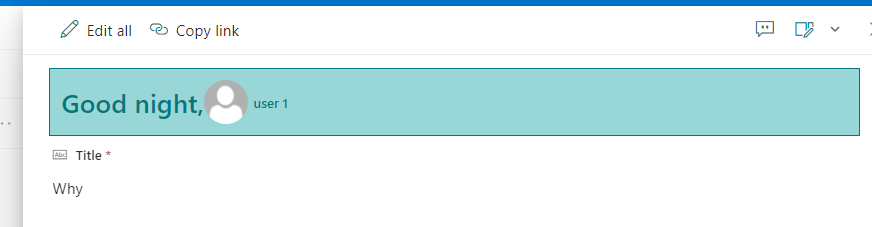
This sample demonstrates how to display Welcome message depending on time of day, display user profile image in Forms Header.
View sample details →
Wrapped Form Body preview
Form Formatting
Wrapped Form Body
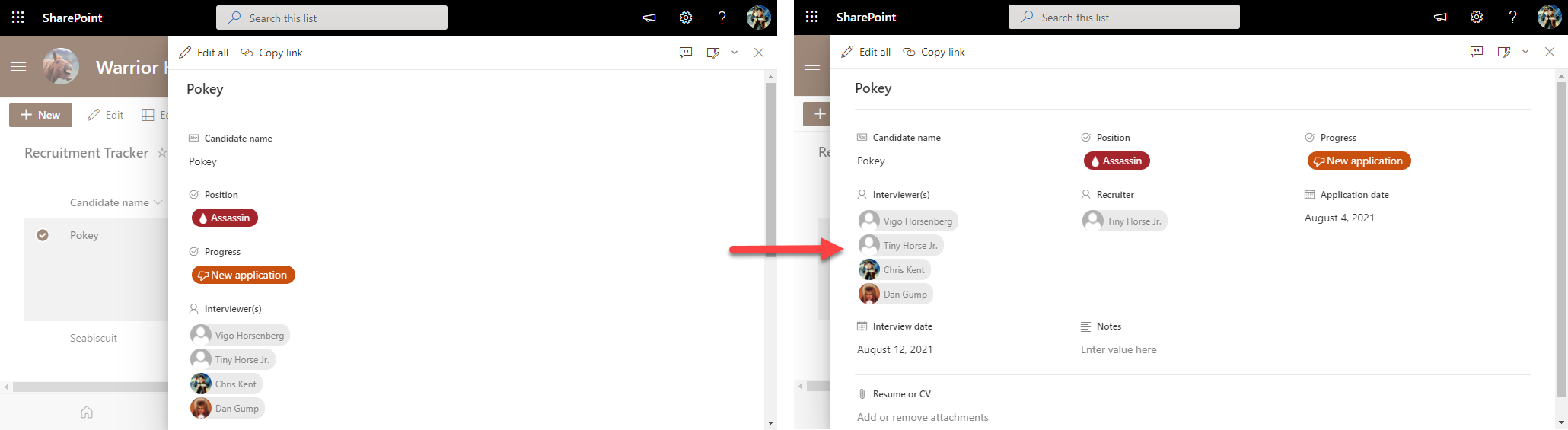
By default, uncustomized list forms display the fields in a single column. This is generally fine, but sometimes you may want to use more horizontal space and have your fields wrap. This is not technically a format but rather a body layout. No columns or sections are specified meaning that this can be applied to any form and it won't change the order of display or what columns are visible it simply adds the wrapping.
View sample details →