SharedSamples.org
André Lage
Community Contributor

André Lage

@aaclage

35 samples featured.

35 Contributions
1 Collection
List Formatting View Formatting: 21Column Formatting: 12Form Formatting: 2
View André Lage on GitHub ↗

Contributions

Samples by André Lage currently indexed on SharedSamples.org.

Bar Option Picker preview
View Formatting
Bar Option Picker
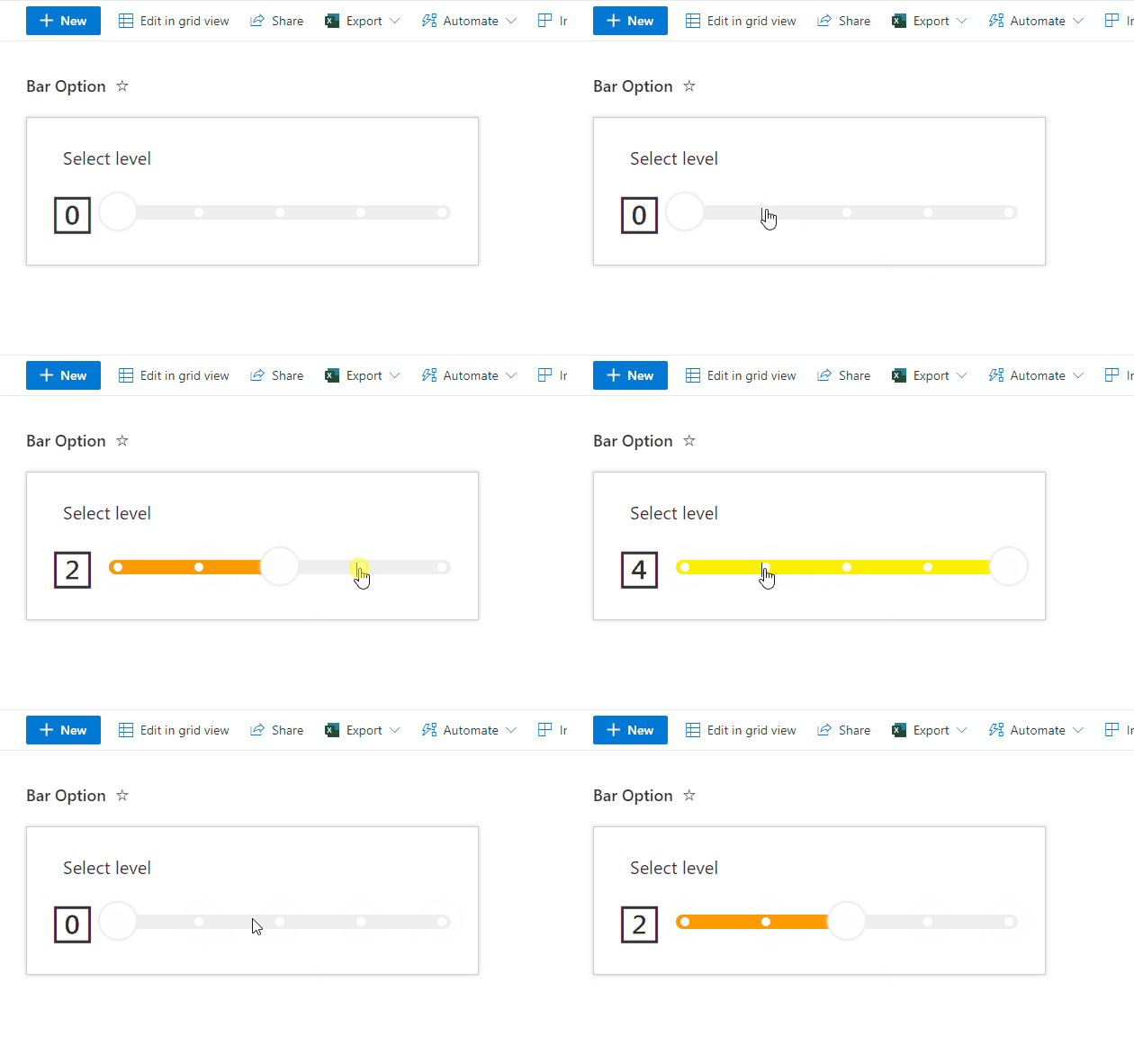
This sample displays a bar with multiple options. When an option on the bar is clicked, the Value column is updated to the corresponding value (0-4) using setValue.
View sample details →
Board Tags preview
View Formatting
Board Tags
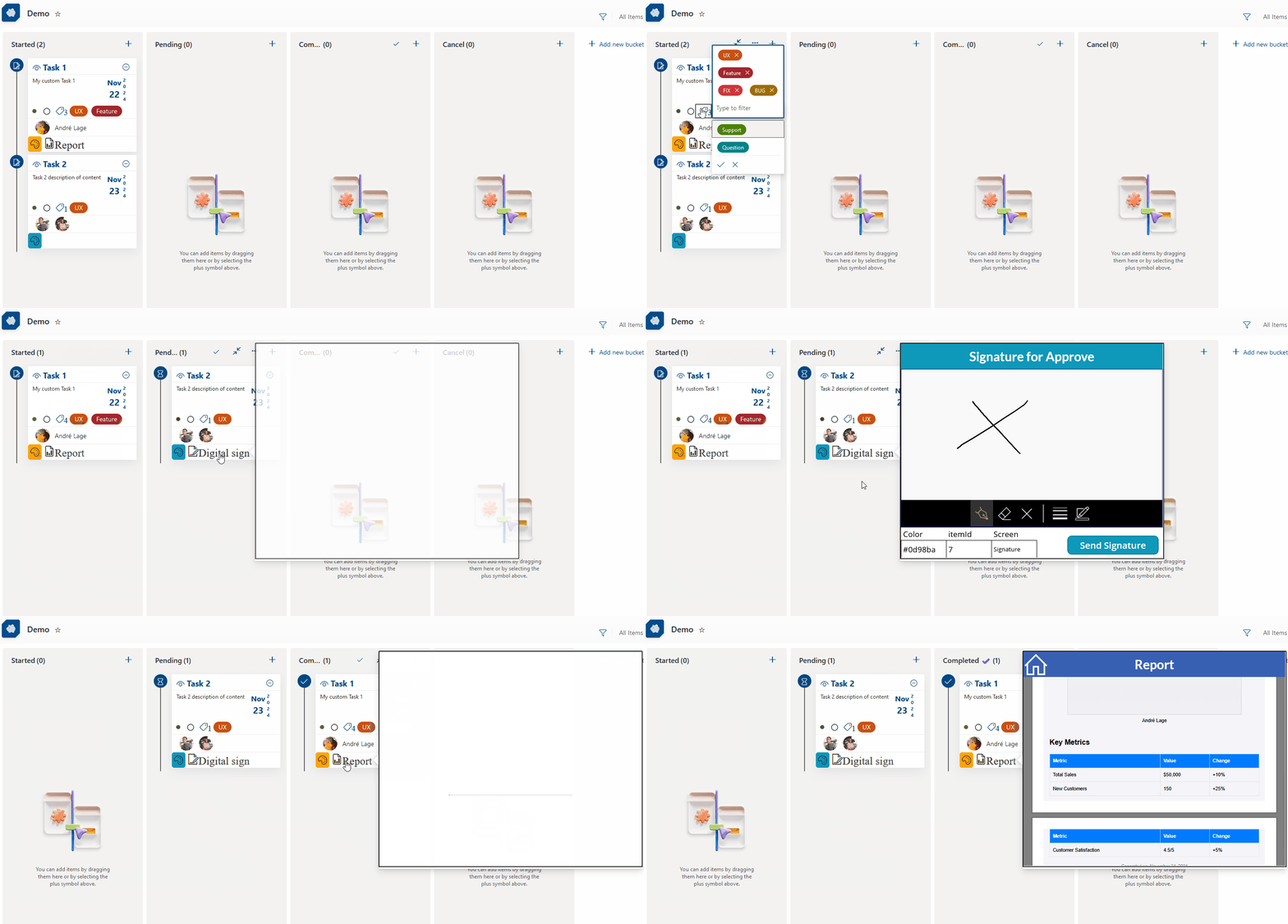
This sample displays a formatted card in a board view that enables tagging, updating card dates, menu options to reorder cards within their category, sharing links, flag (focus colors), assigning a user, and minimizing/expanding the card. This List format also uses embedded action to open custom Power Apps with parameters for digital signature of user and report generator.
View sample details →
Chevron shape format preview
View Formatting
Chevron shape format
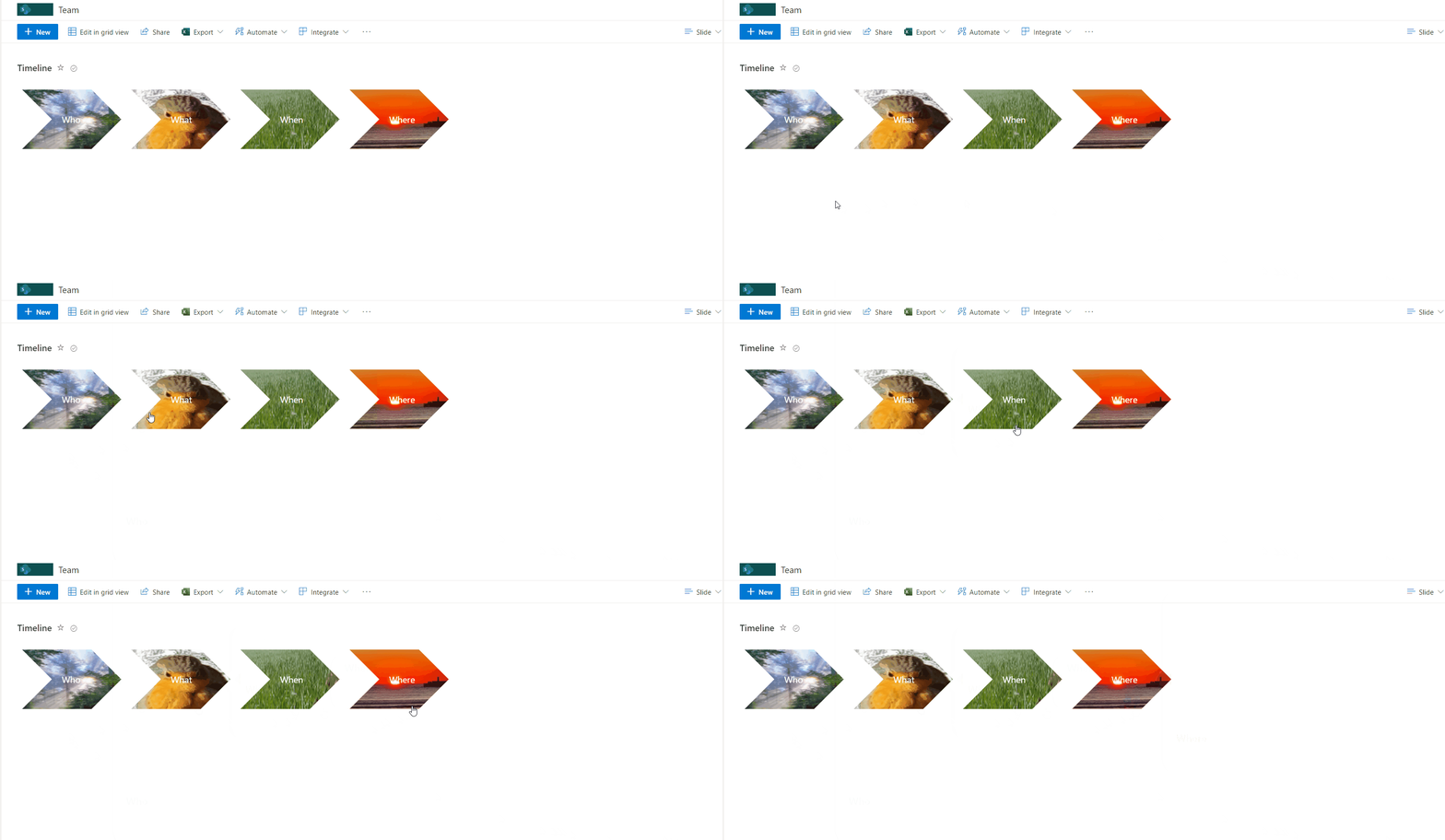
This sample how to create chevron style shape with background image. When mouse over image popups and display title and description.
View sample details →
Christmas Tree preview
View Formatting
Christmas Tree
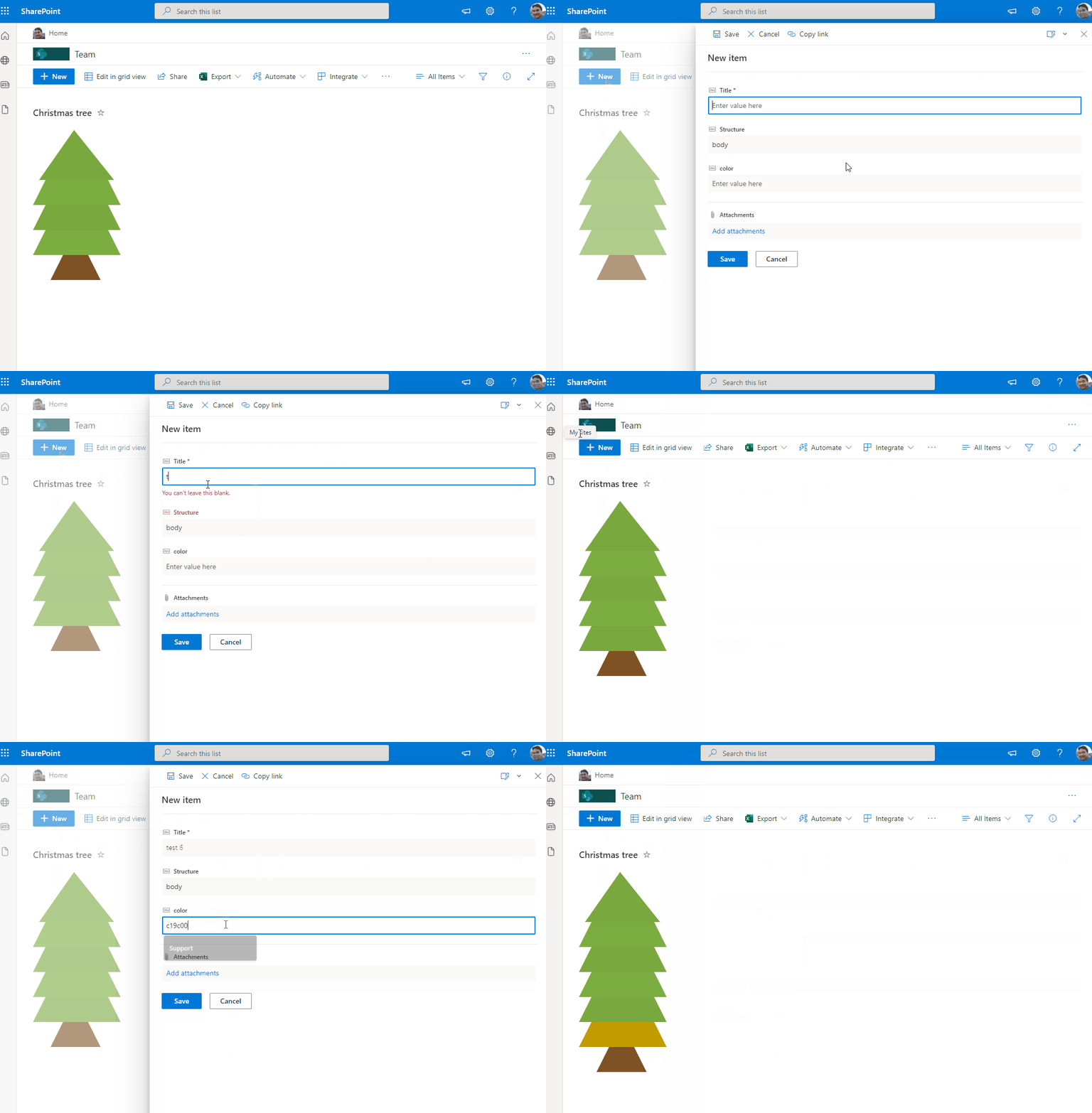
This sample draws a tree across rows in 3 different stages 'alt' as top, 'body' as tree and 'wood' as bottom. You can also include icons in the tree. The Title field will appear as a tooltip on the icons.
View sample details →
Clipboards preview
View Formatting
Clipboards
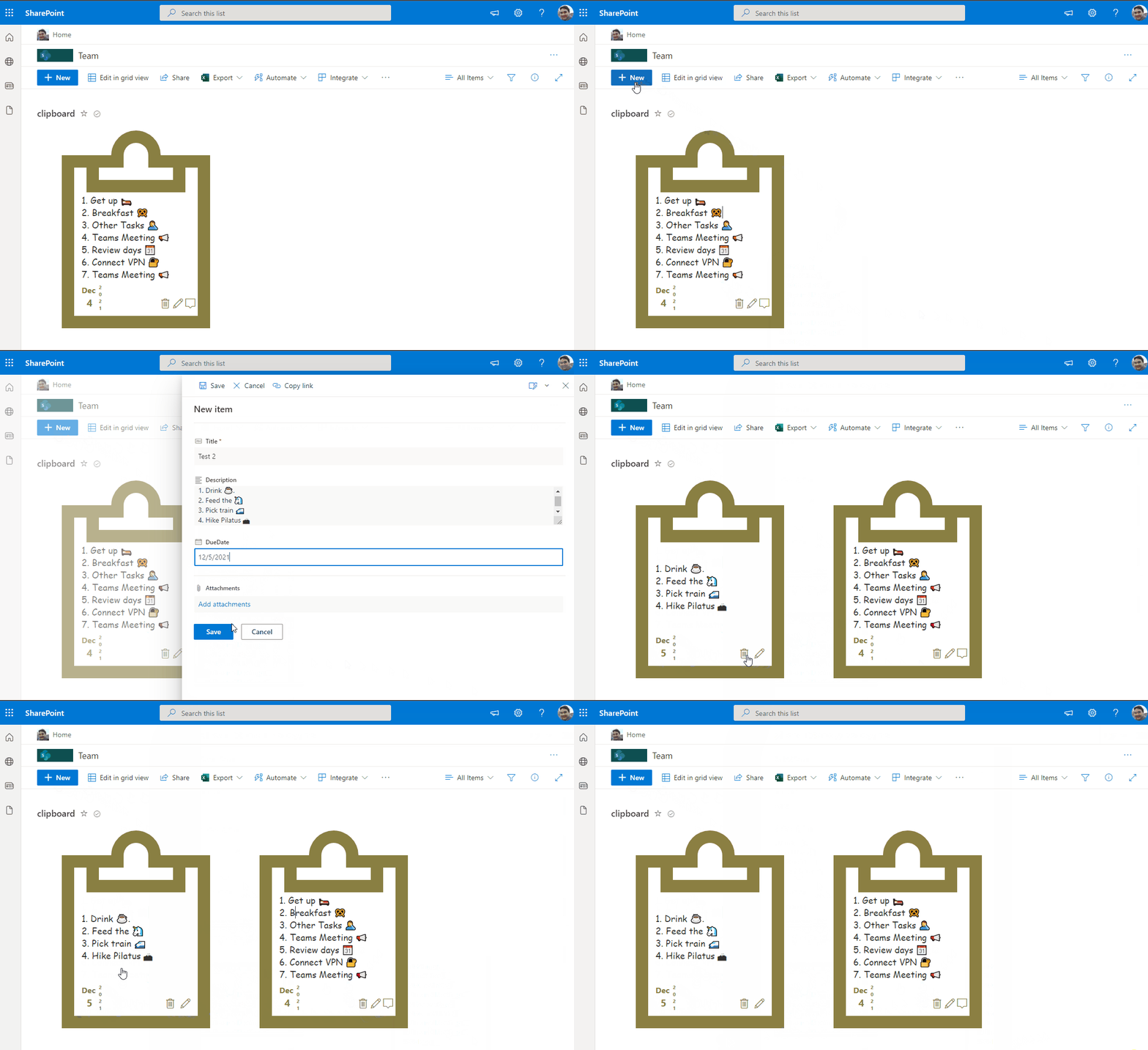
This sample displays a formatted card in a board view that enables tagging, updating card dates, menu options to reorder cards within their category, sharing links, flaging (focus colors), assigning a user, and minimizing/expaning the card.
View sample details →
Color Picker preview
View Formatting
Color Picker
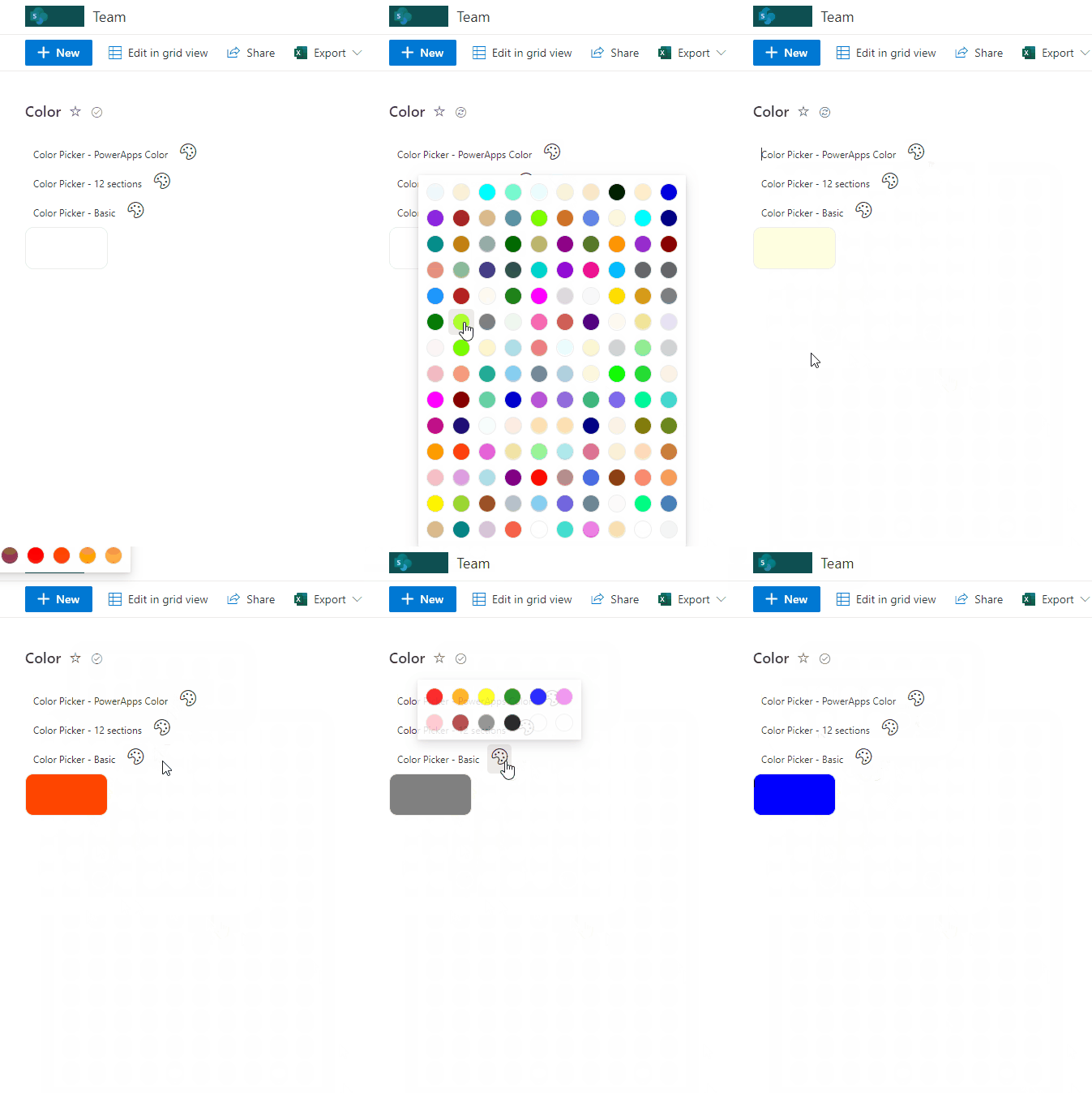
This sample contains pre-defined palettes of color (default matches Power Apps). These palettes are then made available as a color picker setting the value on selection.
View sample details →
Compressed Date preview
Column Formatting
Compressed Date
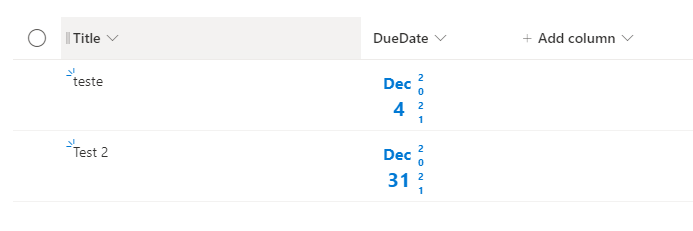
This sample provide a different style to provide Date in a compress way such us align days and month and display year parallel as vertical.
View sample details →
Discussion Board preview
View Formatting
Discussion Board
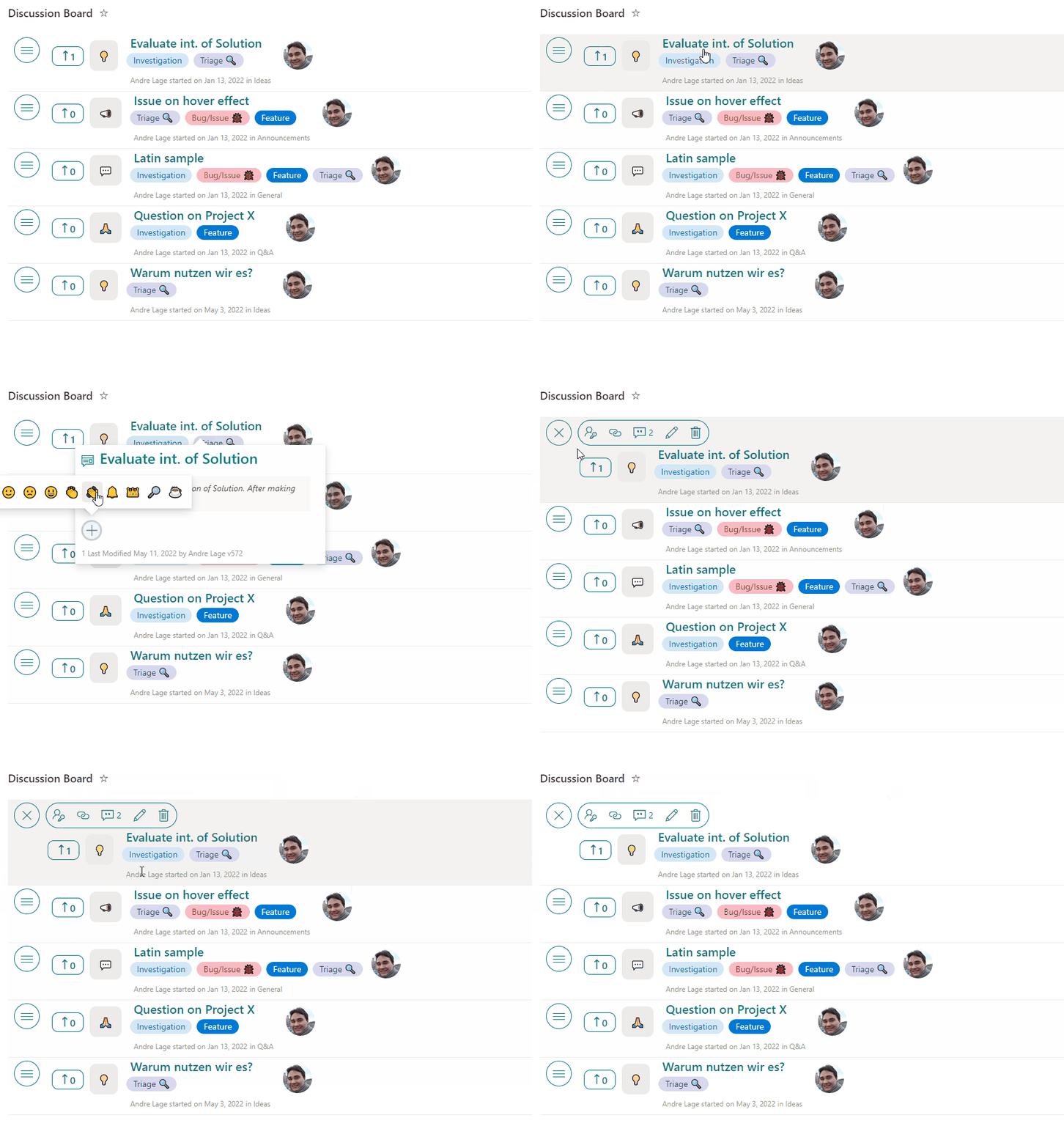
This sample transforms your list into a discussion board with title, desription, tags, and votes are available. Additionally, users can react, comment, and perform inline edits!
View sample details →
Emoji Reactions preview
View Formatting
Emoji Reactions
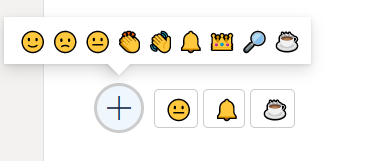
This sample demonstrates reacting with an emoji. Who reacted and the total counts per reaction are stored with the list item.
View sample details →
Event Registration preview
View Formatting
Event Registration
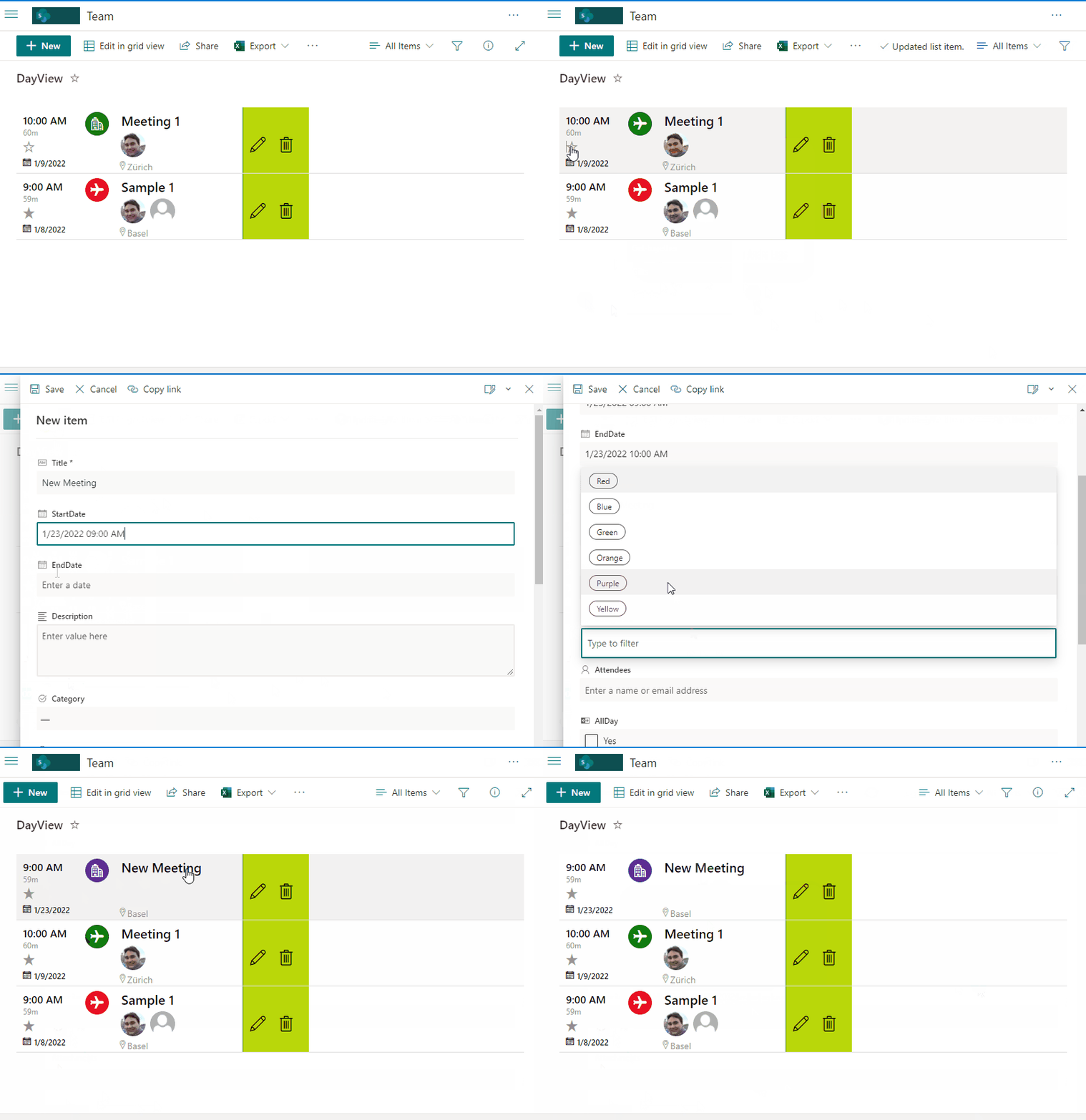
This sample provides Event registration with different capabilities such us Start and End dates, Category, Attendees, All Day option, Location, Team URL, and favoriting.
View sample details →
File Picker preview
Column Formatting
File Picker
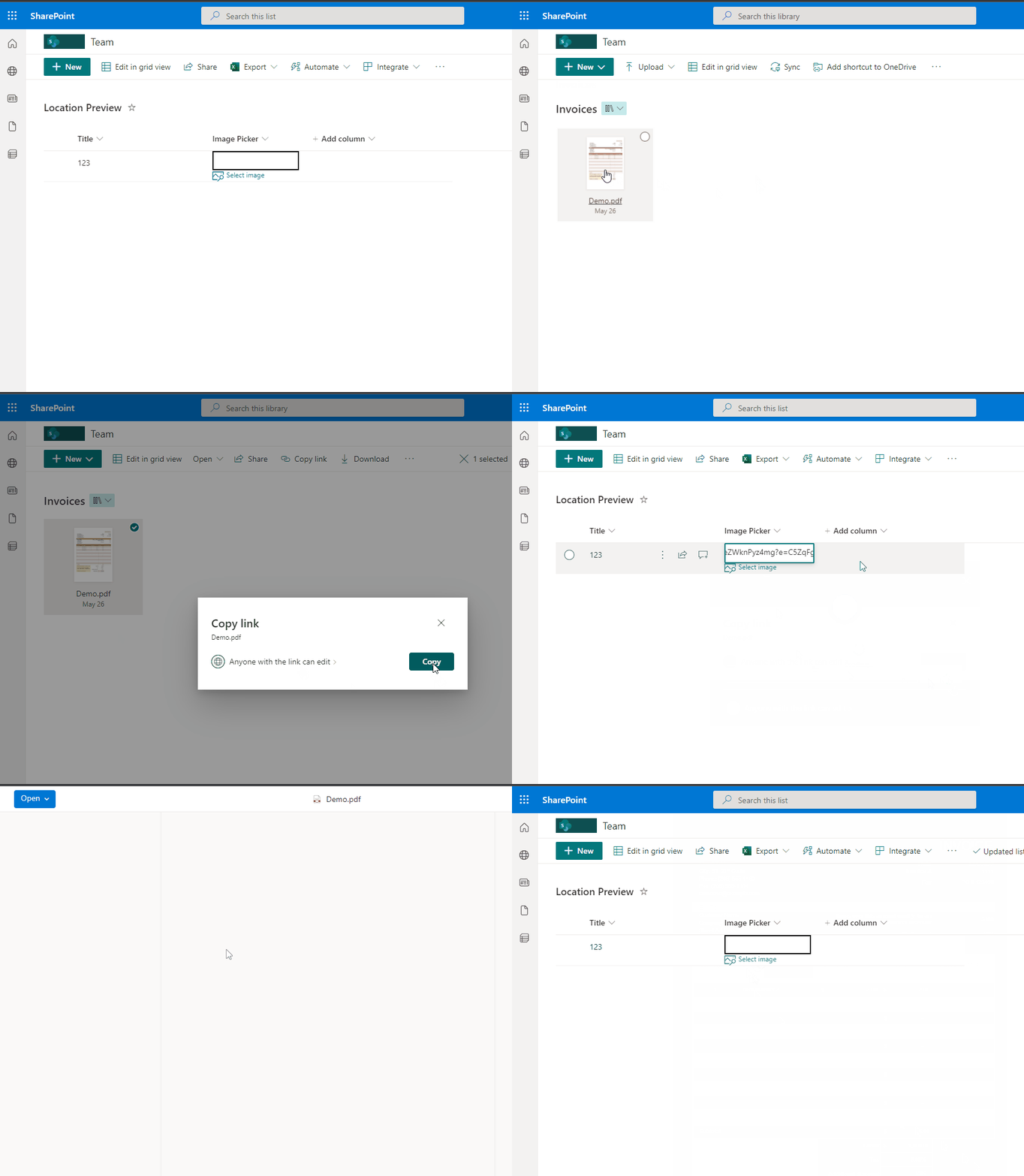
This sample demonstrates how to prompt users to copy a file link from a specific library and displays it in the column.
View sample details →
Image Slider preview
View Formatting
Image Slider
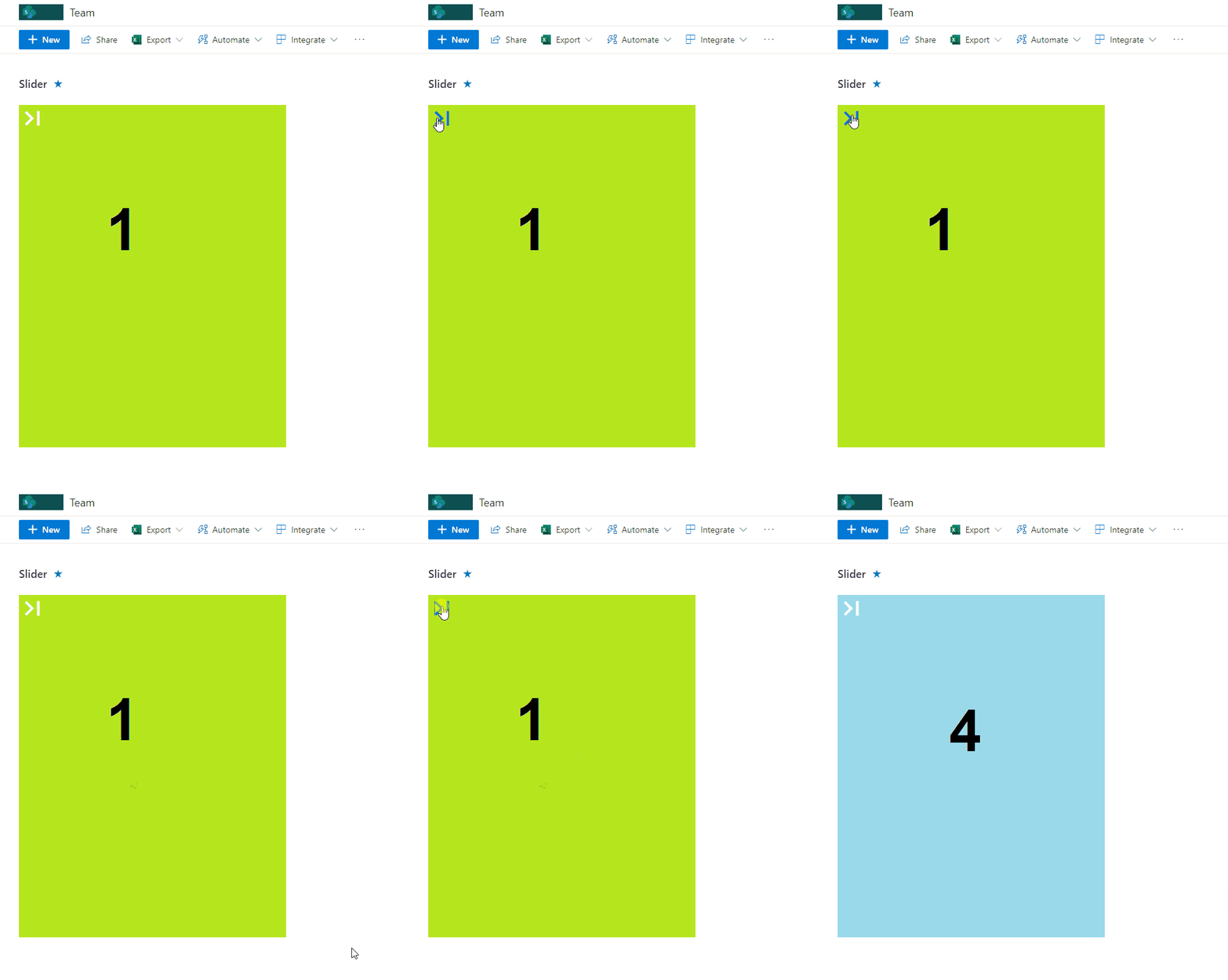
This sample includes format to display images in Lists as slider moving to next clicking the icon on top left of image.
View sample details →
Menu Link Tiles preview
View Formatting
Menu Link Tiles
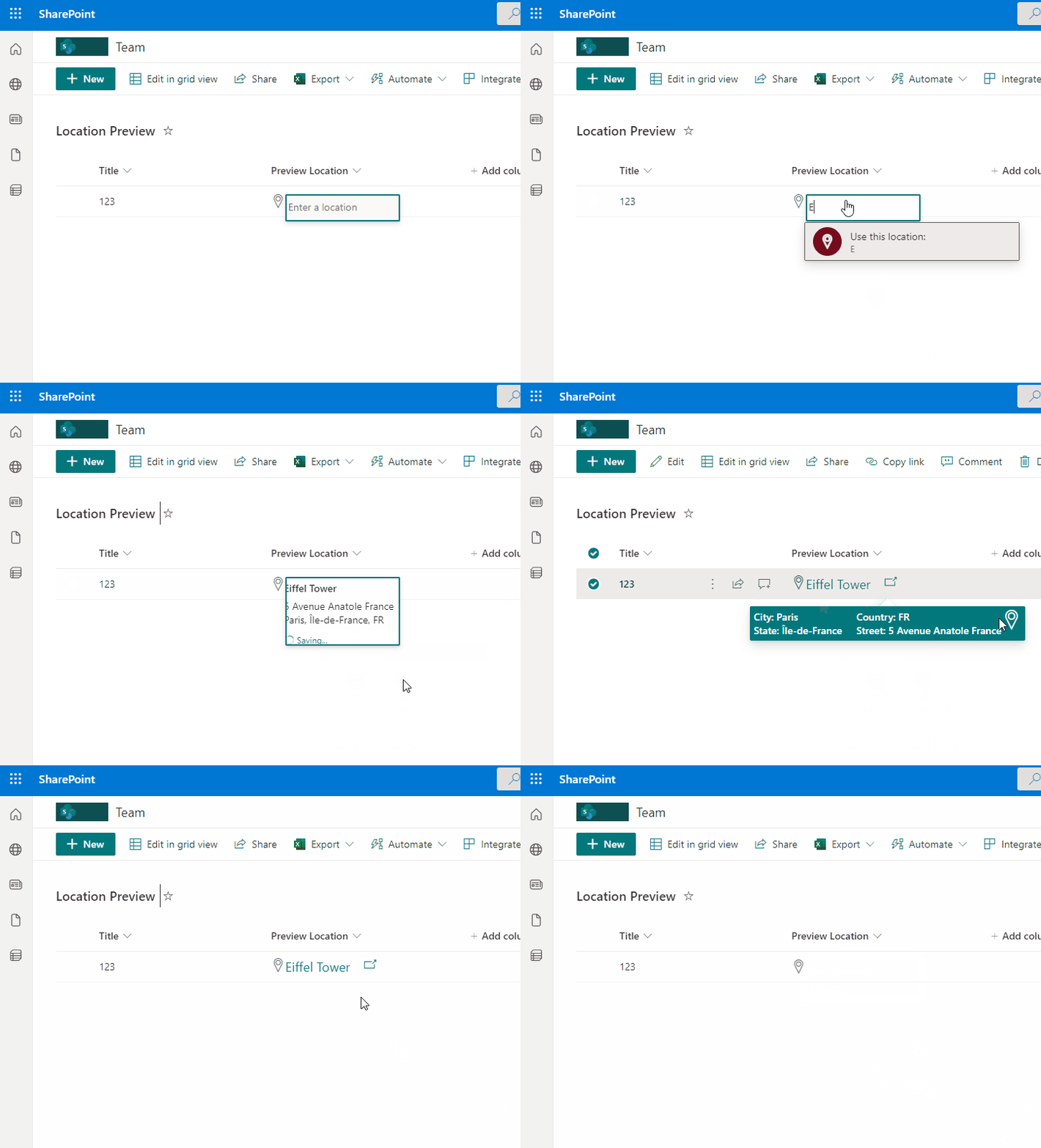
This sample includes a Metro tiles style menu with additional features such us configuration of tiles using size and color, option to favorite a tile using setValue, and also includes customCardProps to show a custom hover card with the description of a tile.
View sample details →
Multi-Person Displays preview
View Formatting
Multi-Person Displays
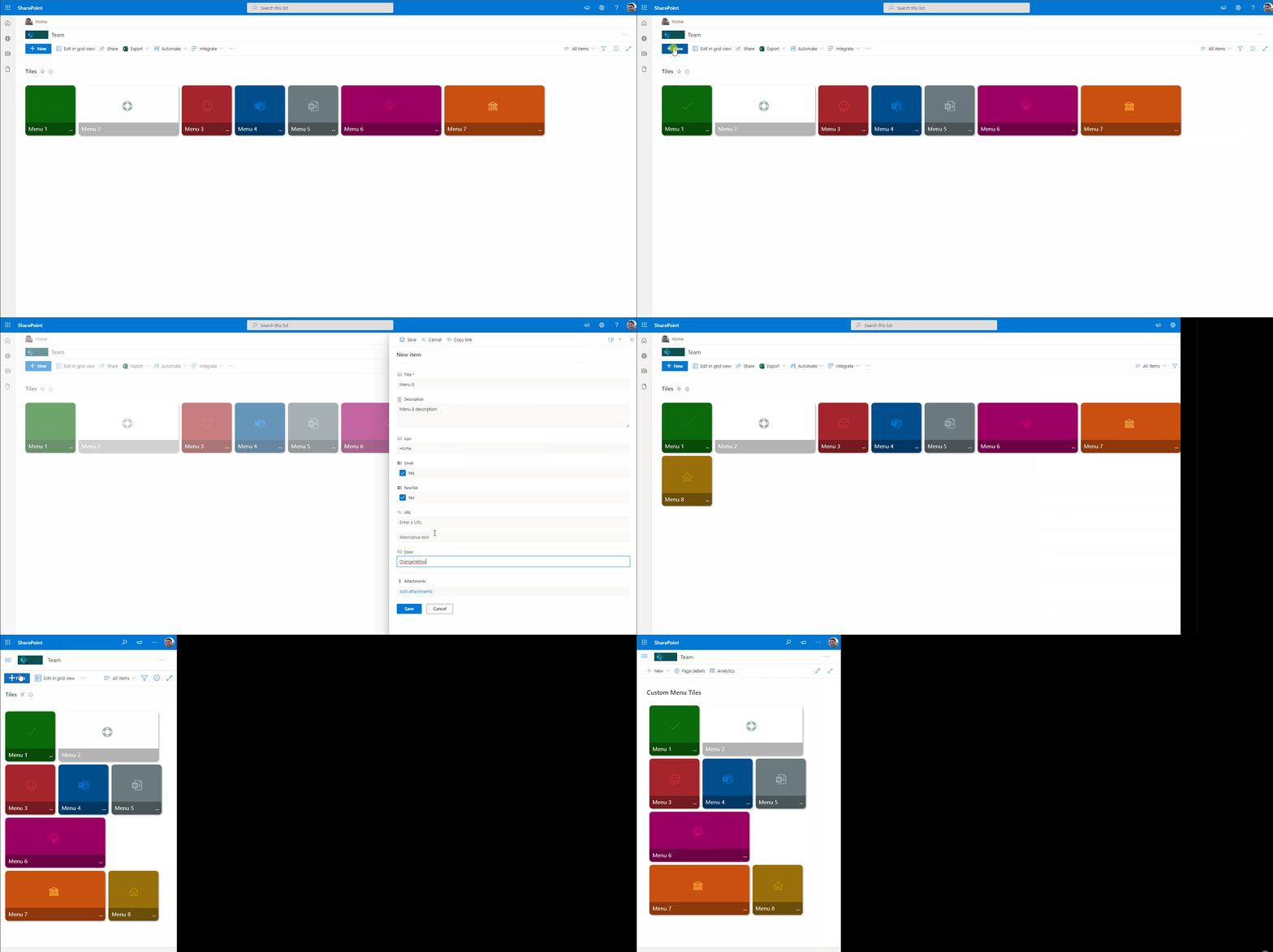
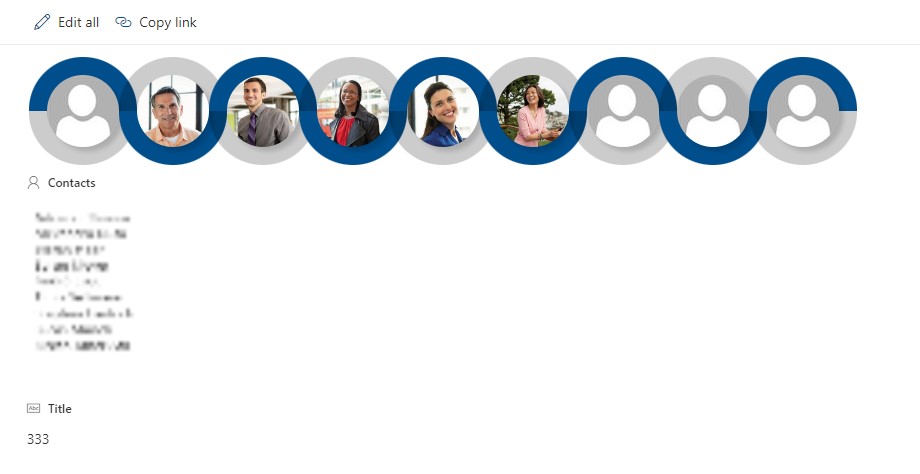
This sample provides multiple formats illustrating different ways multi-person field display and inline editing can occur. The field is rendered multiple times to show different options.
View sample details →
One Point Chart preview
Column Formatting
One Point Chart
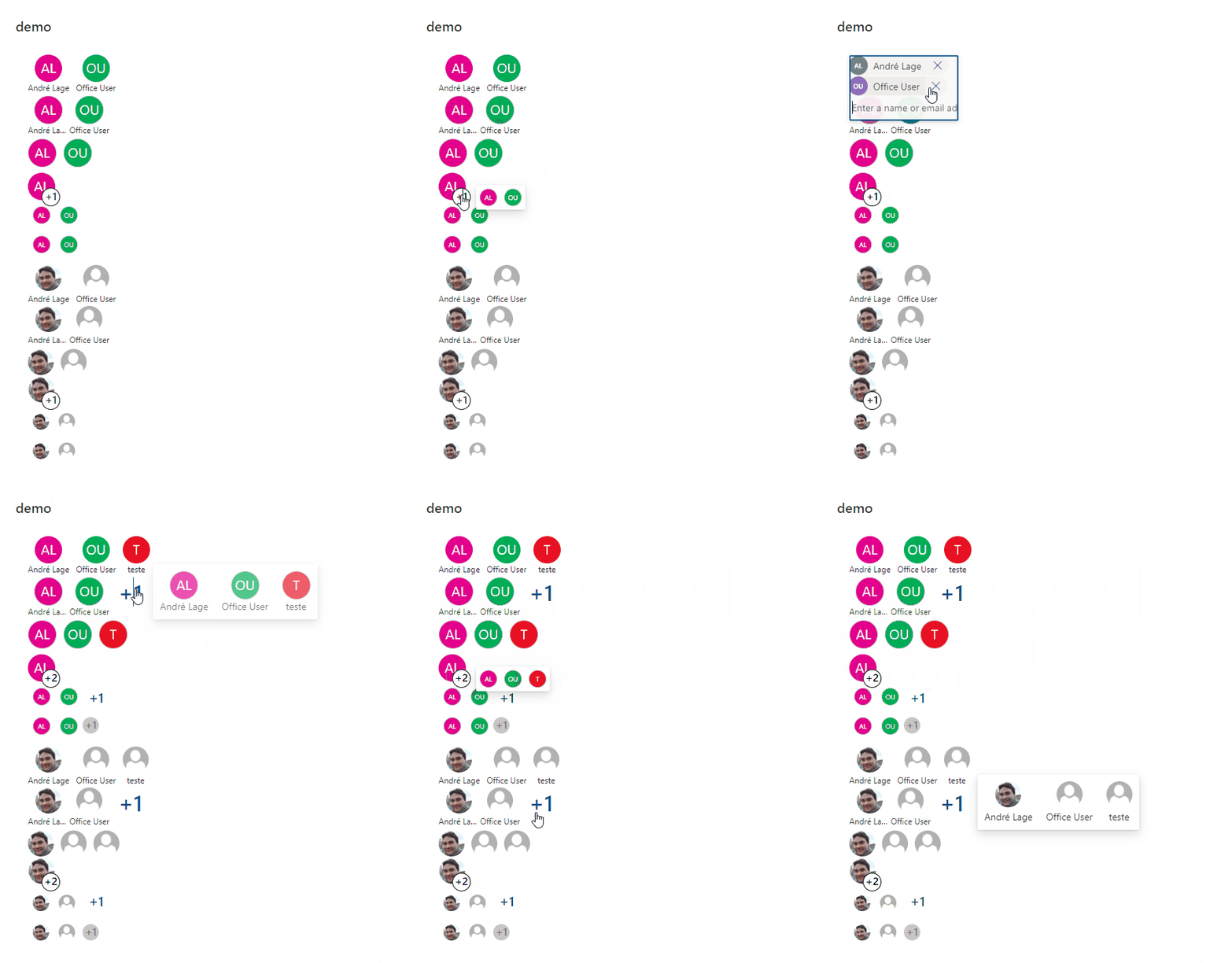
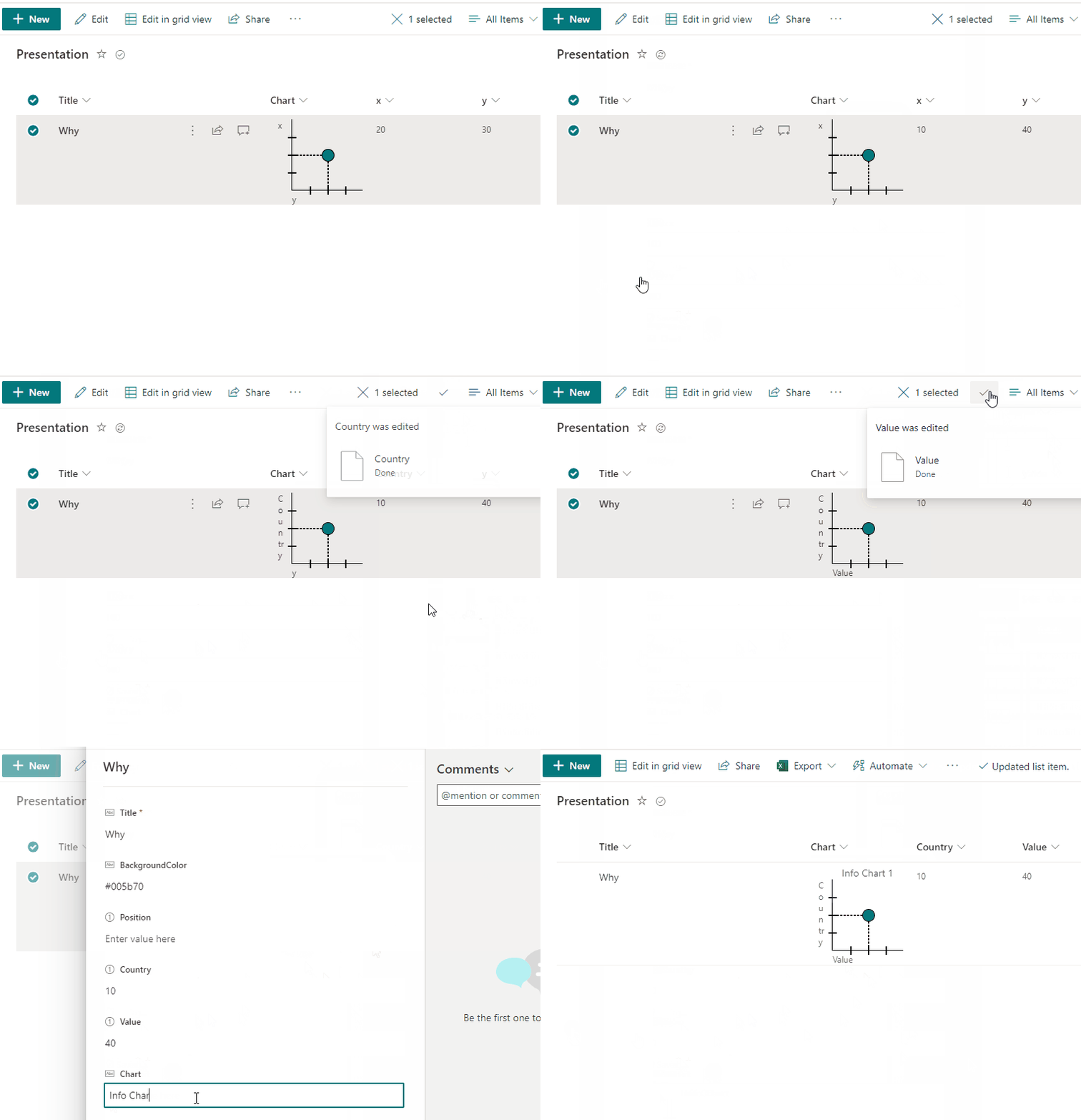
This sample demonstrates making one point chart with support of 2 numeric fields (x,y) with dialog description.
View sample details →
Open File as PDF preview
Column Formatting
Open File as PDF
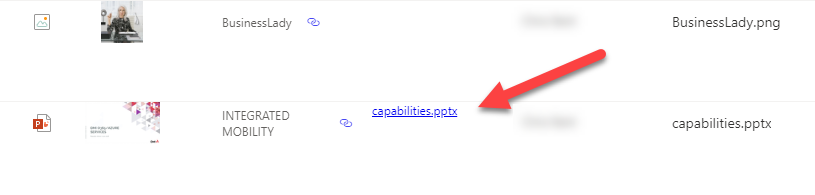
This sample can be applied to a column in a Document Library to render a link that will open an Office Document as a pdf.
View sample details →
Payments preview
View Formatting
Payments
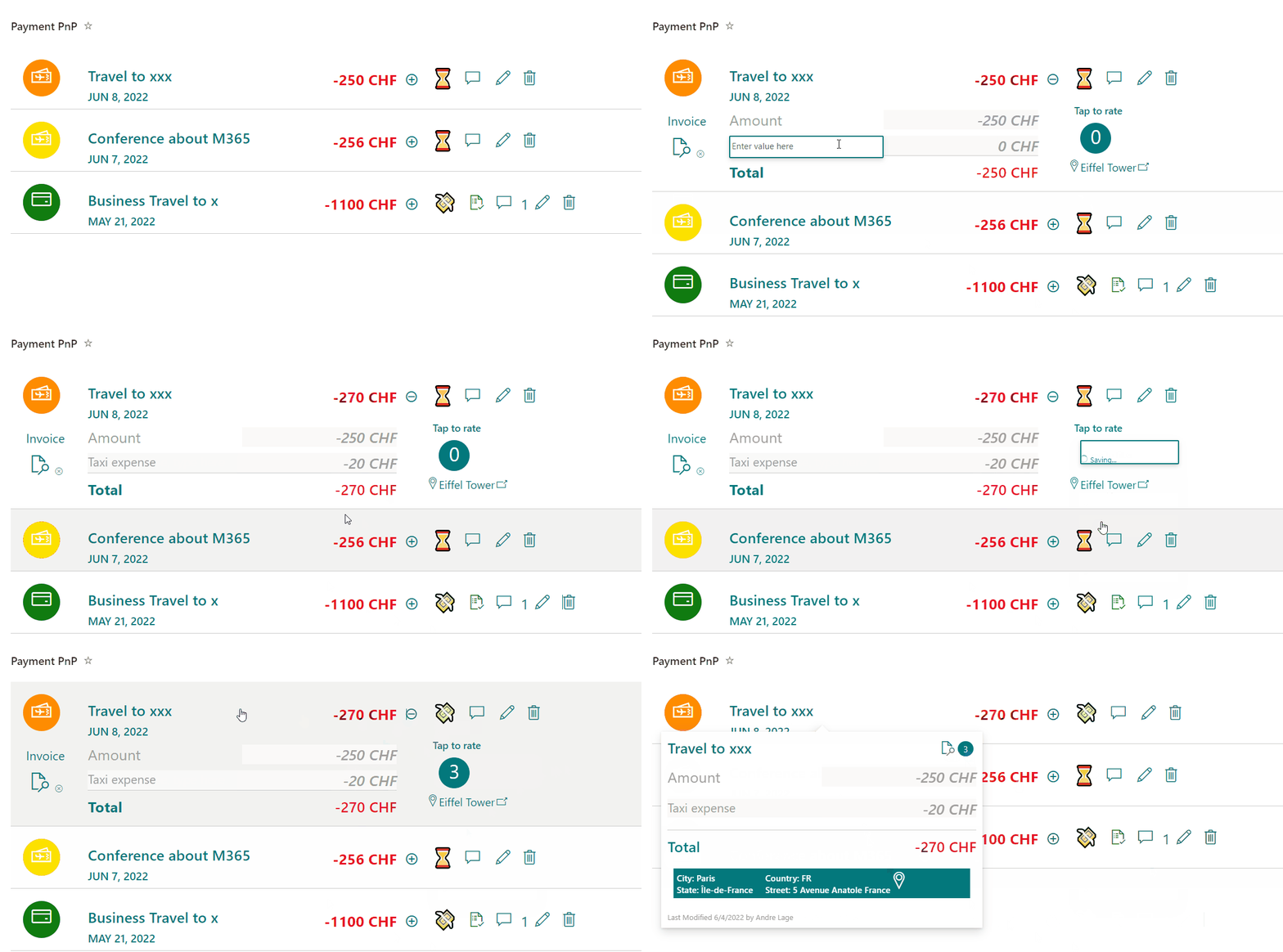
This sample provides a payment list format to register daily expenses, currency, status, rate option, comments and categorization of payment. Solution has 3 formats Desktop, Mobile and Group by Category.
View sample details →
Percent Chart format preview
View Formatting
Percent Chart format
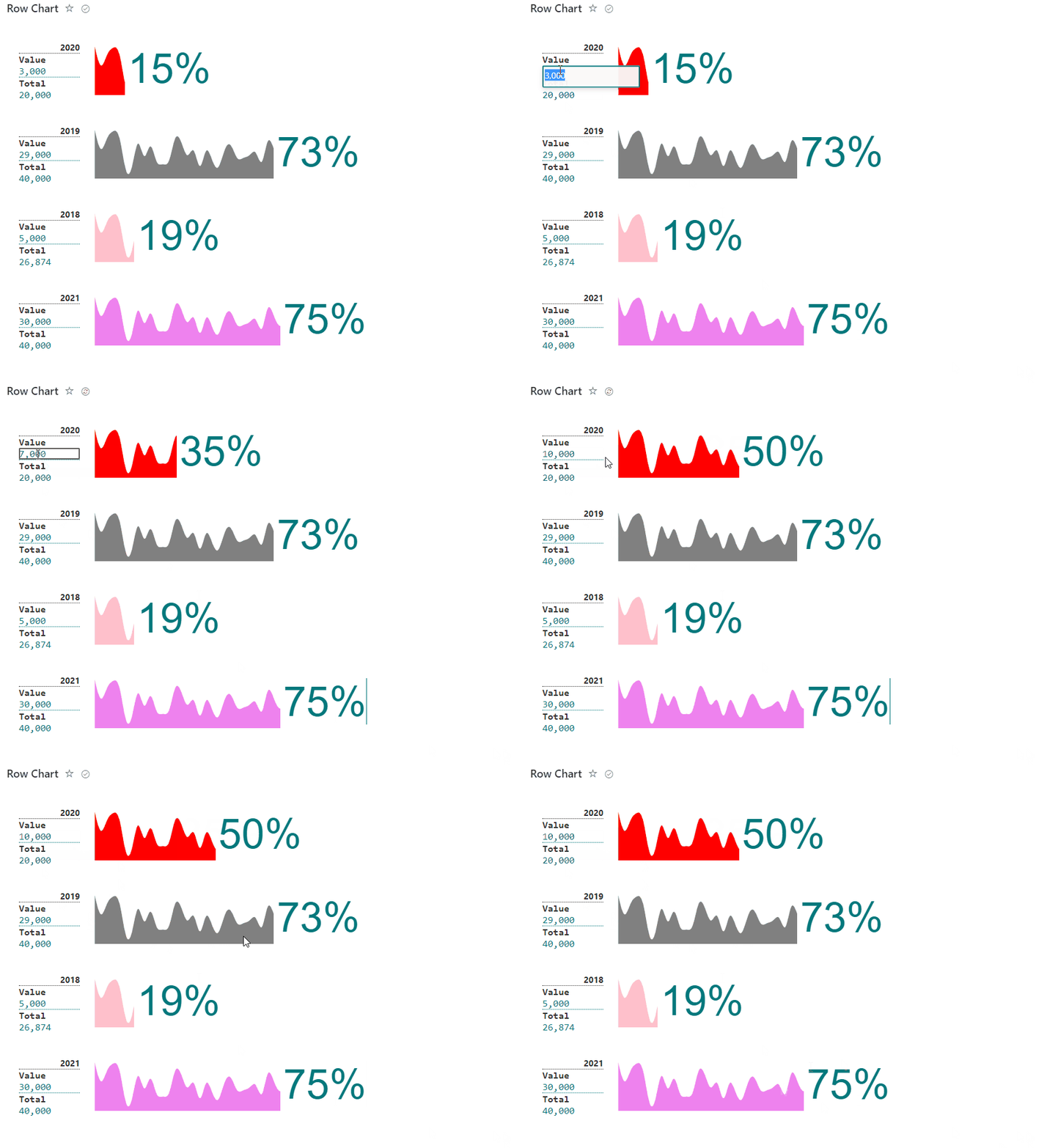
This sample display formatted percent chart row based on icon/emoji/svg and associated result number, used is able to manage to total and used items for percent calculation.
View sample details →
Reorder and Expand Board Items preview
View Formatting
Reorder and Expand Board Items
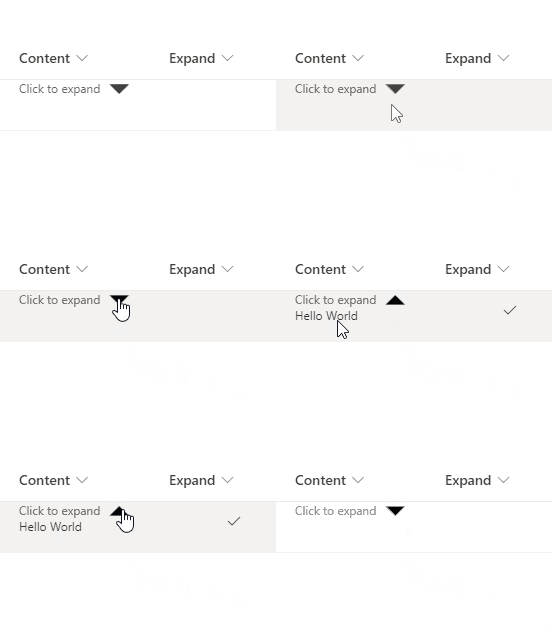
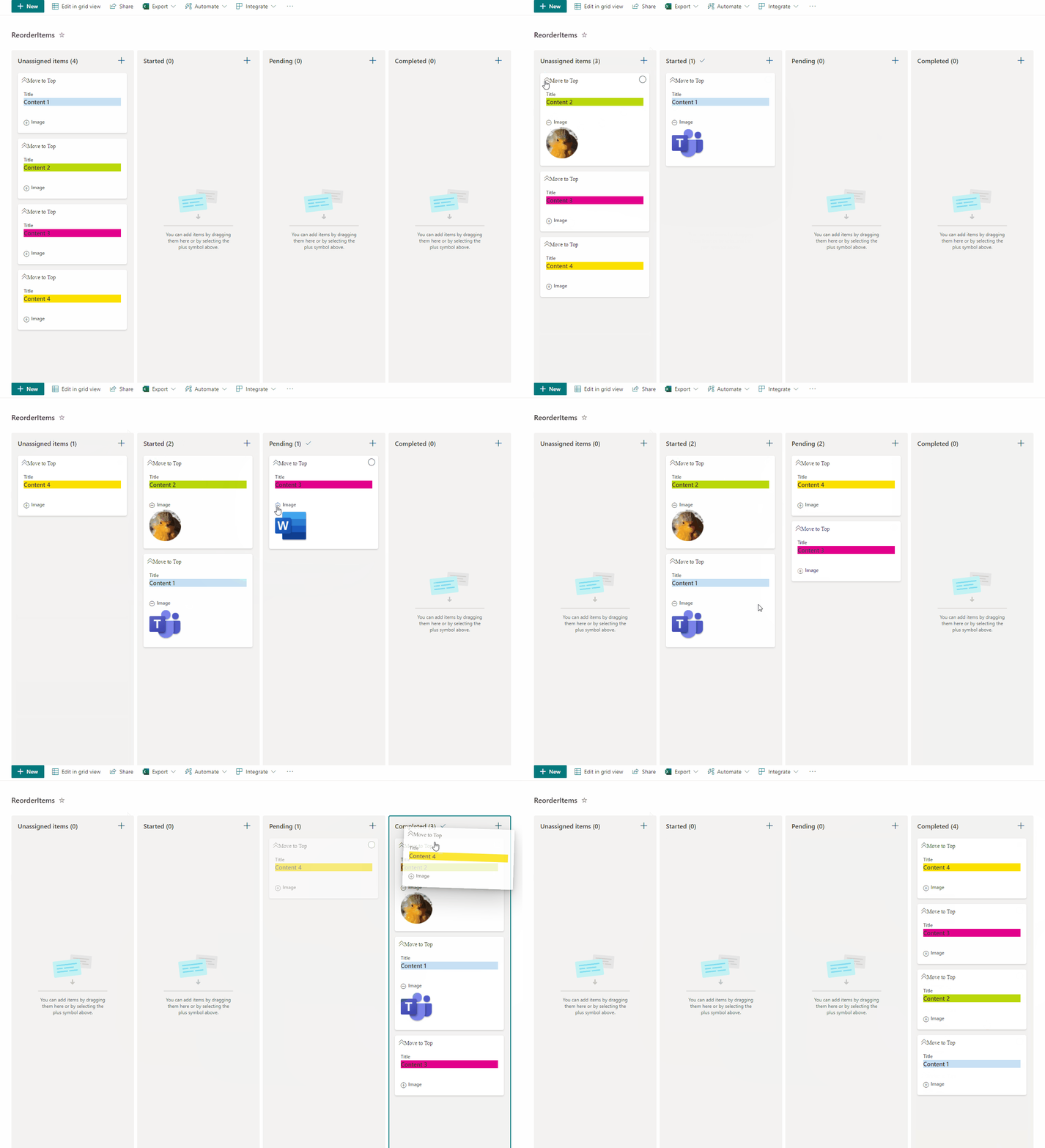
This sample allow users to manage card order in Board Views and also enables expanding and collapsing images. This sample has the option 'Move to Top' that allows users to move cards to the top of the board view as a way to rearrange card positions.
View sample details →
Roll Dice preview
View Formatting
Roll Dice
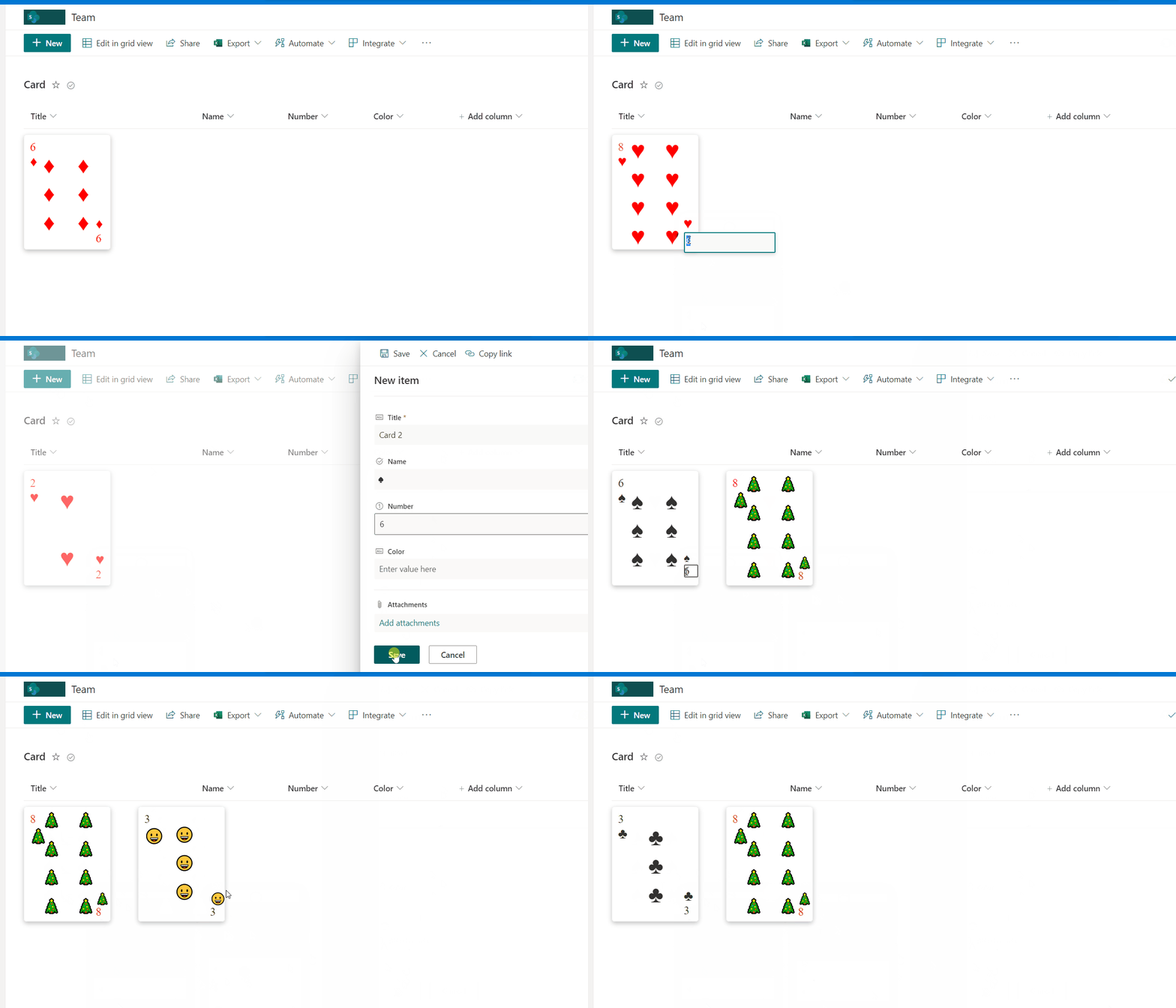
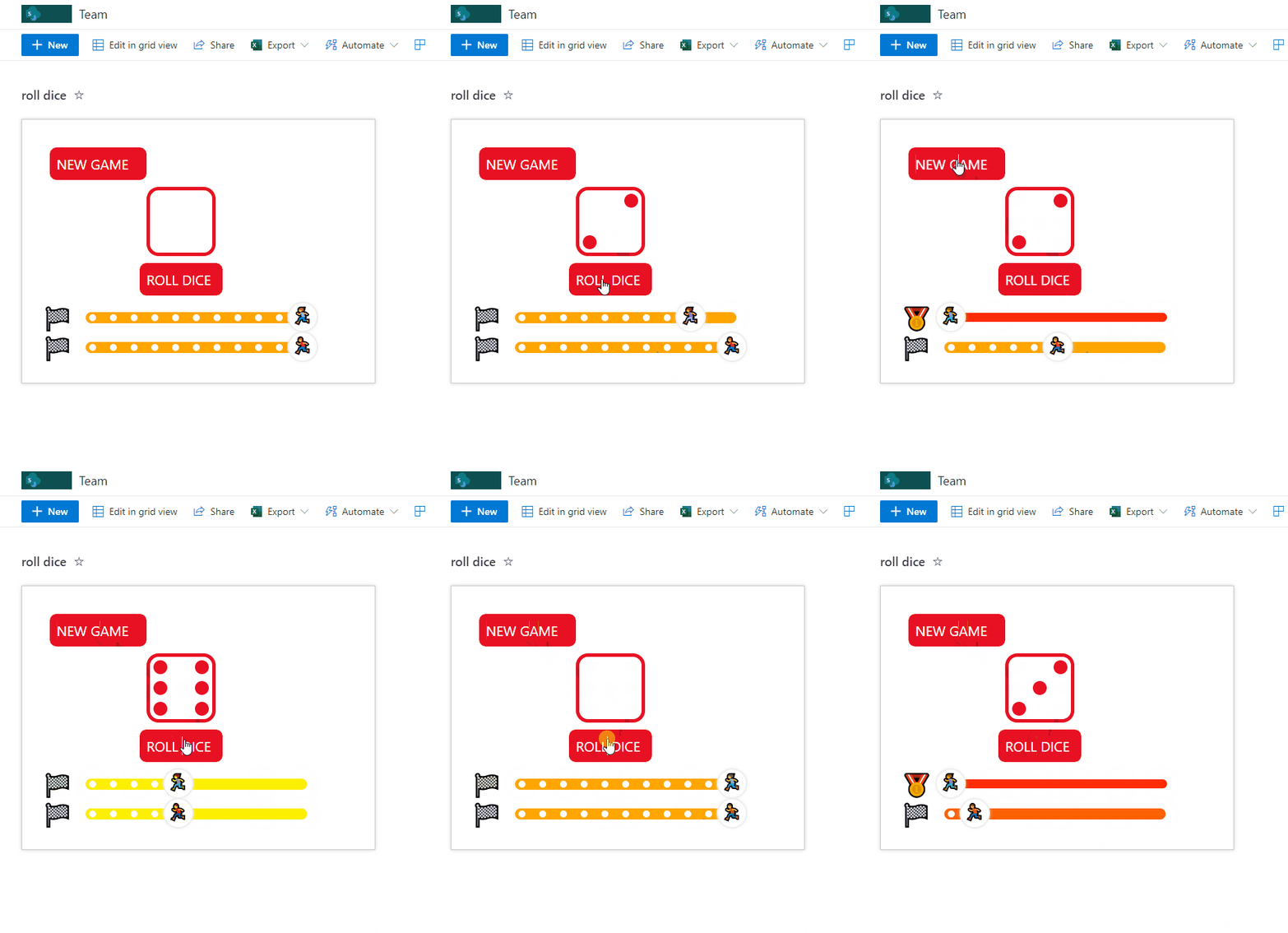
This sample format provides a simulation of a game where a random number (between 1 and 6) is generated and displayed as a die. The value makes the progress bar advance with the associated emoji until the value 0 is reached and the winner emoji appears.
View sample details →
Search Within Tags preview
View Formatting
Search Within Tags
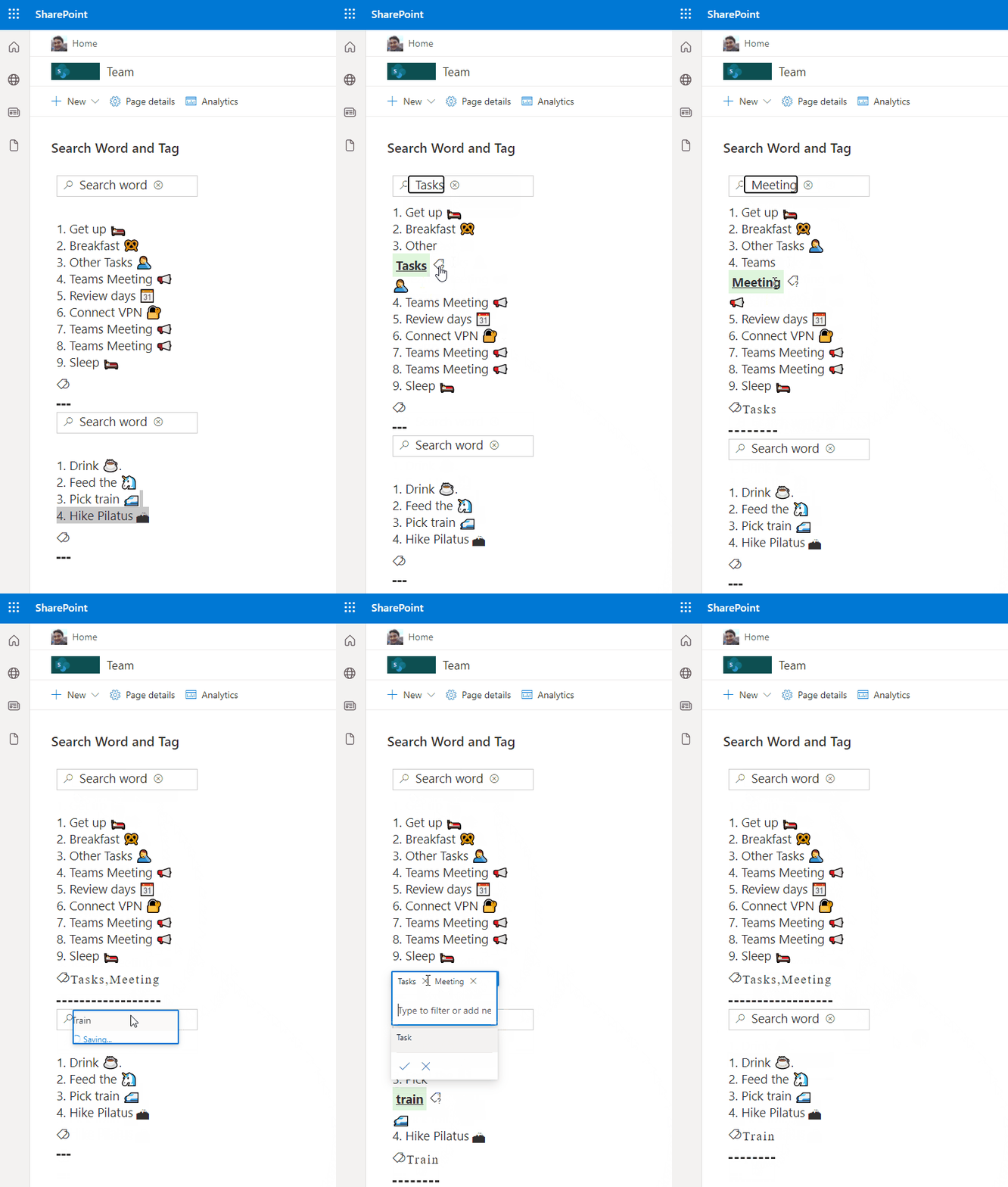
This sample demonstrates using inlineEditField to enable searching for a word against tags (choice column) within a list item.
View sample details →
Tabs preview
View Formatting
Tabs
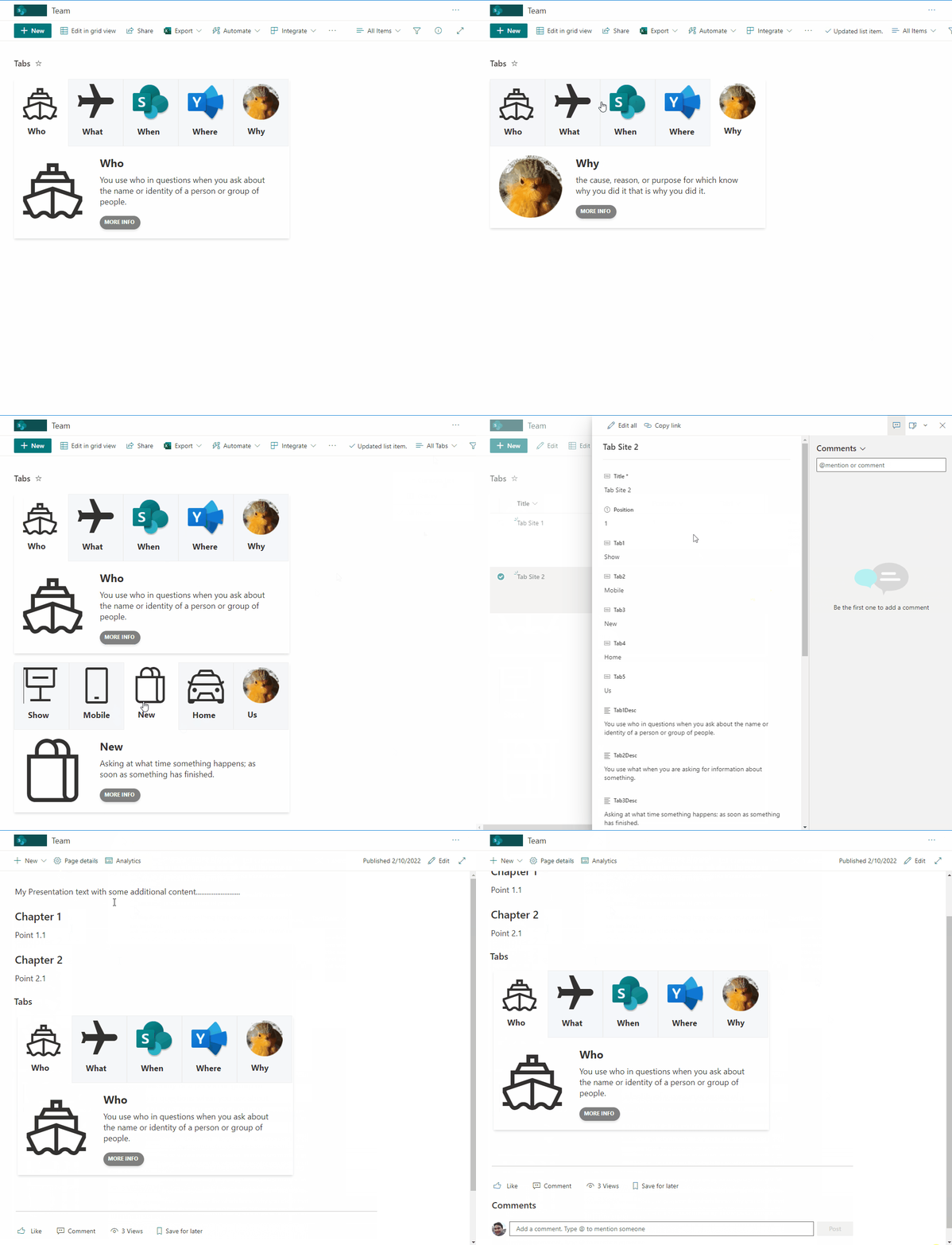
This sample creates tabs with associated content. Users can then navigate between tabs. This sample is intended to display content within a SharePoint page (using the lists webpart) to provide a more interactive and user friendly approach.
View sample details →
Teams Call Format preview
Column Formatting
Teams Call Format
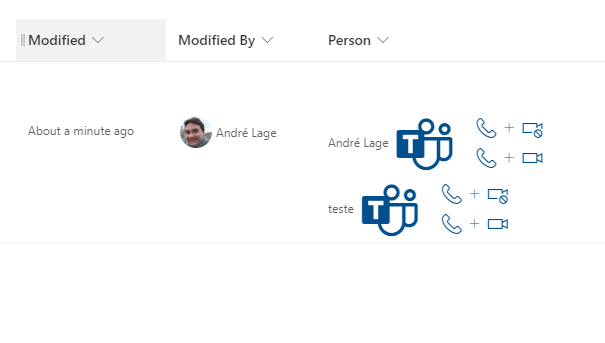
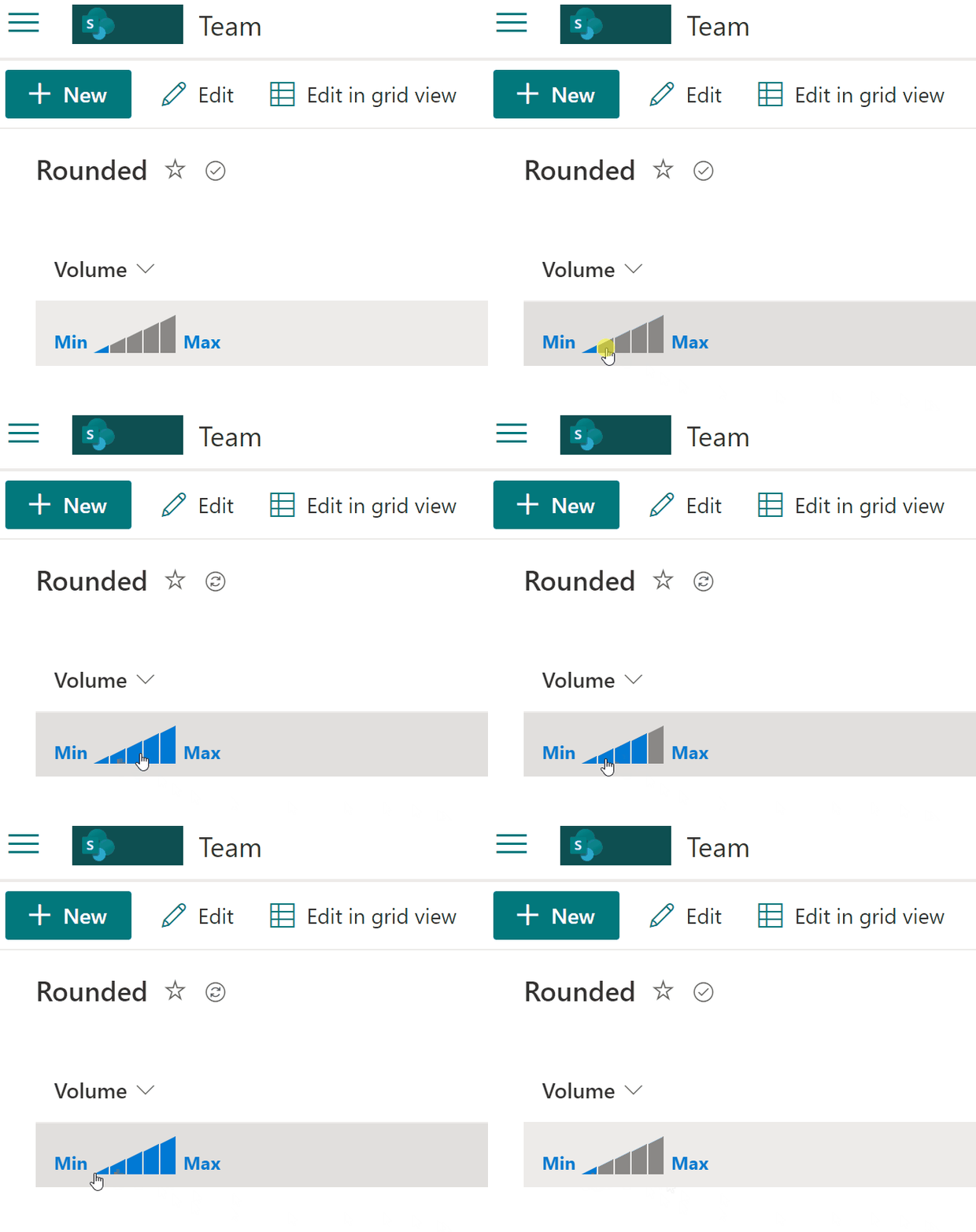
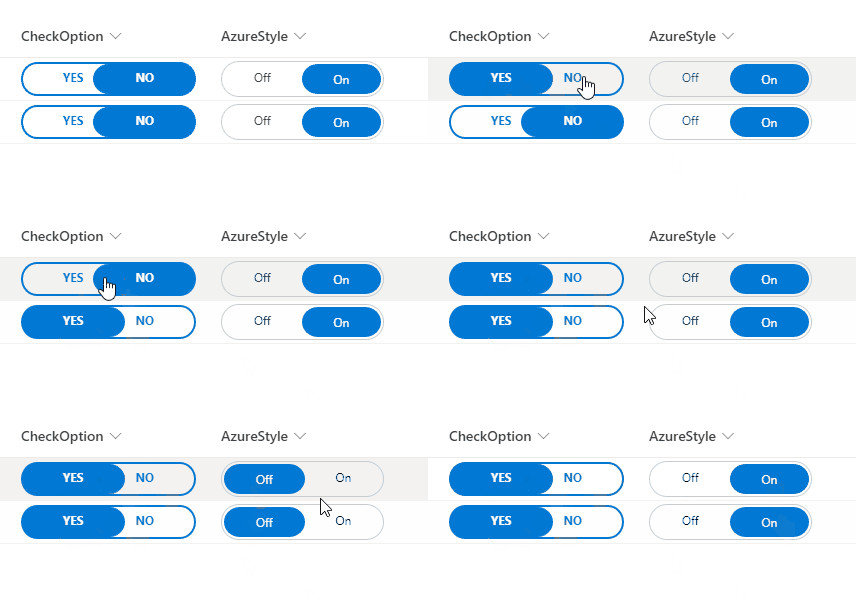
This sample uses Microsoft Teams deep links to create links from selected user that allow to make Microsoft Teams calls to user.
View sample details →
Teams Group Chat Links preview
View Formatting
Teams Group Chat Links
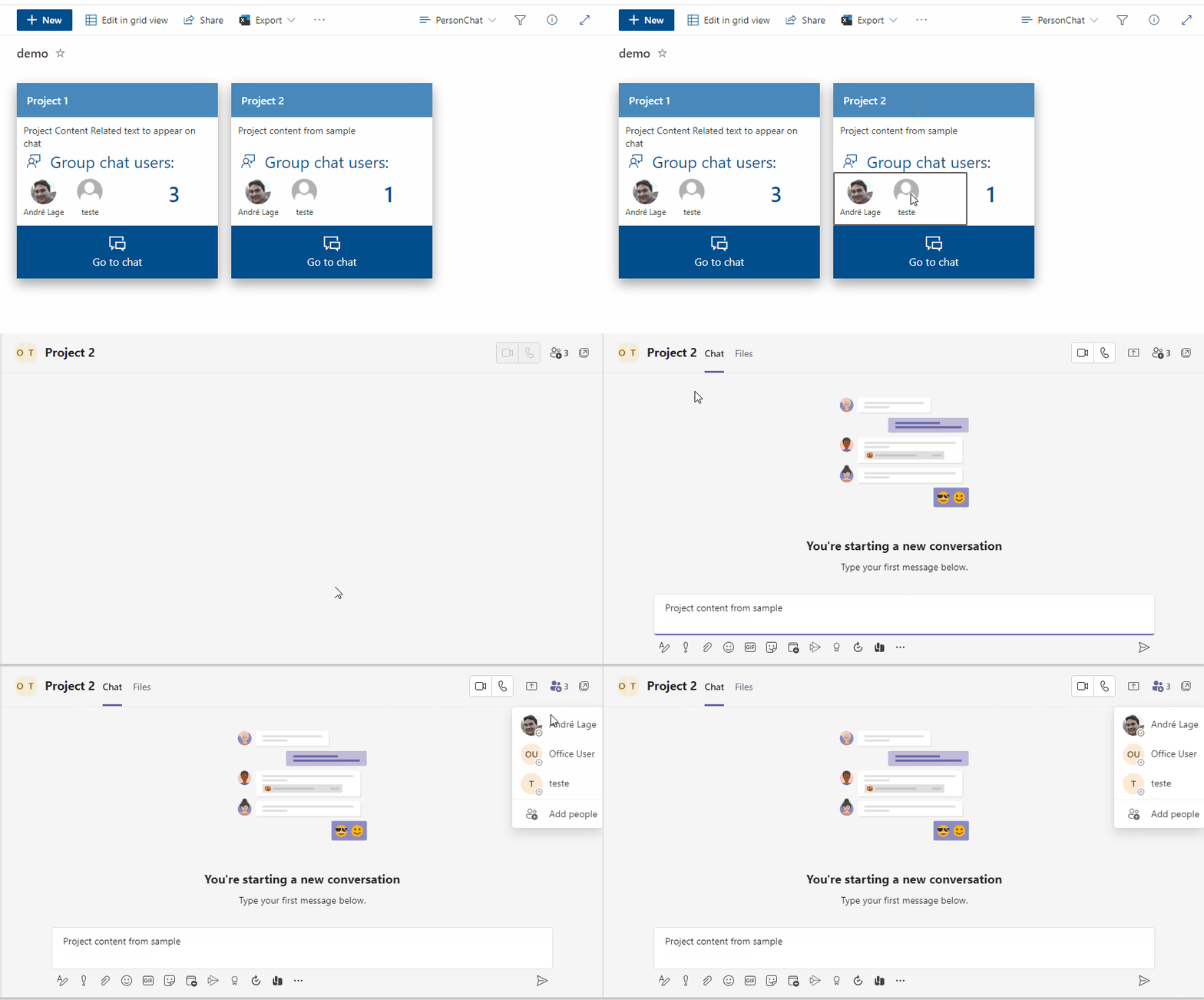
This sample uses Microsoft Teams deep links to create Teams chat group based on selected users with associated Group name and message.
View sample details →
Tic-tac-toe preview
View Formatting
Tic-tac-toe
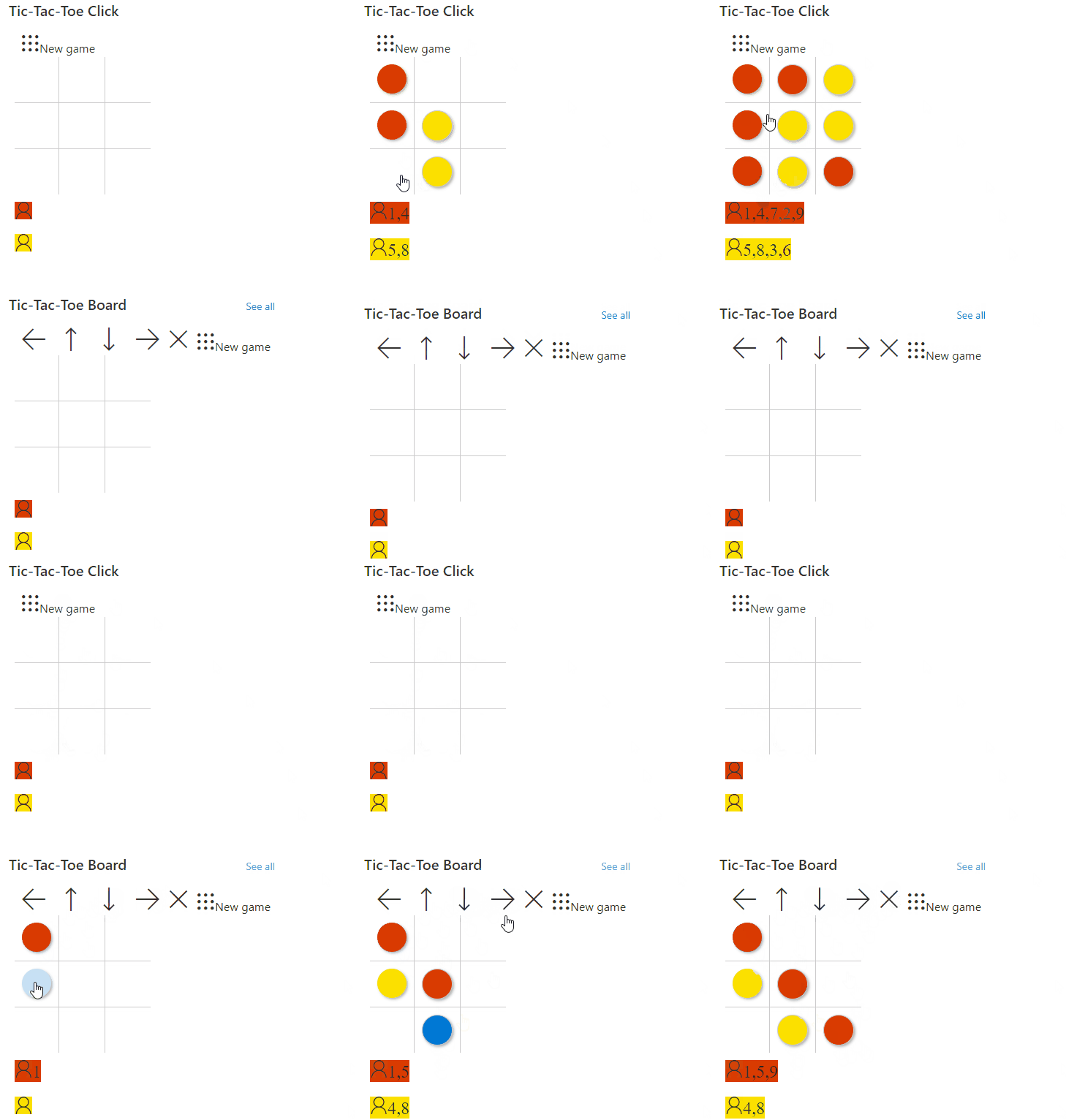
This sample demonstrates a version of tic-tac-toe using list formatting. By using the setValue action, the underlying list items are updated and the format is redrawn.
View sample details →
Welcome Header preview
Form Formatting
Welcome Header
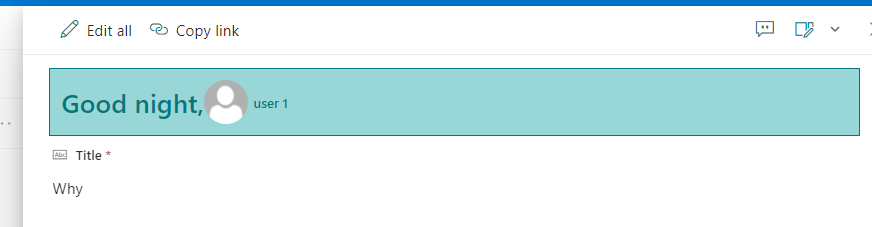
This sample demonstrates how to display Welcome message depending on time of day, display user profile image in Forms Header.
View sample details →