
About this sample
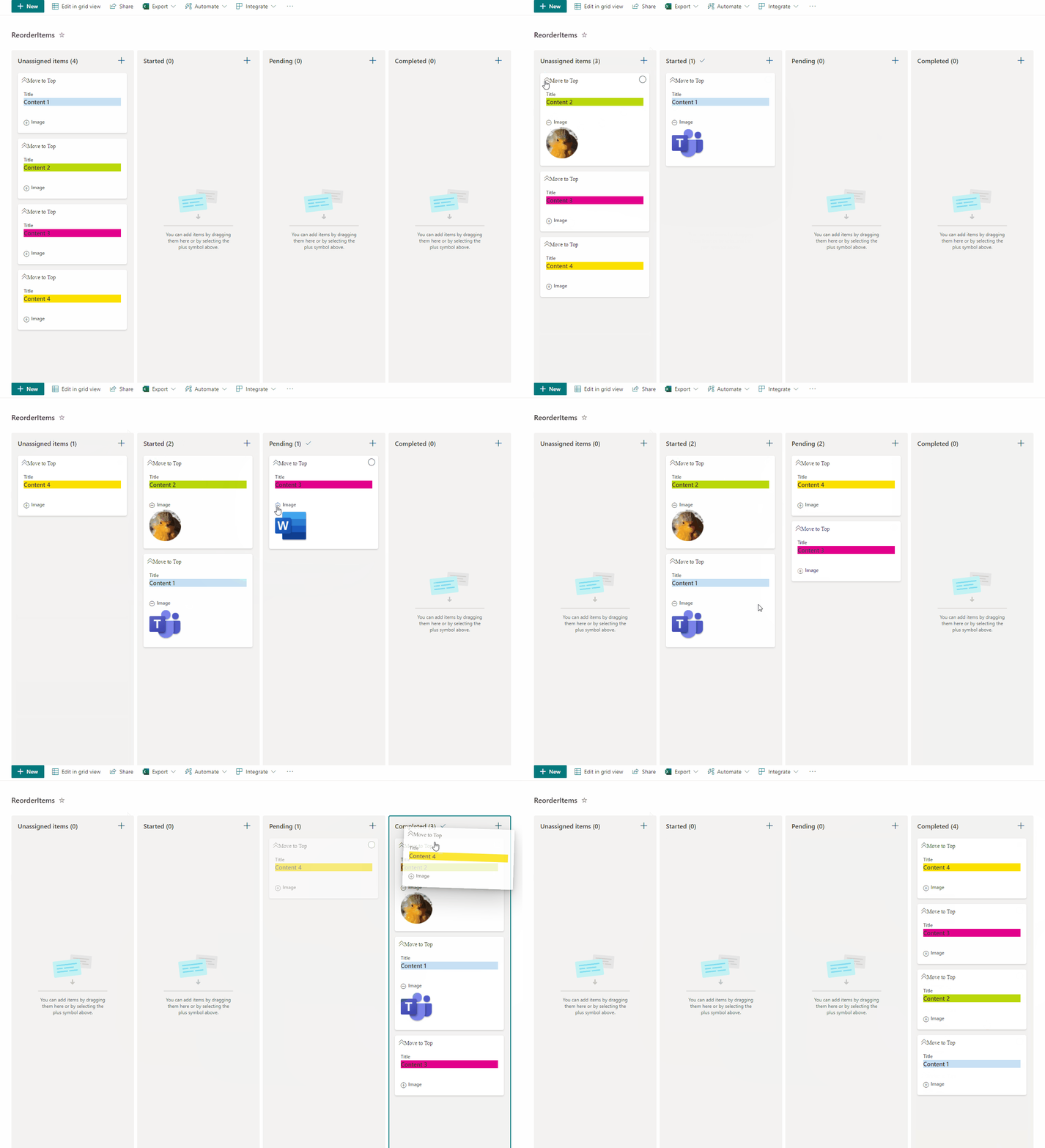
This sample allow users to manage card order in Board Views and also enables expanding and collapsing images. This sample has the option 'Move to Top' that allows users to move cards to the top of the board view as a way to rearrange card positions.
Products & metadata
SharePointMicrosoft ListsViewSharePoint OnlineIcons, Inline Editing@nowNumbersetValuecolumnFormatterReference, hideSelectionms-bgColor-white, ms-fontColor-neutralPrimary, ms-fontColor-neutralSecondary, sp-card-borderHighlight, sp-card-container, sp-card-subContainer, sp-card-displayColumnContainer, sp-card-label, sp-card-content, sp-card-boldText, sp-card-highlightedContent, sp-card-formatterRef, sp-card-container-noPadding, sp-card-subContainer-borderRadiusView Formatting