
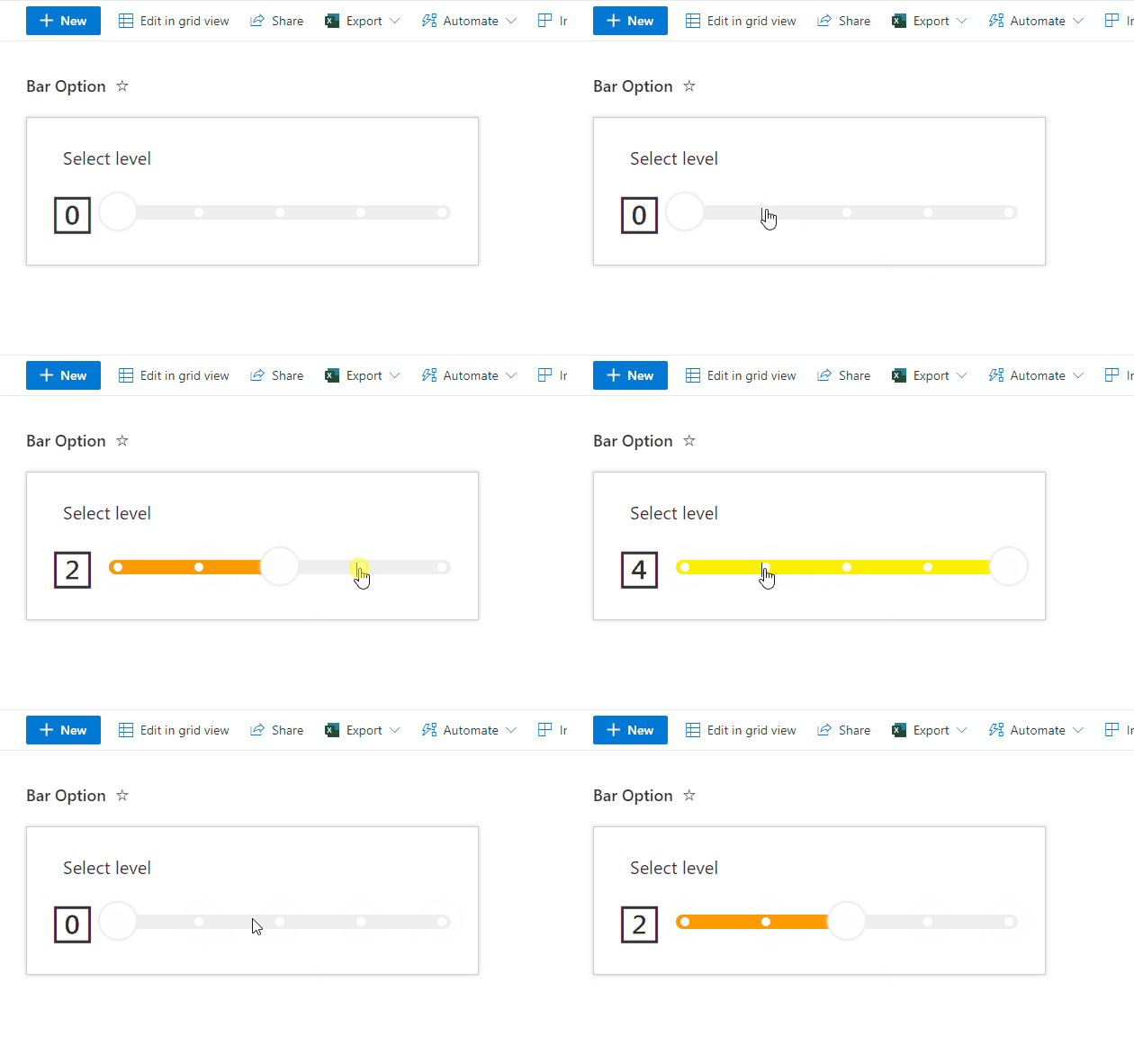
About this sample
This sample displays a bar with multiple options. When an option on the bar is clicked, the Value column is updated to the corresponding value (0-4) using setValue.
Products & metadata
SharePointMicrosoft ListsViewSharePoint OnlineInline EditingNumber, lengthsetValuehideSelection, hideColumnHeader, rowFormatterms-fontSize-42, ms-fontSize-20View Formatting