SharedSamples.org
Todd Baginski
Community Contributor

Todd Baginski

@TBag

5 samples featured.

5 Contributions
1 Collection
List Formatting View Formatting: 5
View Todd Baginski on GitHub ↗

Contributions

Samples by Todd Baginski currently indexed on SharedSamples.org.

Budget Tracker Sample preview
View Formatting
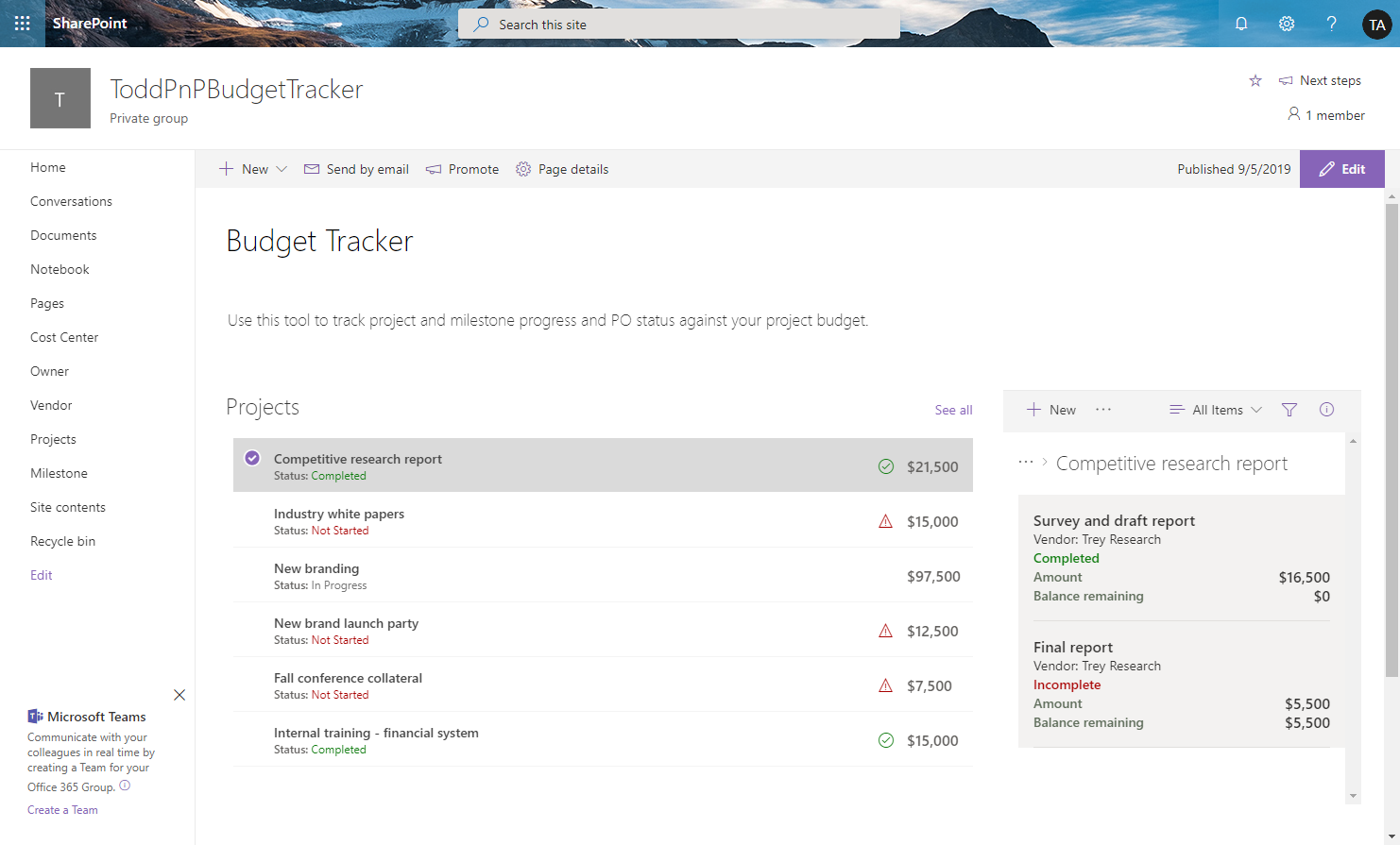
Budget Tracker Sample
The budget tracker sample demonstrates how to use view formatting to format lists and display views of the lists inside connected web parts. This provides the ability to view the budget items associated with individual projects on a single page.
View sample details →
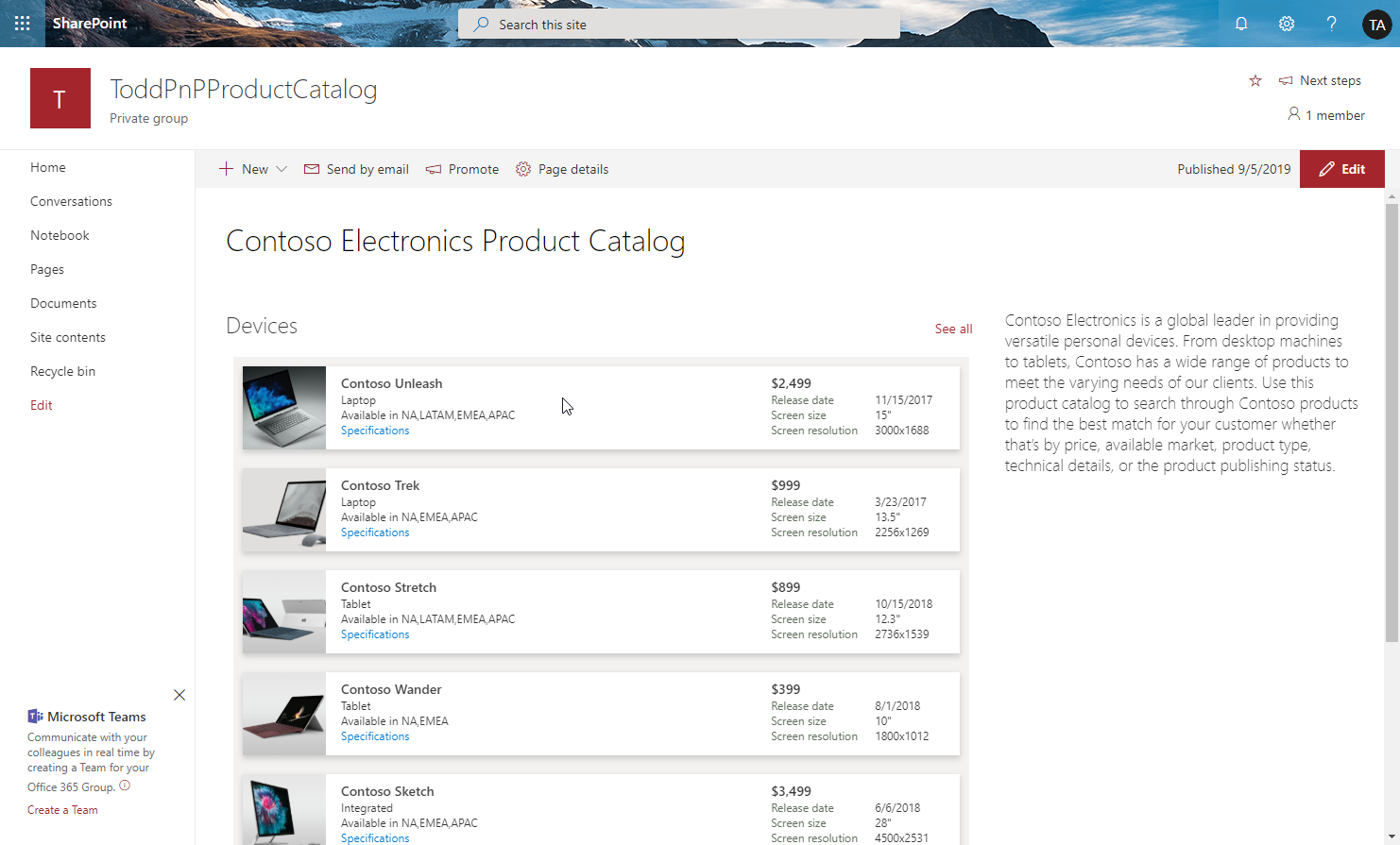
Product Catalog preview
View Formatting
Product Catalog
The product catalog sample demonstrates how to use view formatting to format lists and display views of the lists inside web parts. It also demonstrates how to create links to download documents from the SharePoint Document libraries.
View sample details →
Request Sign-off preview
View Formatting
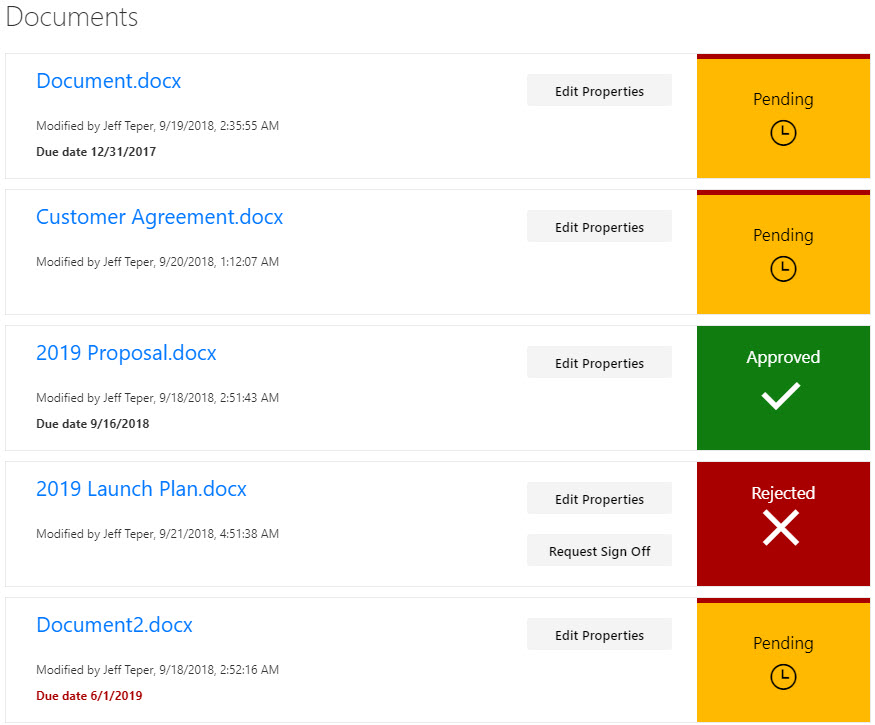
Request Sign-off
This sample provides a custom view to focus on files within a document library that need to be approved. A Power Automate flow is included to request sign-off (and to launch that flow directly from the view). This format provides a better visual indication of where documents are in the approval process.
View sample details →
Resource Catalog Sample preview
View Formatting
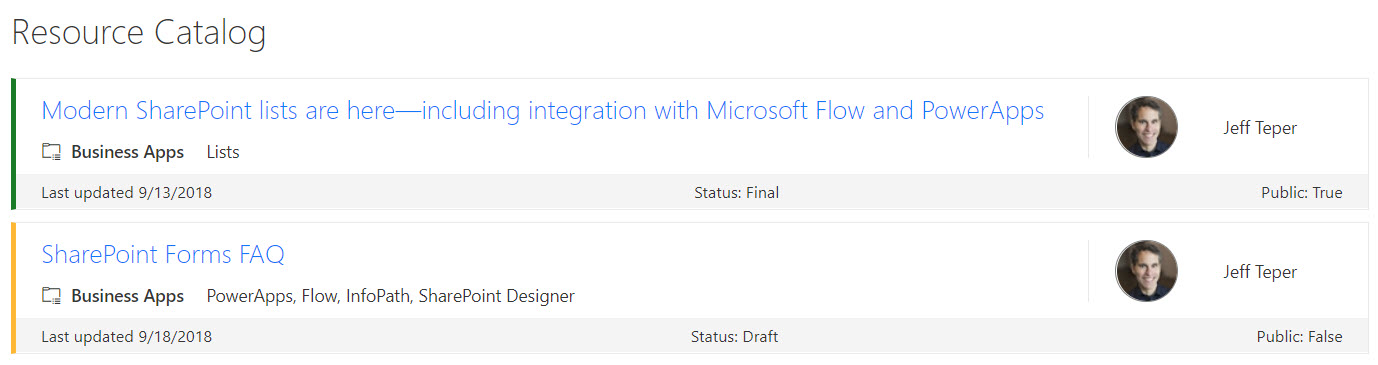
Resource Catalog Sample
SharePoint lists are excellent places to store information. This example demonstrates how to use a custom SharePoint list to implement a marketing resources catalog. This sample defines a custom view to bring focus to the status of items in the resource catalog. It also provides a better visual experience by displaying all the data in an easy to read format by using icons, colors, and profile pictures.
View sample details →
Retail Accounts preview
View Formatting
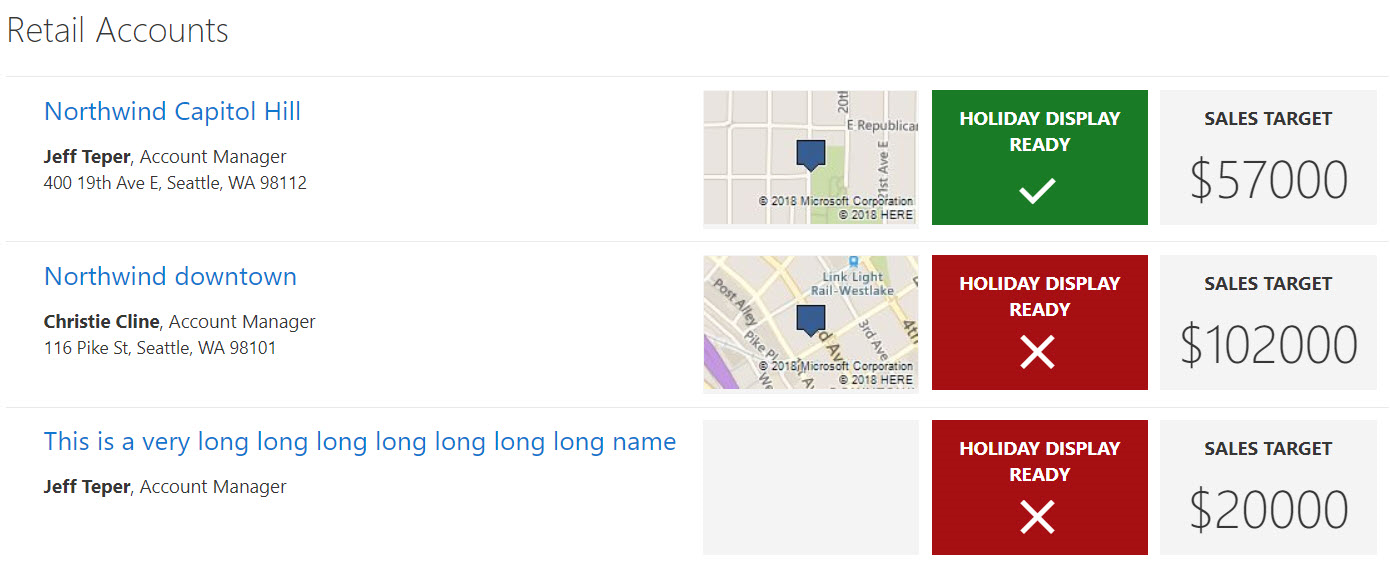
Retail Accounts
SharePoint lists are excellent places to store information. This example demonstrates how to use a custom SharePoint list to manage retail stores. This sample defines a custom view to bring focus to the status of store locations. It also provides a better visual experience by displaying all the data in an easy to read format by using icons, colors, and Bing maps.
View sample details →