
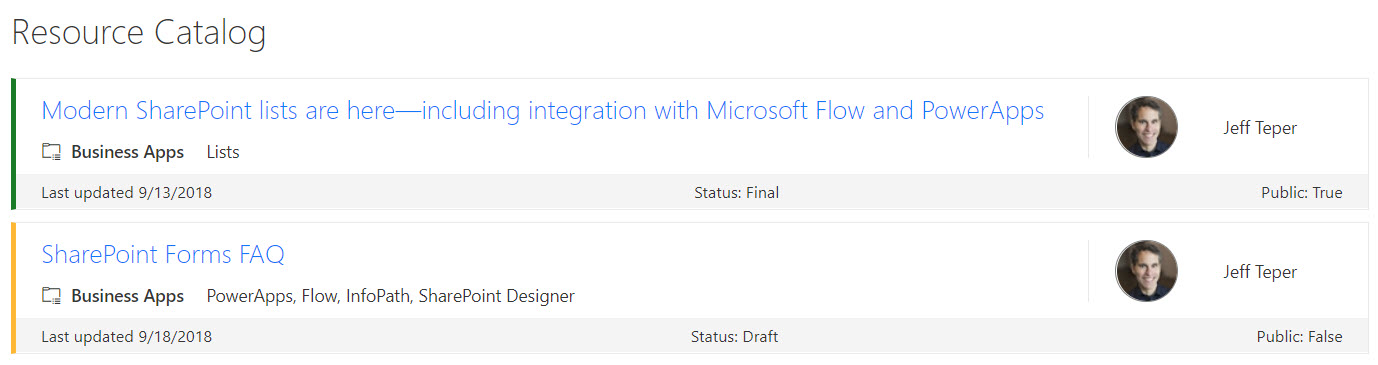
About this sample
SharePoint lists are excellent places to store information. This example demonstrates how to use a custom SharePoint list to implement a marketing resources catalog. This sample defines a custom view to bring focus to the status of items in the resource catalog. It also provides a better visual experience by displaying all the data in an easy to read format by using icons, colors, and profile pictures.
Products & metadata
SharePointMicrosoft ListsViewSharePoint OnlineIcons@currentWebtoLocaleDateStringhideSelection, hideColumnHeader, rowFormatterms-bgColor-neutralLighter, ms-borderColor-neutralLight, ms-fontWeight-semibold, ms-font-xl, ms-font-m, ms-fontSize-sPlusView Formatting