
About this sample
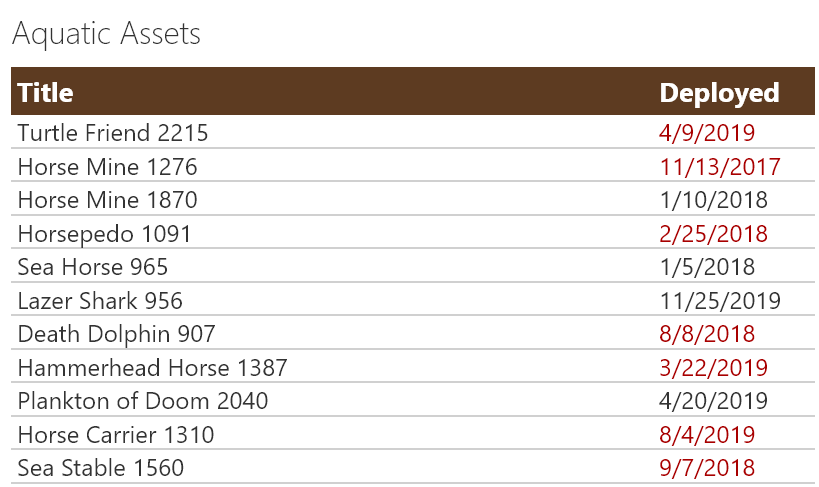
Sometimes it is necessary to remove the standard headers. In those cases, you may still want to show a custom header. This sample demonstrates creating a custom header and only showing it on the first row. The key to this technique is setting the `display` style attribute to `none` (hidden) whenever the `@rowIndex` is not 0 (first row).
Products & metadata
SharePointMicrosoft ListsViewSharePoint Online@rowIndextoLocaleDateStringhideSelection, hideColumnHeader, rowFormatterms-bgColor-themePrimary, ms-borderColor-neutralQuaternary, ms-fontColor-white, ms-fontColor-redDarkView Formatting