
About this sample
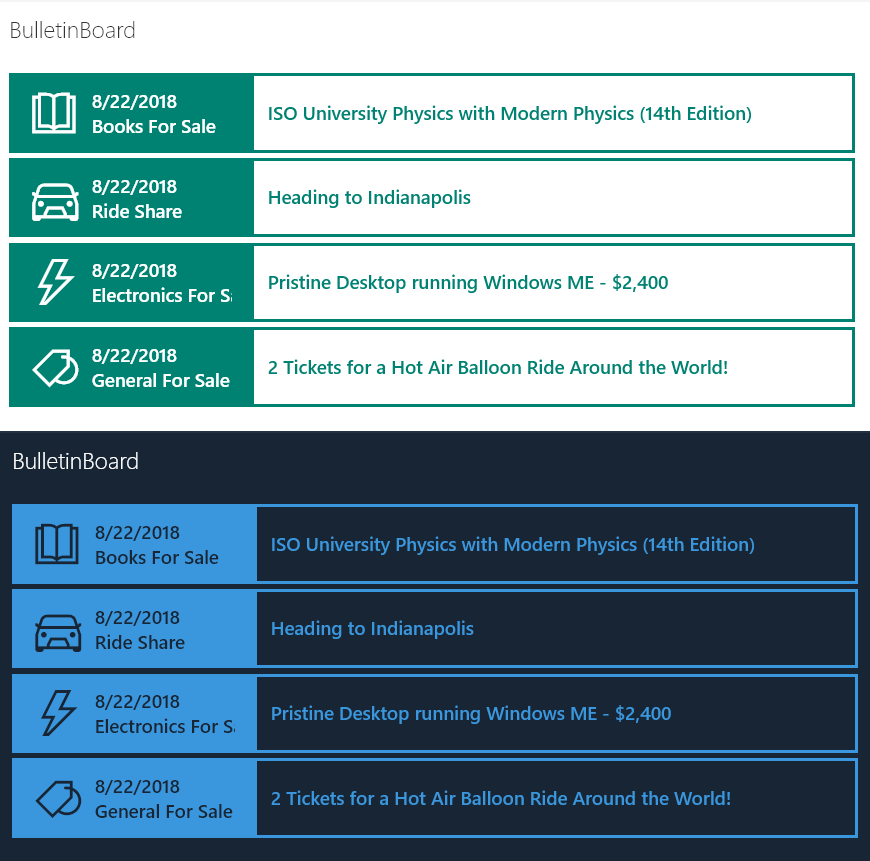
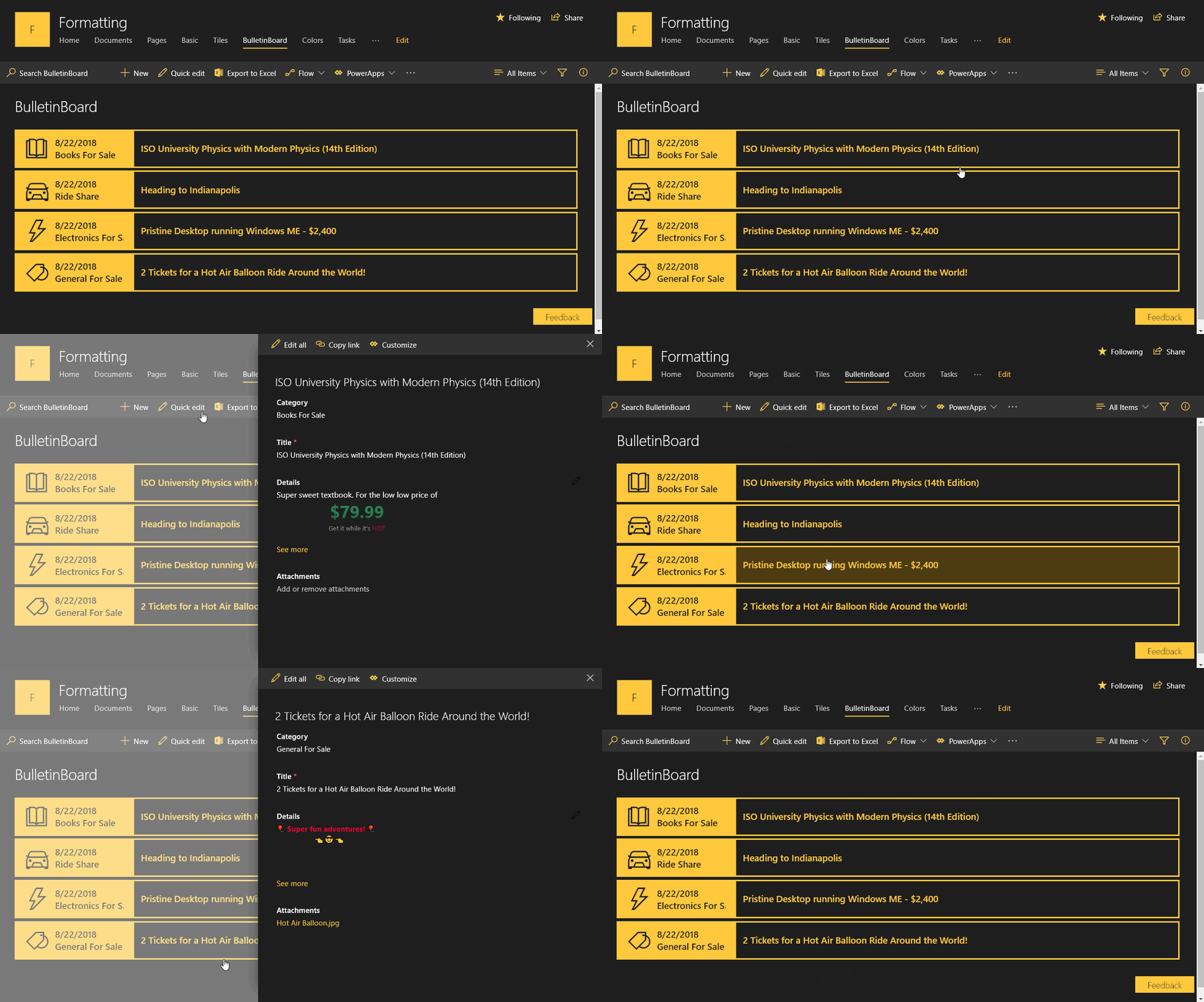
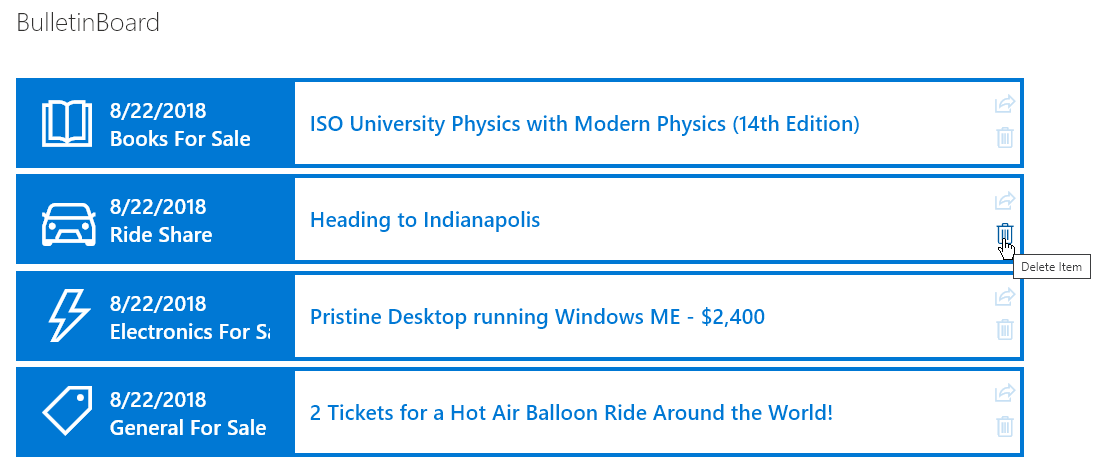
Provides an example of creating a simple bulletin board listing. The rowFormatter property is used to fully customize the display of rows to create a nice view of list items while easily allowing users to click on the item for additional details. The large size and use of icons makes this much more attractive than a simple table view and keeps the functionality simple for users.
Products & metadata
SharePointMicrosoft ListsViewSharePoint OnlineIconstoLocaleDateStringdefaultClick, share, deletehideSelection, rowFormatterms-bgColor-themePrimary, ms-bgColor-themeLighter--hover, ms-bgColor-white, ms-borderColor-themePrimary, ms-fontColor-themePrimary, ms-fontColor-themeLight, ms-fontColor-themeDark--hover, ms-fontColor-white, ms-fontWeight-regular, ms-fontWeight-semibold, ms-font-l, ms-fontSize-su, ms-fontSize-l, ms-bgColor-themeLight--hoverView Formatting