
About this sample
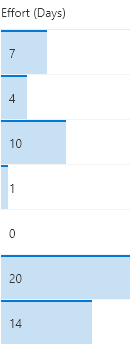
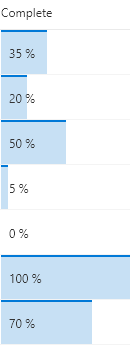
These formats apply background-color and border-top styles to create a data bar visualization of @currentField, which is a number field. These styles are applied using the special column formatting class sp-field-dataBars. The bars are sized differently for different values based on the way the width attribute of the main div is set.
Products & metadata
SharePointMicrosoft ListsColumnSharePoint 2019, SharePoint OnlineNumbertoStringsp-field-dataBarsColumn Formatting