

About this sample
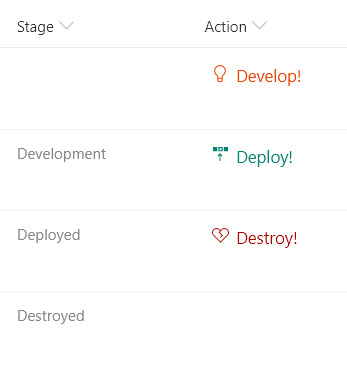
You can use column formatting to create buttons that, when clicked, run Flows on the corresponding list item. The Flow Launch Panel will be displayed after clicking the button allowing the user to specify any required data and then run the flow. This is demonstrated in the Generic-Start-Flow sample.
Products & metadata
SharePointMicrosoft ListsColumnSharePoint OnlineIcons, Power AutomateGeneralexecuteFlowms-fontColor-orangeLight, ms-fontColor-teal, ms-fontColor-redDarkColumn Formatting