
About this sample
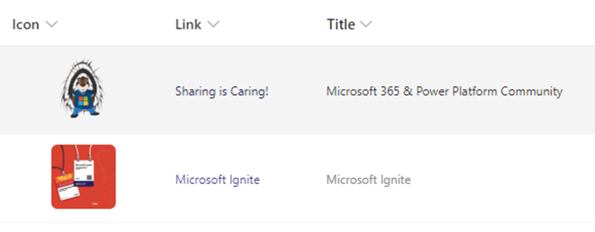
If you click on an image in a SharePoint list, the image is displayed as a preview. This formatter changes the standard behavior in which a link from another column is used. In this way, a click on the image has the same behavior as if the link had been clicked directly.
Products & metadata
SharePointMicrosoft ListsColumnSharePoint OnlineImagegetThumbnailImageColumn Formatting