
About this sample
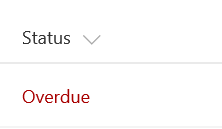
This example colors the current field red when the value inside an item's DueDate is before the current date/time. Unlike some of the previous examples, this example applies formatting to one field by looking at the value inside another field. Note that DueDate is referenced using the [$FieldName] syntax. FieldName is assumed to be the internal name of the field. This example also takes advantage of a special value that can be used in date/time fields - `@now`, which resolves to the current date/time, evaluated when the user loads the list view.
Products & metadata
SharePointMicrosoft ListsColumnSharePoint 2019, SharePoint OnlineStatus / ProgressDate@nowms-fontColor-redDark, ms-fontWeight-semiboldColumn Formatting