
1
Find a sample
Browse SharedSamples and choose the customization you want to implement.
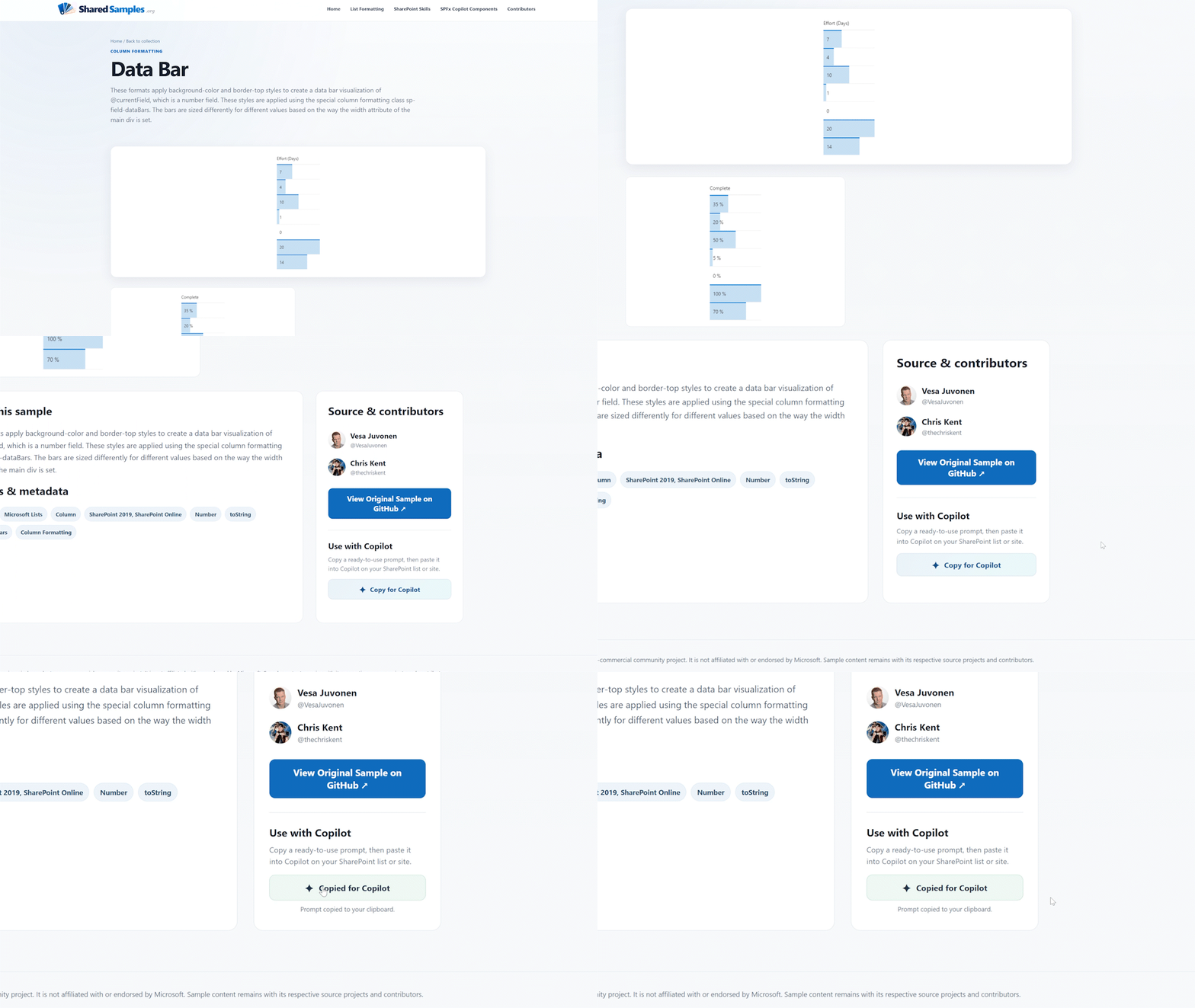
Find the sample you want, open its detail page, and send it directly to Microsoft 365 Copilot for implementation in your environment.
Browse SharedSamples and choose the customization you want to implement.
Review the sample preview and details to make sure it matches what you want to build.
Click the Copilot button on the sample page, then paste the generated prompt into Copilot.
Copilot uses the sample as a reference and applies it to the SharePoint list or site you are working in.
If your columns, fields, or configuration do not line up cleanly with the original sample, Copilot may ask a few clarifying questions before completing the implementation.
Find a sample you like and send it to Copilot.